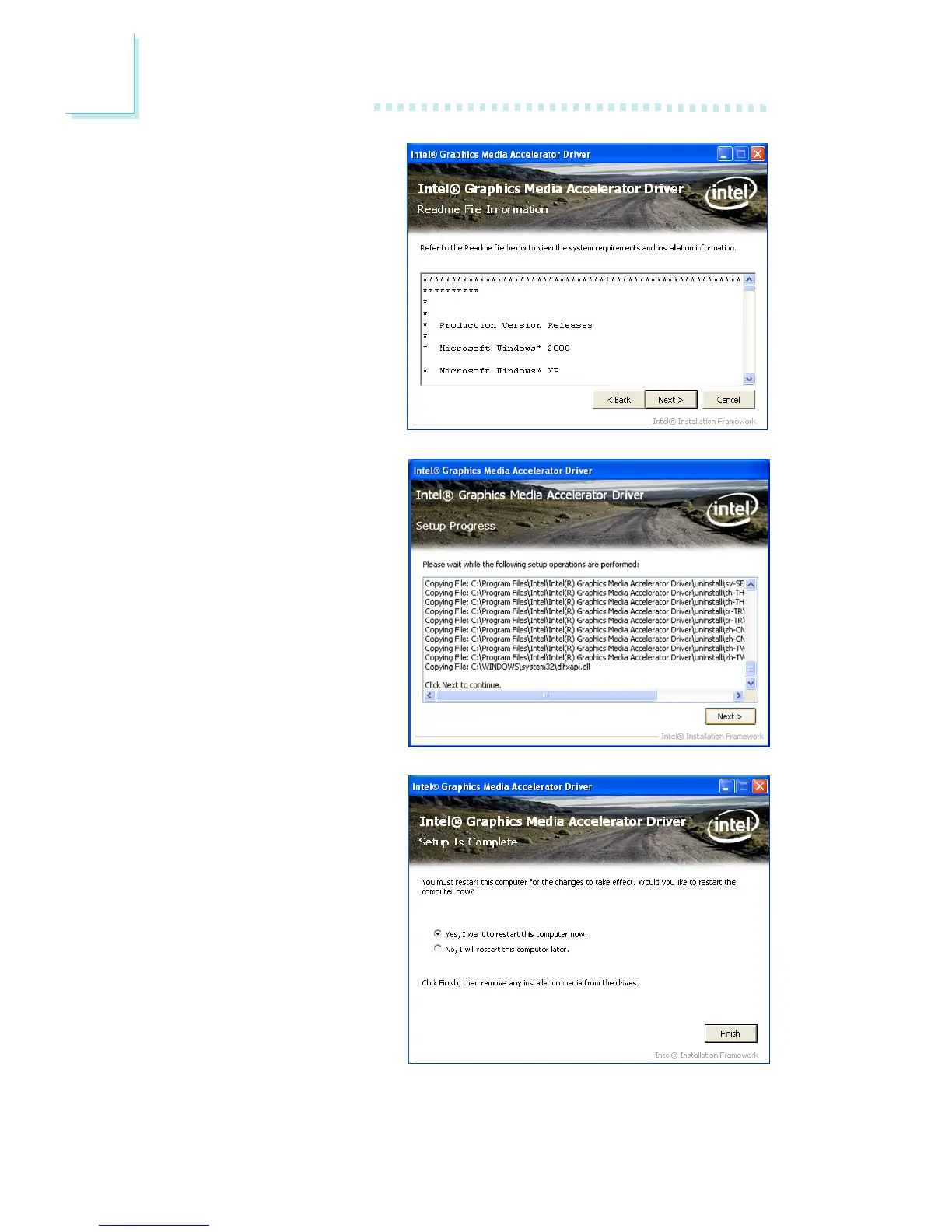
3. Go through the readme
document for more installa-
tion tips then click Next.
4. Setup is currently installing
the driver. After installation
has completed, click Next.
5. Click “Yes, I want to restart
this computer now.” then
click Finish.
Restarting the system will
allow the new software in-
stalllation to take effect.



 To Next Page