50
2
Hardware Installation
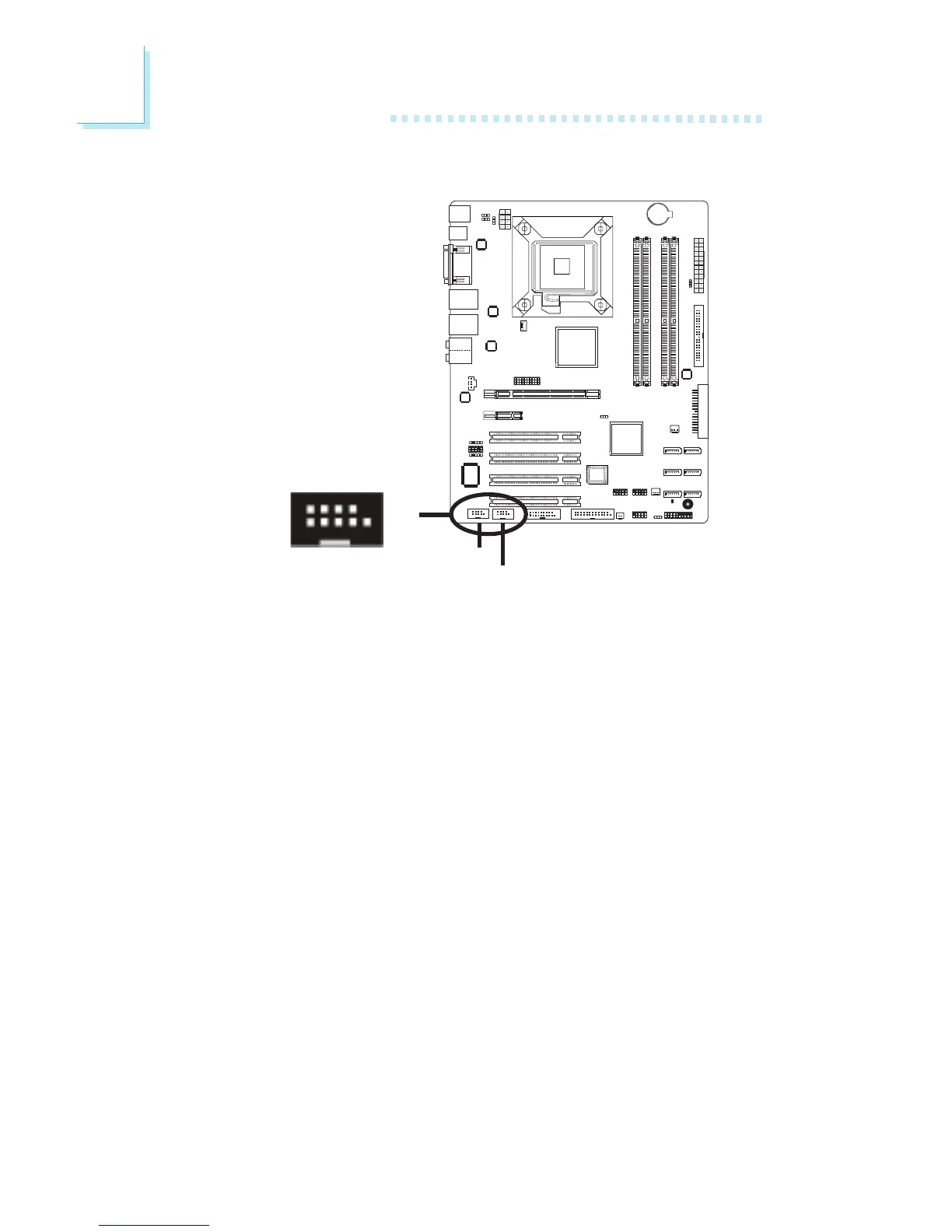
The two 9-pin connectors are for connecting external serial ports.
The serial port cable is an optional item and must be purchased
separately. Insert the connector that is attached to the serial port
cable to J7 (COM 2) or J16 (COM 1) then install the serial port
bracket to an available bracket slot at the rear of the system chas-
sis. Make sure the colored stripe on the ribbon cable is aligned with
pin 1 of J7 or J16.
The serial port is an RS-232 asynchronous communication port
with 16C550A-compatible UARTs that can be used with modems,
serial printers, remote display terminals, and other serial devices.
BIOS Setting
Configure the serial port in the Integrated Peripherals submenu
(“Super IO Device” section) of the BIOS. Refer to chapter 3 for
more information.
Serial (COM) Port
COM 2
COM 1
1
9
2
DCD
TD
RD
DTR
GND
RTS
DSR
CTS
RI
10



 To Next Page