58
2
Hardware Installation
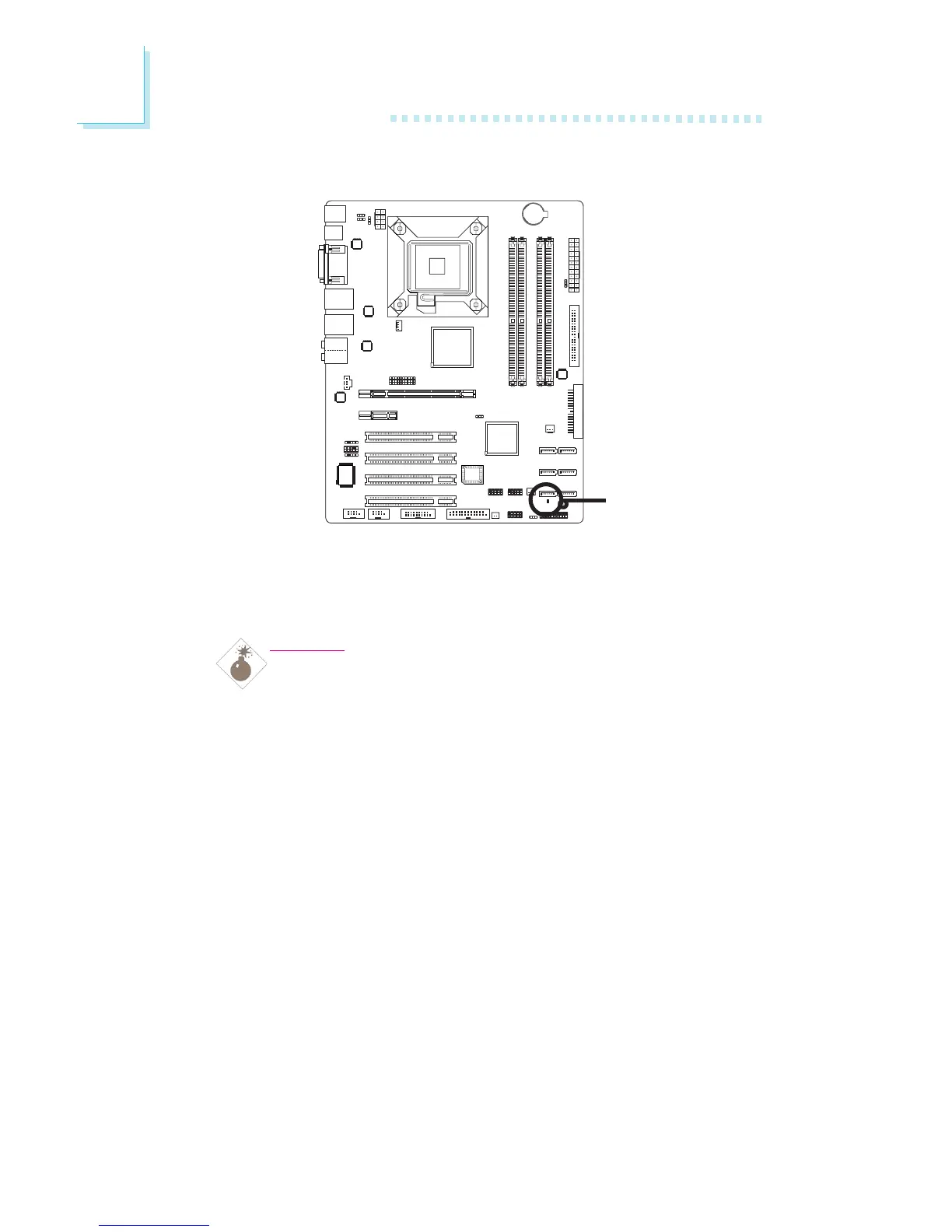
LED
Standby Power LED
This LED will light when the system is in the standby mode.
Warning:
When the Standby Power LED lit red, it indicates that pow-
er is present on the PCI slots. Power-off the PC then unplug
the power cord prior to installing any add-in cards. Failure
to do so will cause severe damage to the motherboard and
components.
Standby
Power LED



 To Next Page