www.dfi .com
43
Chapter 3 BIOS Setup www.dfi .comChapter 4 BIOS Setup
43
Chapter 4
Aptio Setup Utility - Copyright (C) 2019 American Megatrends, Inc.
Version 2.20.1271. Copyright (C) 2019 American Megatrends, Inc.
Advanced
Select Screen
Select Item
Enter: Select
+/
- :
Change Opt.
F1: General Help
F2: Previous Values
F9: Optimized Defaults
F10: Save & Exit
ESC: Exit
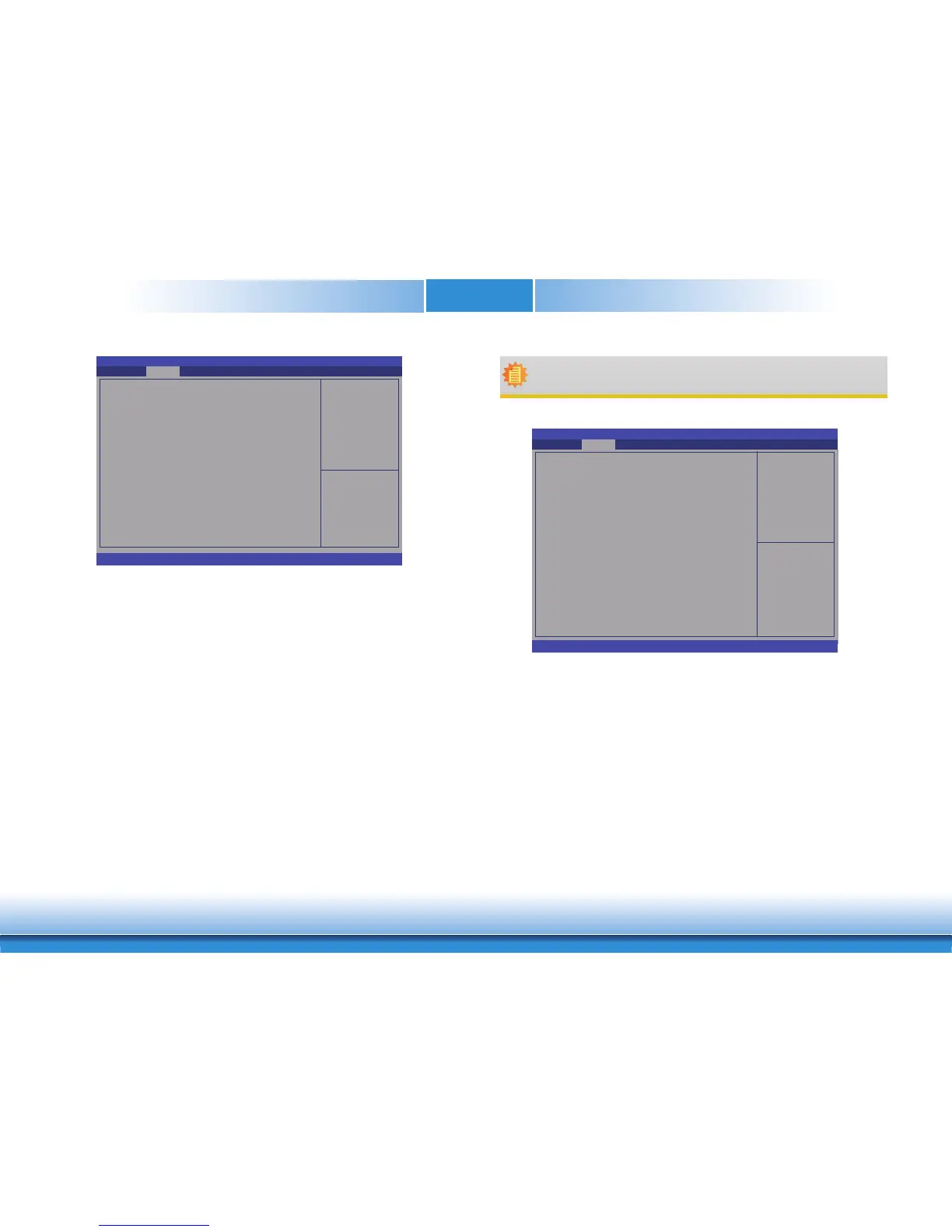
Smart Fan Function
CPU Smart Fan Control
Boundary 1
Boundary 2
Boundary 3
Boundary 4
Speed Count 1
Speed Count 2
Speed Count 3
Speed Count 4
System Smart Fan Control
Boundary 1
Boundary 2
Boundary 3
Boundary 4
Speed Count 1
Speed Count 2
Speed Count 3
Speed Count 4
[Enabled]
30
40
50
60
35
60
80
100
[Enabled]
30
40
50
60
35
60
80
100
Enable CPU SmartFan
CPU Smart Fan and System Smart Fan Control
Enable or disable the CPU smart fan and system smart fan.
Boundary 1 to Boundary 4
Set the boundary temperatures that determine the operation of the fan with different
fan speeds accordingly. For example, when the system or the CPU temperature reaches
boundary temperature 1, the system or CPU fan should be turned on and operate at
the designated speed. The range is from 0-127
o
C.
Speed Count 1 to Speed Count 4
Set the fan speed. The range is from 1-100% (full speed).
Aptio Setup Utility - Copyright (C) 2019 American Megatrends, Inc.
Version 2.20.1271. Copyright (C) 2019 American Megatrends, Inc.
Advanced
Select Screen
Select Item
Enter: Select
+/
- :
Change Opt.
F1: General Help
F2: Previous Values
F9: Optimized Defaults
F10: Save & Reset
ESC: Exit
Smart Fan Function
CPU Smart Fan Control
Fix Fan Speed Count
System Smart Fan Control
Fix Fan Speed Count
[Disabled]
100
[Disabled]
100
Enable CPU SmartFan
Fix Fan Speed Count
Set the fix fan speed. The range is from 1-100% (full speed).
Note:
CPU Smart Fan Control and System Smart Fan Control can be switched to [Disabled].
When they are disabled, "Fix Fan Speed Count" will appear for configuration.


 To Next Page