www.dfi .com
44
Chapter 3 BIOS Setup www.dfi .comChapter 4 BIOS Setup
44
Chapter 4
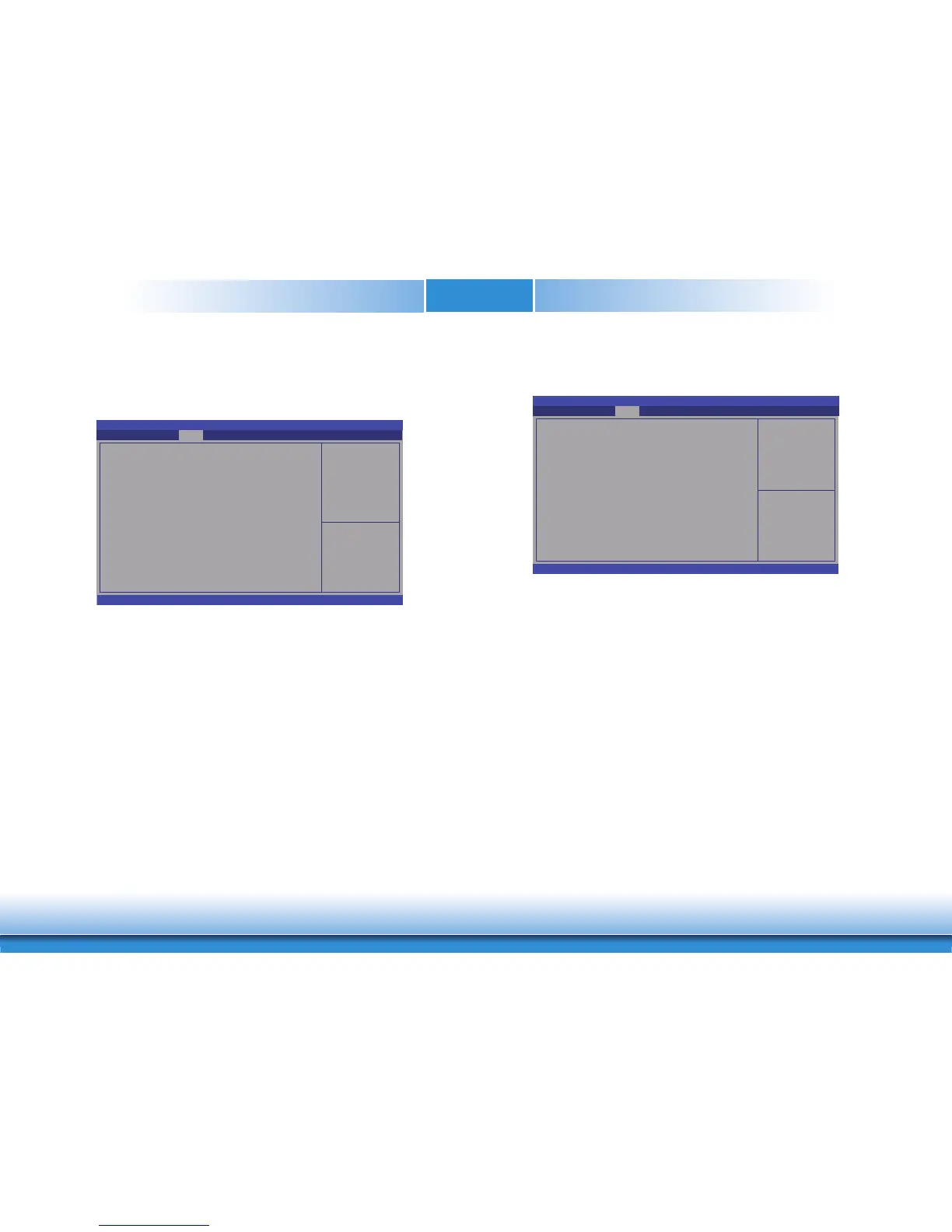
Aptio Setup Utility - Copyright (C) 2019 American Megatrends, Inc.
Version 2.20.1271. Copyright (C) 2019 American Megatrends, Inc.
PEG Bifurcation Confi guration [x16x0x0]
Graphics Confi guration
PEG Port Confi guration
PCH-IO Confi guration
Save & Exit
Advanced
Security Boot
Main
Chipset
Confi gure PEG Bifurca-
tion
Chipset
This section configures relevant chipset functions.
Select Screen
Select Item
Enter: Select
+/
- :
Change Opt.
F1: General Help
F2: Previous Values
F9: Optimized Defaults
F10: Save & Exit
ESC: Exit
PEG Bifurcation Configuration
Select PEG Bifurcation: x8x4x4, x8x8x0 or x16x0x0.
Graphics Configuration
This section configures the Graphics setting.
Initial priority :
AUTO: PEG->PCIe->PCI-
>IGFX
IGFX: IGFX->PEG-
>PCIe->PCI
PEG: PEG->PCIe->PCI-
>IGFX
PCI: PCI->PCIe->PEG-
>IGFX
Aptio Setup Utility - Copyright (C) 2019 American Megatrends, Inc.
Version 2.20.1271. Copyright (C) 2019 American Megatrends, Inc.
Graphics Confi guration
Primary Display
Internal Graphics
Chipset
Select Screen
Select Item
Enter: Select
+/
- :
Change Opt.
F1: General Help
F2: Previous Values
F9: Optimized Defaults
F10: Save & Exit
ESC: Exit
[Auto]
[Auto]
Primary Display
Select Auto/IGFX/PEG/PCI Graphics device to be the primary display.
Internal Graphics
Keep IGFX enabled based on the setup options.


 To Next Page