www.dfi .com
46
Chapter 3 BIOS Setup
Chapter 3
Boot option filter
This field controls Legacy/UEFI ROMs priority.
Network
This field controls the execution of UEFI and Legacy Network OpROM.
Storage
This field controls the execution of UEFI and Legacy Storage OpROM.
Video
This field controls the execution of UEFI and Legacy Video OpROM.
Other PCI devices
This field determines OpROM execution policy for devices other than Network, Storage
or Video.
Aptio Setup Utility - Copyright (C) 2018 American Megatrends, Inc.
Version 2.20.1271. Copyright (C) 2018 American Megatrends, Inc.
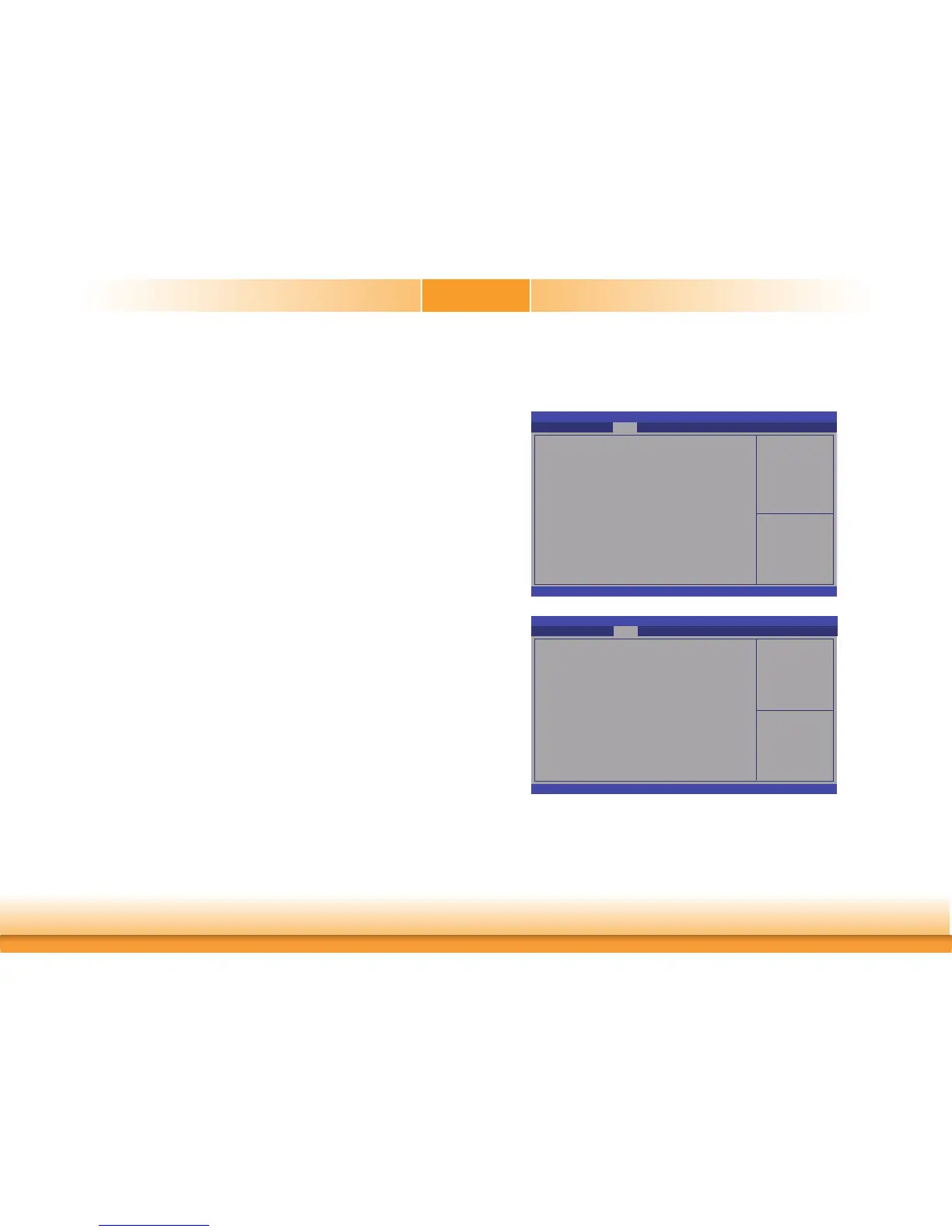
Graphics Confi guration
PEG Port Confi guration
PCH-IO Confi guration
Save & Exit
Advanced
Security Boot
Main
Chipset
Graphics Confi guration
Chipset
This section configures relevant chipset functions.
Select Screen
Select Item
Enter: Select
+/
- :
Change Opt.
F1: General Help
F2: Previous Values
F9: Optimized Defaults
F10: Save & Exit
ESC: Exit
Initial priority :
AUTO: PEG->PCIe->PCI-
>IGFX
IGFX: IGFX->PEG-
>PCIe->PCI
PEG: PEG->PCIe->PCI-
>IGFX
PCI: PCI->PCIe->PEG-
>IFGX
Aptio Setup Utility - Copyright (C) 2018 American Megatrends, Inc.
Version 2.20.1271. Copyright (C) 2018 American Megatrends, Inc.
Graphics Confi guration
Primary Display
Internal Graphics
Chipset
Select Screen
Select Item
Enter: Select
+/
- :
Change Opt.
F1: General Help
F2: Previous Values
F9: Optimized Defaults
F10: Save & Exit
ESC: Exit
[Auto]
[Auto]
Primary Display
Select which of IGFX/PEG/PCI Graphics device to be the primary display.
Internal Graphics
Keep IGFX enabled based on the setup options.



 To Next Page