2
22
Hardware Installation
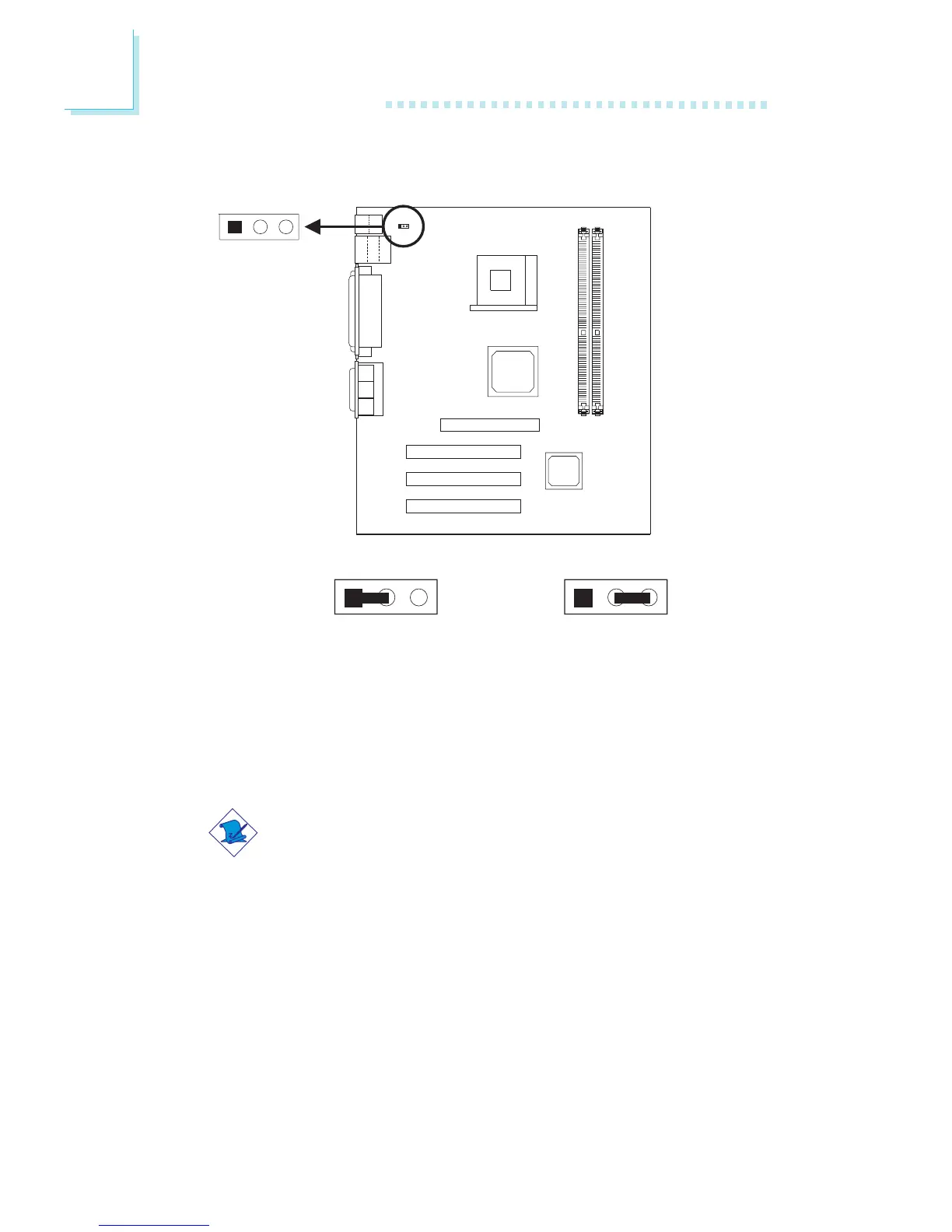
2-3 On: 5V_DUL power
(default)
1-2 On: VCC power
2.5 Jumper Settings for Selecting the PS/2 Power
Power Select for PS/2 Keyboard/Mouse - Jumper JP2
This jumper is used to select the power of the PS/2 keyboard and
PS/2 mouse.
Note:
If you wish to use the Wake-On-PS/2 Keyboard function, make
sure this jumper is set to “2-3 On”. “PS2KB Wakeup Select”
(“IRQ/Event Activity Detect” field) in the Power Management
submenu of the BIOS must be set accordingly.
PS/2 power select
(JP2)
12
3
1
23
1
23



 To Next Page