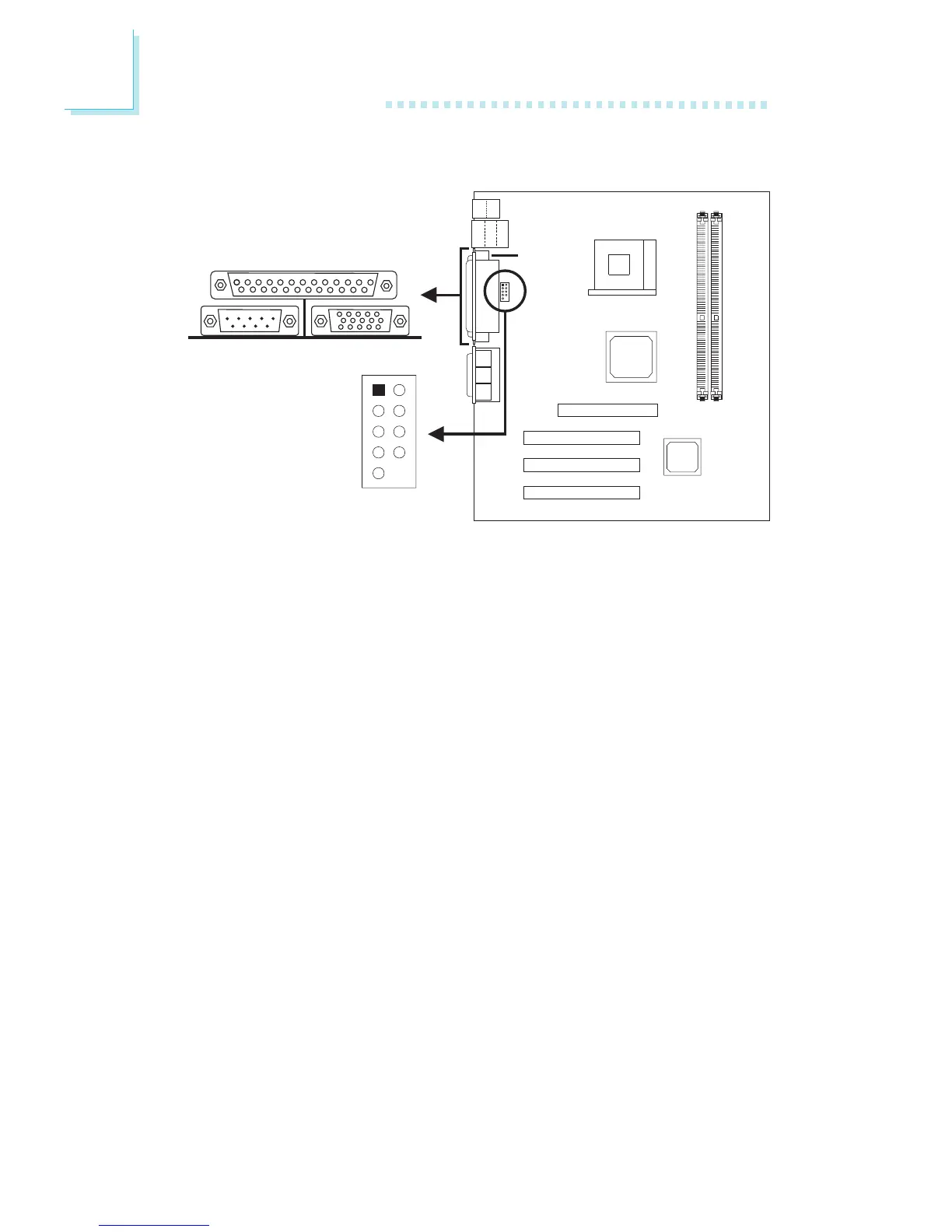
2.6.4 Serial Ports
The built-in serial ports are RS-232C asynchronous communication
ports with 16C550A-compatible UARTs that can be used with
modems, serial printers, remote display terminals, and other serial
devices. You can select the serial ports’ I/O address in the Integrated
Peripherals submenu (“Super IO Device” field) of the BIOS.
Connecting the Serial Ports
The system board is equipped with an onboard serial port (J3 -
Teal/Turquoise) for COM 1 primary serial port located at the ATX
double deck ports of the board. It is also equipped with a 9-pin
connector at location J4 for COM 2 secondary serial port.
One card-edge bracket, mounted with a serial port cable, is
provided with the system board. If you want to use the secondary
serial port, connect the serial port cable to connector J4. Make sure
the colored stripe on the ribbon cable is aligned with pin 1 of
connector J4. Mount the card-edge bracket to the system chassis.
COM 1
Serial Port



 To Next Page