94
4
Supported Software
4.2.2 S3 ProSavage VGA Drivers
To install the driver, please follow the steps below.
1. On the left side of the autorun screen, click the “GRAPHICS”
icon.
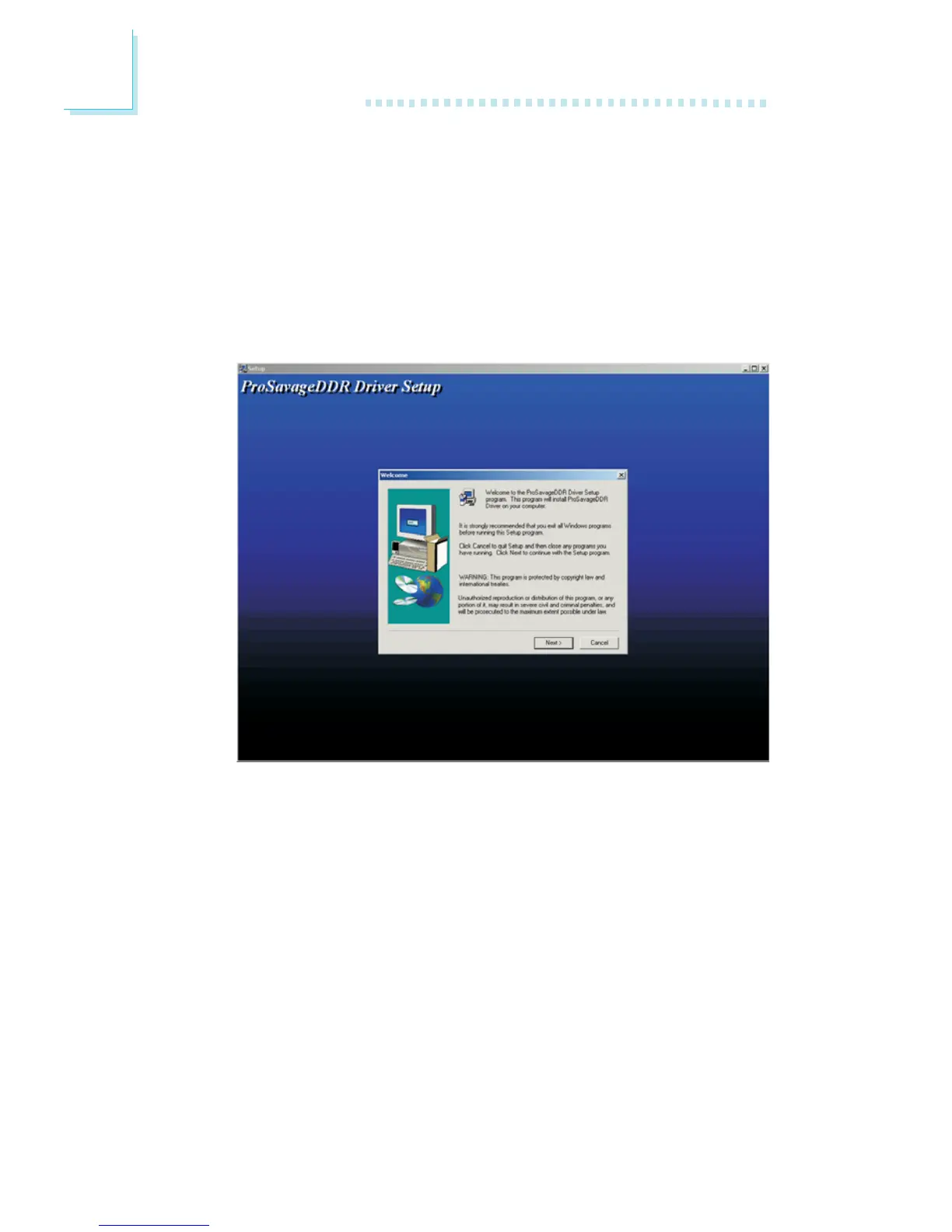
2. Click “S3 ProSavage VGA Drivers” on the main screen. The
following screen will appear.
3. Follow the prompts on the screen to complete installation.
4. Restart the system.



 To Next Page