97
4
Supported Software
4.2.5 VIA LAN Drivers (PM12-TL only)
The LAN drivers for Windows
98, Windows
98 SE, Windows
ME, Windows
2000 and Windows
XP support “Autorun”.
To install the LAN driver, please follow the steps below.
1. On the left side of the autorun screen, click the “NETWORK”
icon.
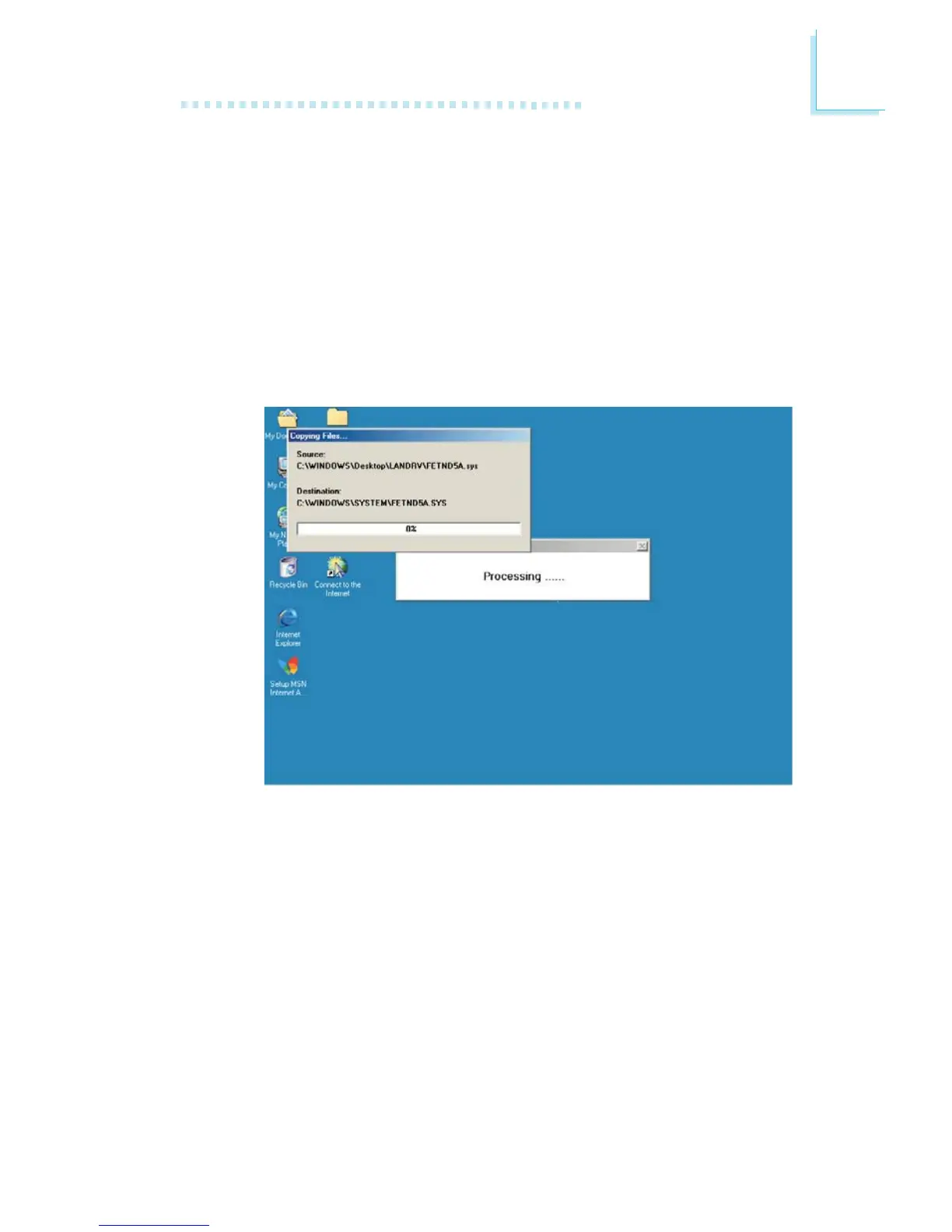
2. Click “VIA LAN Drivers”. The following screen will appear.
3. Follow the prompts on the screen to complete installation.
4. Reboot the system for the driver to take effect.
The LAN driver for Windows NT
4.0 does not support “Autorun”.
Once the system has detected the fast ethernet controller, it will
prompt you to install the driver for Windows NT
4.0. The driver is
in the “LANDRV” root directory of the CD. Please refer to
README for the exact location of the drivers.



 To Next Page