99
4
Supported Software
4.2.7 McAfee VirusScan Online (English OS only)
The McAfee VirusScan Online is the most reliable and convenient
way of protecting your PC from computer viruses. When you install
McAfee VirusScan Online, your computer is safe because it
automatically scans for viruses and checks for virus updates so that
PC protection stays up-to-date.
To install, please follow the steps below.
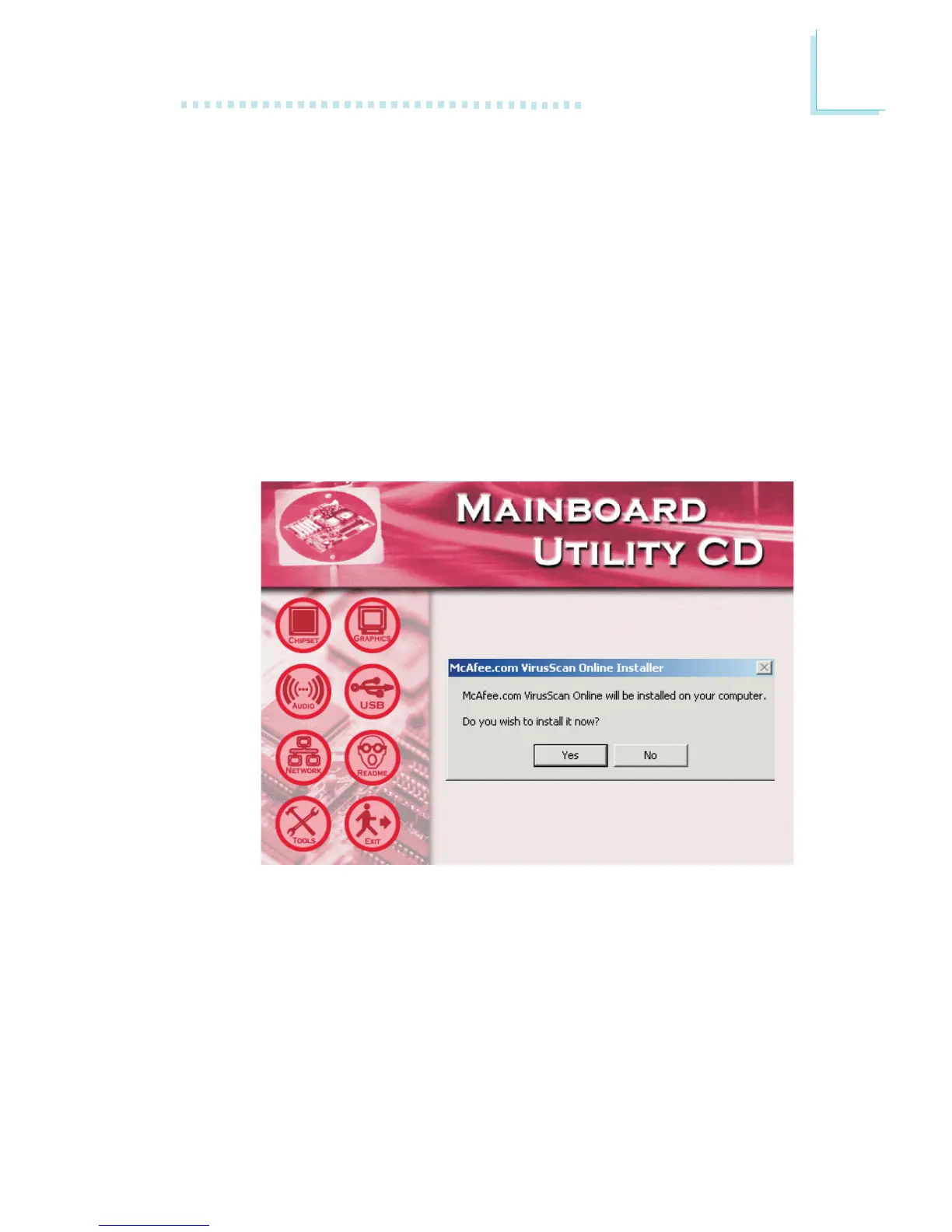
1. On the left side of the autorun screen, click the “TOOLS” icon.
2. Click “McAfee VirusScan Online” on the main screen. The screen
below will appear.
3. Click “Yes” to continue.
4. Follow the prompts on the screen to complete installation.
5. Restart the system.



 To Next Page