1 GS2 LIDAR DEVELOPMENT KIT
The development kit of GS2 lidar (hereinafter referred to as GS2) is an accessory
tool provided for performance evaluation and early development of the GS2. Through the GS2
development kit, and with the evaluation software, users can observe point cloud data scanned by
GS2 on your environment or development on the SDK.
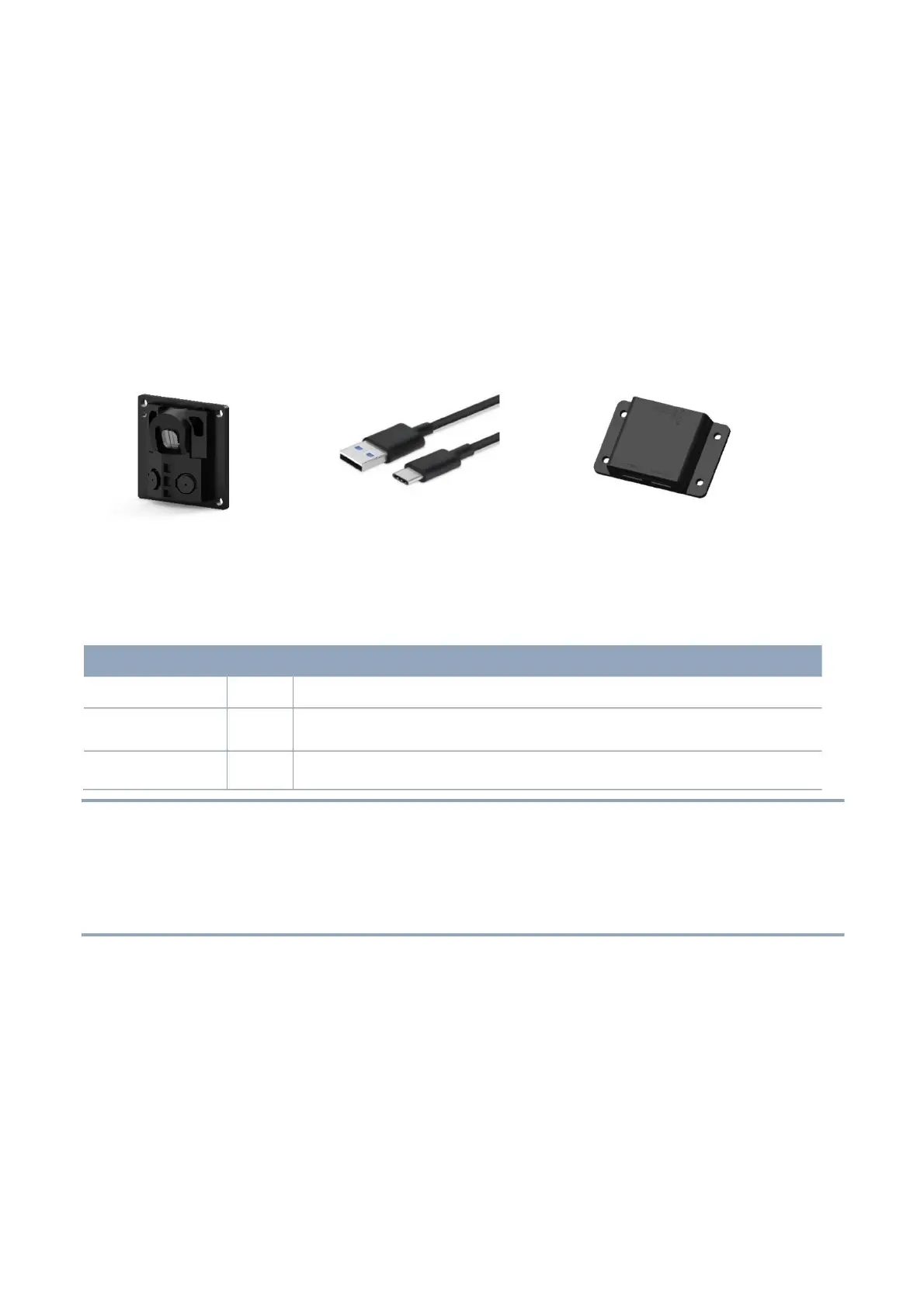
The GS2 development kit has the following components:
YDLIDAR GS2 DEVELOPMENT KIT
CHART 1 GS2 LIDAR DEVELOPMENT KIT DESCRIPTION
Standard version of the GS2 lidar.
USB Type-C
Cable
USB Adapter
Board
Use with USB adapter board to connect GS2 and PC. USB cable is both a
power supply cable and a data cable
Realize the function of USB to UART, which is convenient for the fast
interconnection between GS2 and PC.
Note: USB Adapter board has two USB TYPE C interface: USB_DATA, USB_PWR.
USB_DATA: Data powered interface. In most cases, this interface can be used to meet power and
communication requirements.
USB_PWR: Auxiliary power supply interface. The USB interface of some development platforms has weak
current drive capability. At this time, auxiliary power supply can be used.
2 USAGE UNDER WINDOWS
2.1 Device Connection
When evaluating and developing GS2 under windows, GS2 and PC needed to be connected.
The specific process is as follows:



 To Next Page