Menus (Cont.)
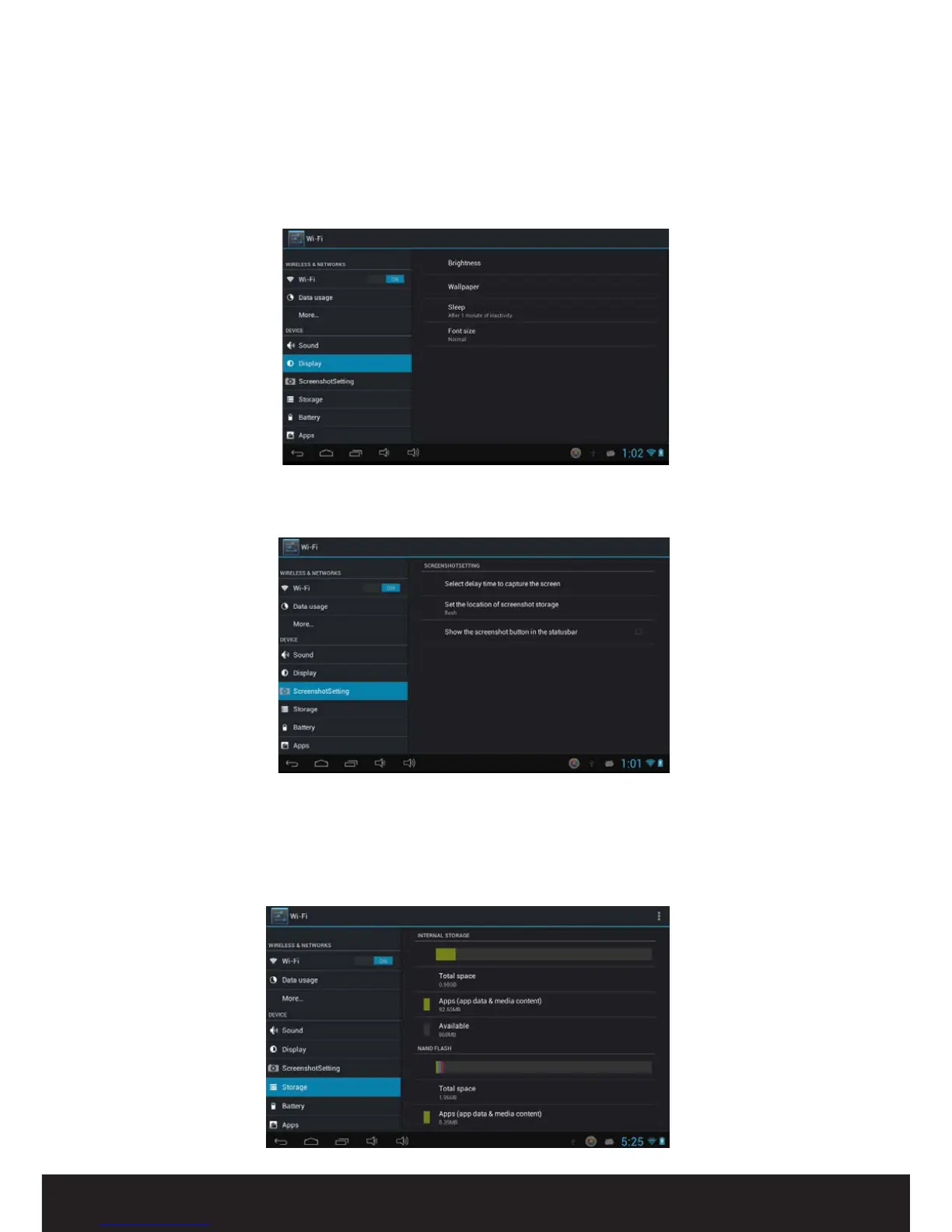
Screenshot setting
Set options for conguring the screenshot tool.
Display
Set options for screen brightness, change wallpaper, sleep (screen time-out) and font
size.
Storage
System storage: Space for installation of applications (APK software)
Internal Storage: Space for le storage
SD Card: Storage space on removable SD card (if connected)
USB Storage: Storage space on removable USB device (if connected)


 To Next Page