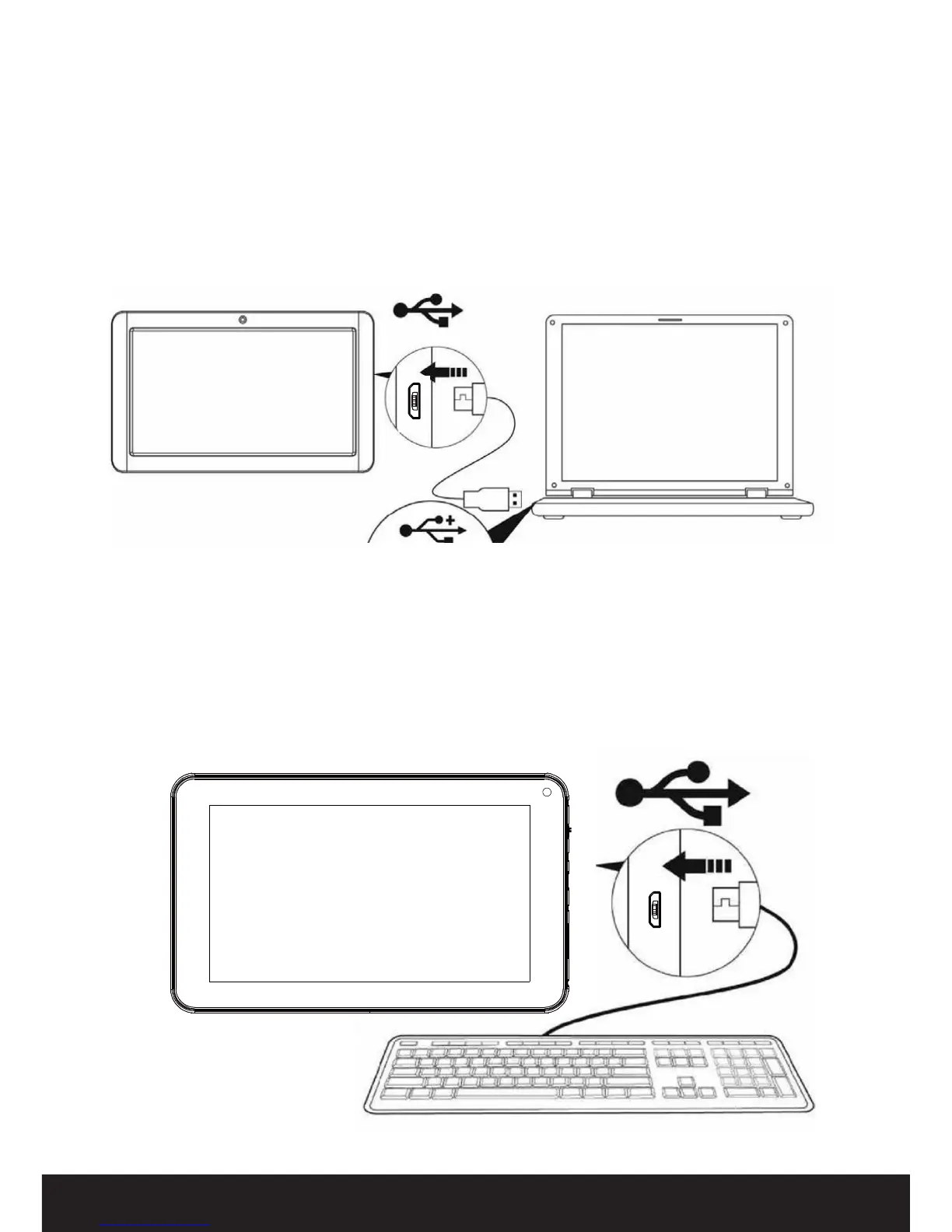
Connecting to a PC
•ConnecttheUSBcabletoyourPC,yourcomputerwillrecognisetheUSBdeviceinits
settings. To transfer les, just drag and drop to the USB icon or send to the USB device.
Connecting a USB device
•USBdevices,suchaskeyboard,aresuppportedthroughtheUSBport.
•ViewmedialesonUSBstoragewithinstalledphoto,musicorvideoapplications.
CAUTION: Before removing a USB storage device, make sure the tablet
is not accessing data from the USB storage device.
Getting Started (Cont.)


 To Next Page