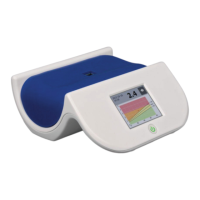
AGE Reader mu Instructions for use
User Manual
17
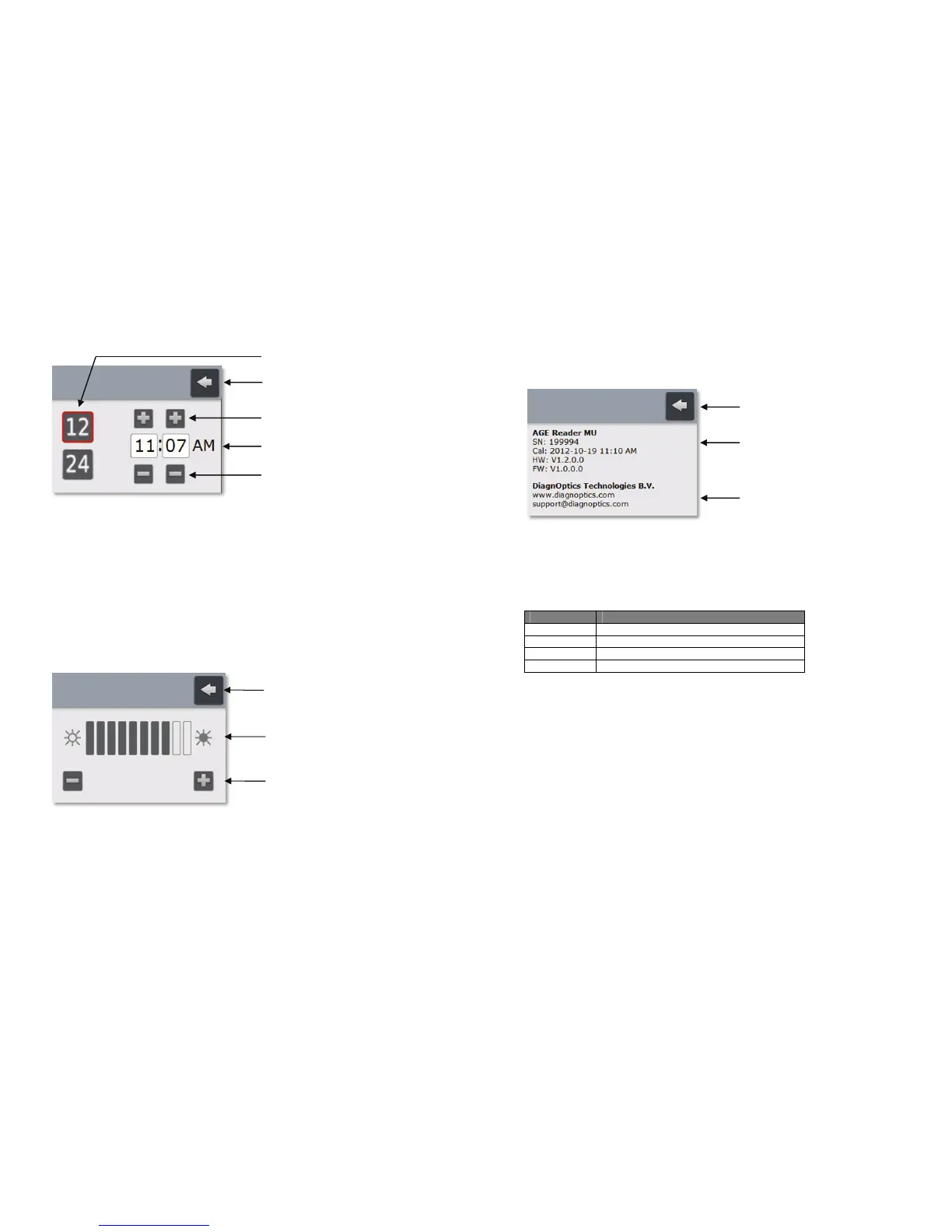
Time screen
Figure 20. Time screen
The user can return to the Settings screen by pressing the Back button at the top-
right of the screen. Choose between 12-hour (figure 20) or 24-hour time format by
pressing the corresponding Time format button.
With the Increment button and Decrement button the actual time can be set. Any
changes are immediately active.
Brightness screen
The brightness of the LCD display can be set in the Brightness screen (figure 21).
Using a lower LCD display brightness setting will reduce the power-consumption of
the AGE Reader mu and prolongs the operating time of the battery.
Figure 21. Brightness screen
The user can return to the Settings screen by pressing the Back button at the top-
right of the screen. By using the Decrement/Increment buttons the brightness can
be changed instantly.
Brightness indicator
Return button
Decrement/Increment buttons
Return button
Decrement buttons
Increment buttons
Time fields
Time format buttons
AGE Reader mu Instructions for use
User Manual
18
Information screen
The user can select a preferred date format in the Date format screen The Date
format screen is shown below.
Figure 22. Information screen
Press the return button at the top-right of the screen to return to the Settings
screen. The upper part of the Information screen displays information which is
specific for the AGE Reader mu.
The fields concerned are:
Abbreviation Description
SN AGE Reader mu serial number
Cal Date and time of last calibration
HW AGE Reader mu hardware version number
FW AGE Reader mu firmware version number
The Manufacturer information displays the DiagnOptics Technologies B.V. company
homepage URL and the email address of the DiagnOptics Technologies B.V.
support.
Return button
Manufacturer information
AGE Reader mu information


 To Next Page