910Ef Owner’s Manual
21
CONSOLE
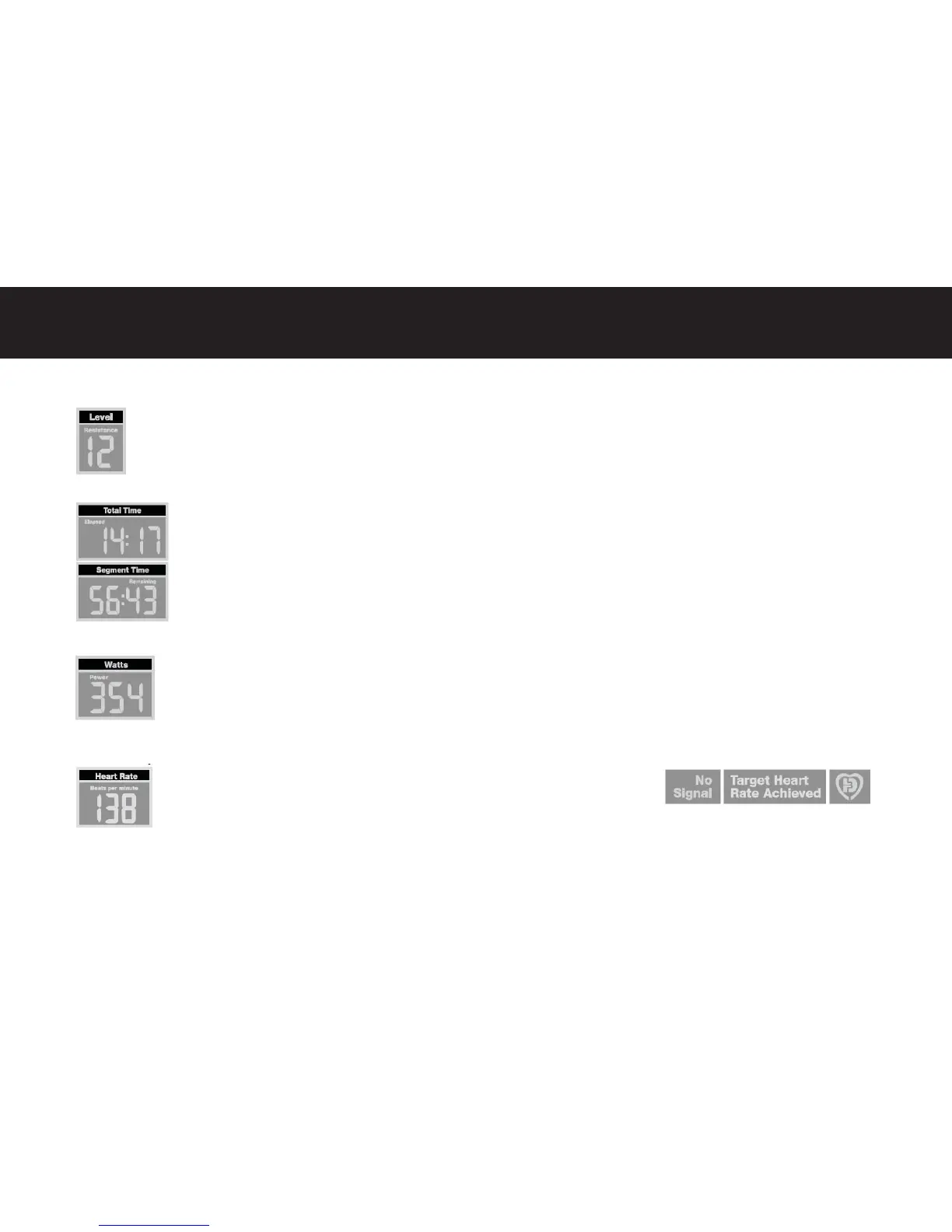
Level / Resistance
The resistance level currently being applied is displayed in the Level fi eld. Alterna vely, the load or resistance level is
also displayed in the display matrix as a fl ashing column. There are thirty-two (32) resistance levels to choose from.
Time Displays (Total Time & Segment Time)
Located in the center of the upper display are the Total Time and Segment Time clocks. The Total Time fi eld will
count up the total elapsed me for the current program, then switch to display the total me remaining. The
display will switch between these two values every fi ve seconds. The Segment Time display me will alternate
the display between the elapsed and remaining me for the current segment of the program. The segment
me is equal to 1/20th of the total program me and is graphically displayed in the Display Matrix fi eld. The
user can lock these displays in the current me func on (Elapsed or Remaining) by pressing the right arrow key.
Wa s
Wa s are a measurement of energy level and are frequently adopted within the fi tness industry to track the
amount of work generated at any given me during a workout. Wa s are calculated with input from the user’s
current Speed and Level/Resistance.
Heart Rate / Beats-per-minute (BPM)
When the user’s heart rate signal is detected via the heart rate sensors on the
fi xed handlebar or a wireless transmi er (such as a chest strap) the heart and
DB symbols will fl ash and the user’s current heart rate will be displayed. If the
user’s heart rate signal is not detected, No Signal will light and the heart rate display will post “- - -“. When op-
era ng a heart rate control program, Target Heart Rate Achieved will be lit if the user’s current heart rate is within the defi ned
range. The “DB/Heart” logo will fl ash to indicate that a heart rate signal is being received.



 To Next Page