910Ef Owner’s Manual
25
CONSOLE FEATURES
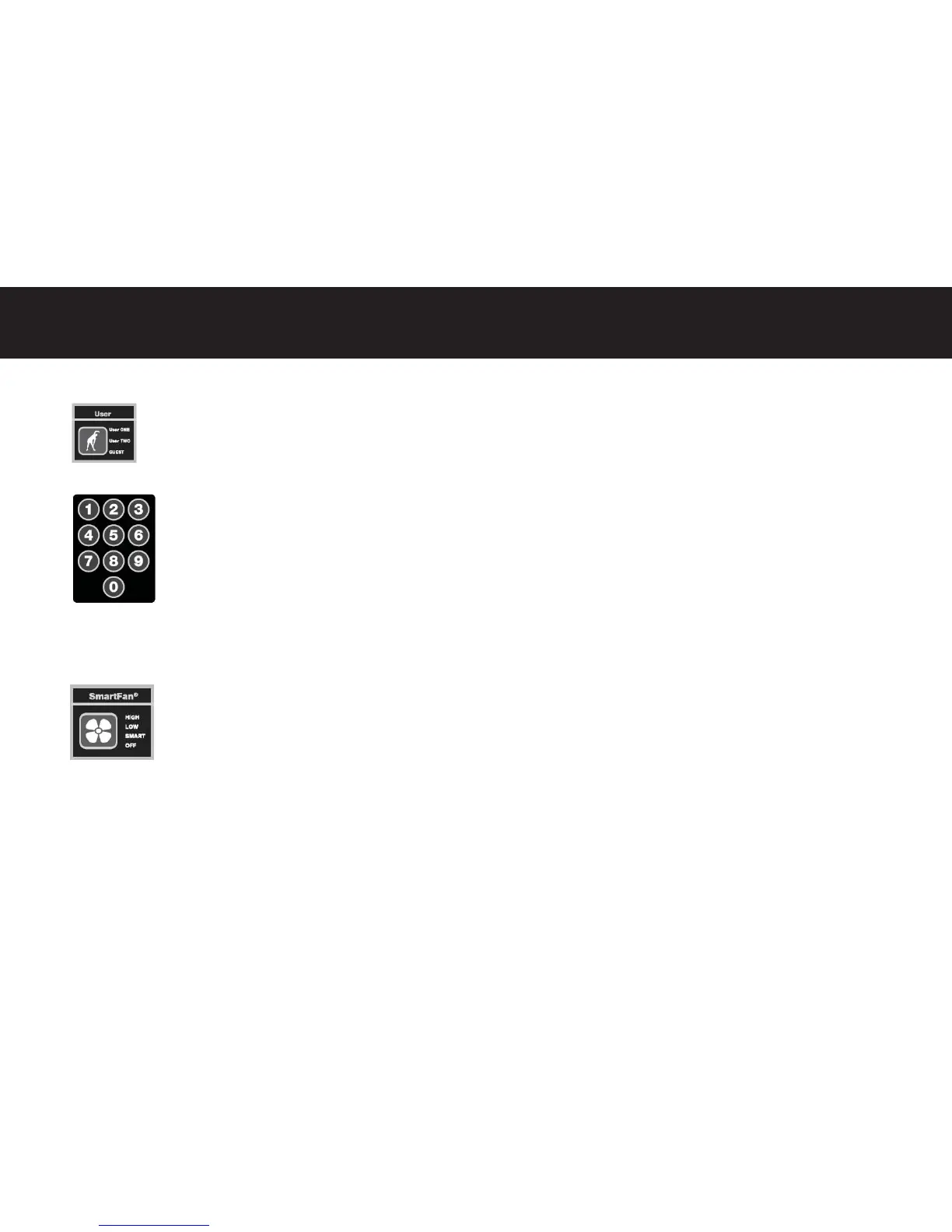
USER Key
The USER key off ers a shortcut to launching the program. The last program associated with a user profi le will be
stored in the shortcut. Launching this program will require minimal key presses.
Numeric Entry Keypad
To speed the input of data, the 910 console is fi ed with a numeric keypad. The user may input numeric data
during the Setup Modes for Age, Weight, Target HR values.
CONSOLE FEATURES
SmartFan® High Output Fan
This unit is equipped with a high-output fan to off er greater comfort during the workout. The adjustable louver
allows the user to direct the airfl ow. Pressing the SMARTFAN bu on once will power the fan on in the low airfl ow
se ng. Pressing the bu on a second me will increase the fan speed to the high se ng and maximum output. A
third key press will turn on the SmartFan mode. As the user’s work level increases, the fan output will increase. As
the user’s workload or eff ort decreases, so will the fan output.
Visual Promp ng
To provide visual cues for the user when data entry is required, the control and entry keys feature LED lamps which will light to
indicate which op ons are available. The unlit keys are not ac ve. This feature decreases the number of key op ons and speeds
the data entry process.



 To Next Page