6
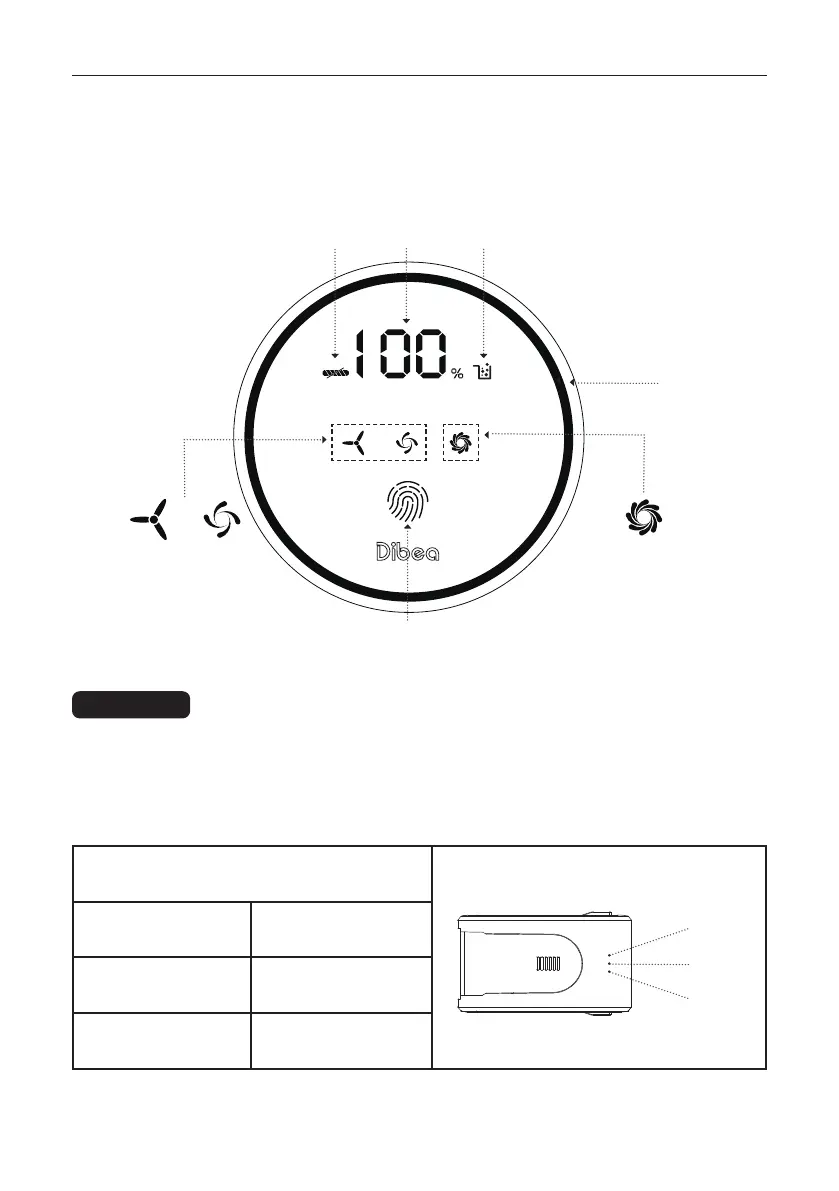
2. Click the fingerprint icon in the center of the LED display to adjust desired suction 2. Click the fingerprint icon in the center of the LED display to adjust desired suction
modes.modes.
3. Press the ON/OFF trigger for the second time to stop working.3. Press the ON/OFF trigger for the second time to stop working.
Step 1. When the power indicator number is less than 10%, the battery power is low and Step 1. When the power indicator number is less than 10%, the battery power is low and
needs to needs to be charged. be charged.
Step 2. Connect the charger to the power outlet and the charging port on the battery, a Step 2. Connect the charger to the power outlet and the charging port on the battery, a
blinking blue light on the battery indicates that charging is in progress.blinking blue light on the battery indicates that charging is in progress.
Charging
Use guide
Tangle
warning
ECO
Speed
Speed +/-
Battery indicating lights
LED 1 flashing Charging/Low-battery
Led 3
Led 2
Led 1
All lights ON Fully charged
LED 1 & 2 on, LED 3
flashes
Charging
MAX
Speed
Standard
Speed
Power
Indicator
Full Dust Cup
Warning
Suction
Mode Ring



 To Next Page