9
3、
地贝清洁 时尚便捷
Product OperationProduct Operation
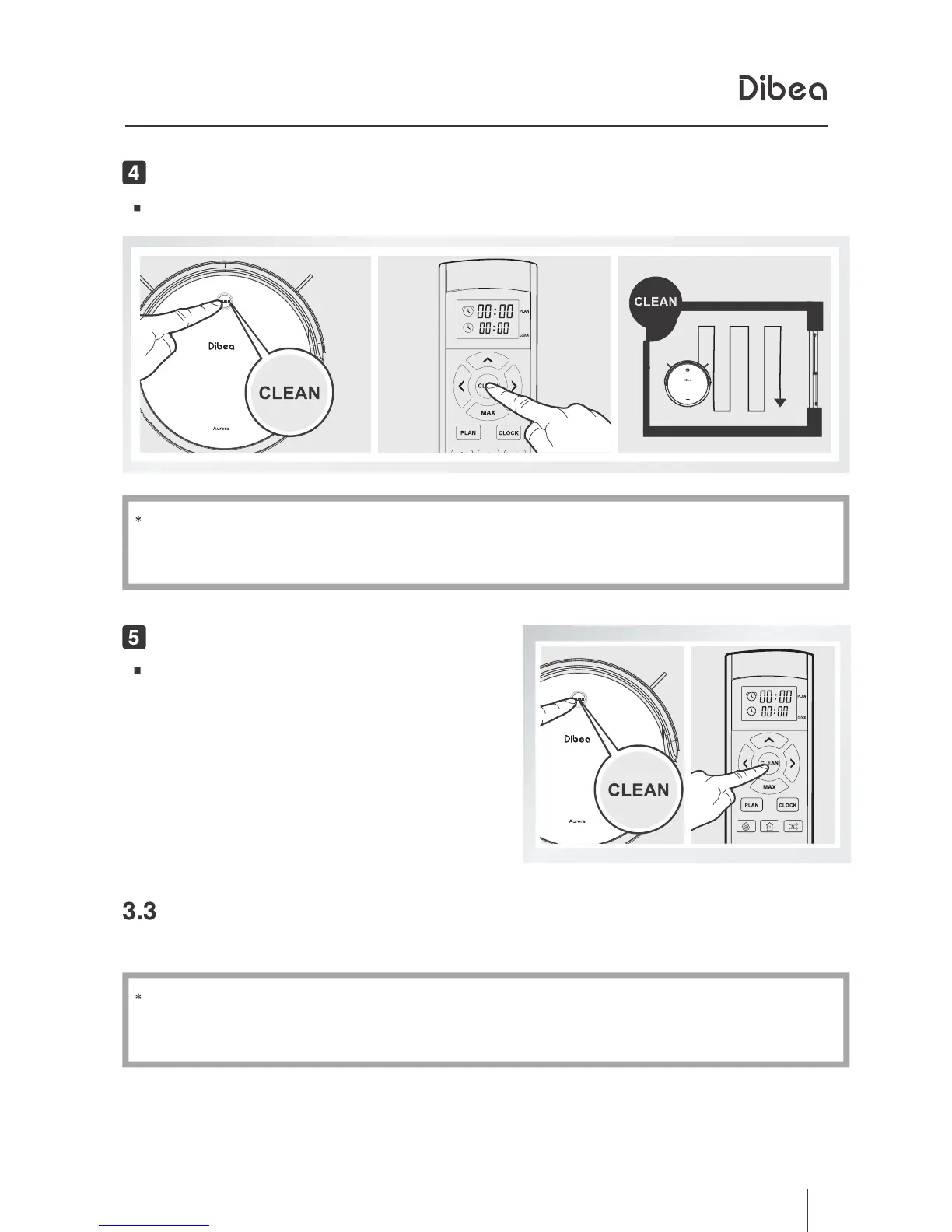
Start cleaning by pressing the CLEAN button on the main body.
Before starting cleaning, make sure the machine is not in sleeping mode.
If yes, short press the CLEAN button to wake it up.
Start CleaningStart Cleaning
Stop CleaningStop Cleaning
Cleaning Modes
Press the CLEAN button on the main
body to stop working.
Use the remote control to change modes.
If the robot is in standby mode, please press the CLEAN button to
wake it up first.



 To Next Page