OPERATOR’S MANUAL
PM100/PM100E Planter Monitor
11001-1426-200612
SYSTEM OPERATION 9
ALARM MODE
In alarm mode, rows indicator lamps are illuminated only when row failure is
detected. None of the row indicator lamps will illuminate while planting rates
on all rows remain above the established threshold. If a row falls below the
established threshold, the indicator lamp(s) will illuminate and the alarm will
sound.
To set to alarm mode, toggle and hold the I-O (power) switch from Off (O) to
On (I) to the upper position for one second. The monitor will blink and the
alarm will sound, indicating alarm mode is enabled. Release the switch.
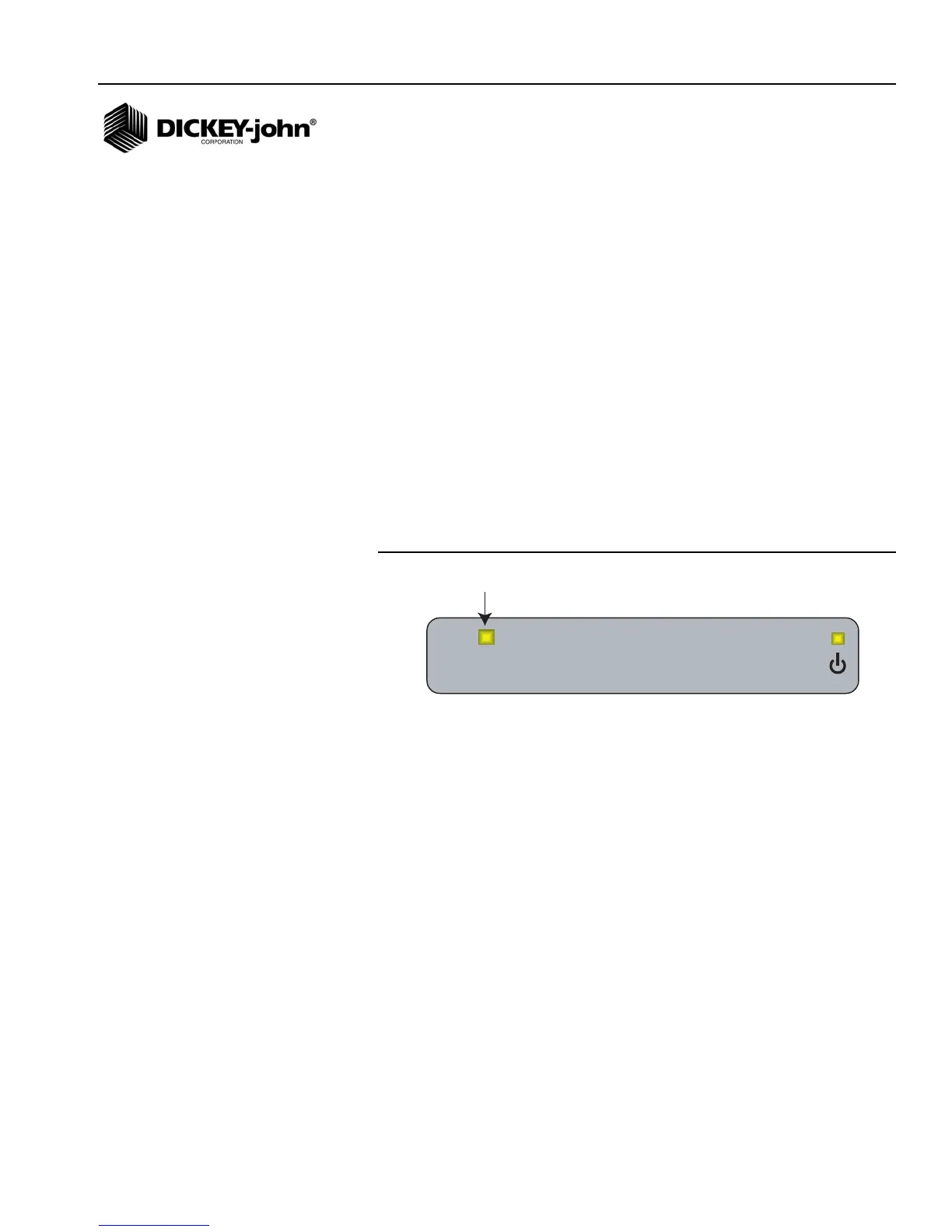
ROW FAILURE
In alarm mode, if an ALL ROWS FAILURE is detected, all rows will
illuminate and the alarm will sound and then silence. If one or more rows
fail, the corresponding row indicator lamp(s) will illuminate and the alarm will
sound. The alarm can be silenced by moving the I-O (power) switch up
momentarily. The alarm will remain silenced until an ALL ROWS FAILURE
condition occurs (typically at the end of a row), the row begins working
again, or the monitor power is cycled.
Figure 8
Example Of Row Failure - Alarm Mode
Row Failure



 To Next Page