OPERATOR’S MANUAL
PM100/PM100E Planter Monitor
11001-1426-200612
INSTALLATION 5
INSTALLATION
CONSOLE MOUNTING
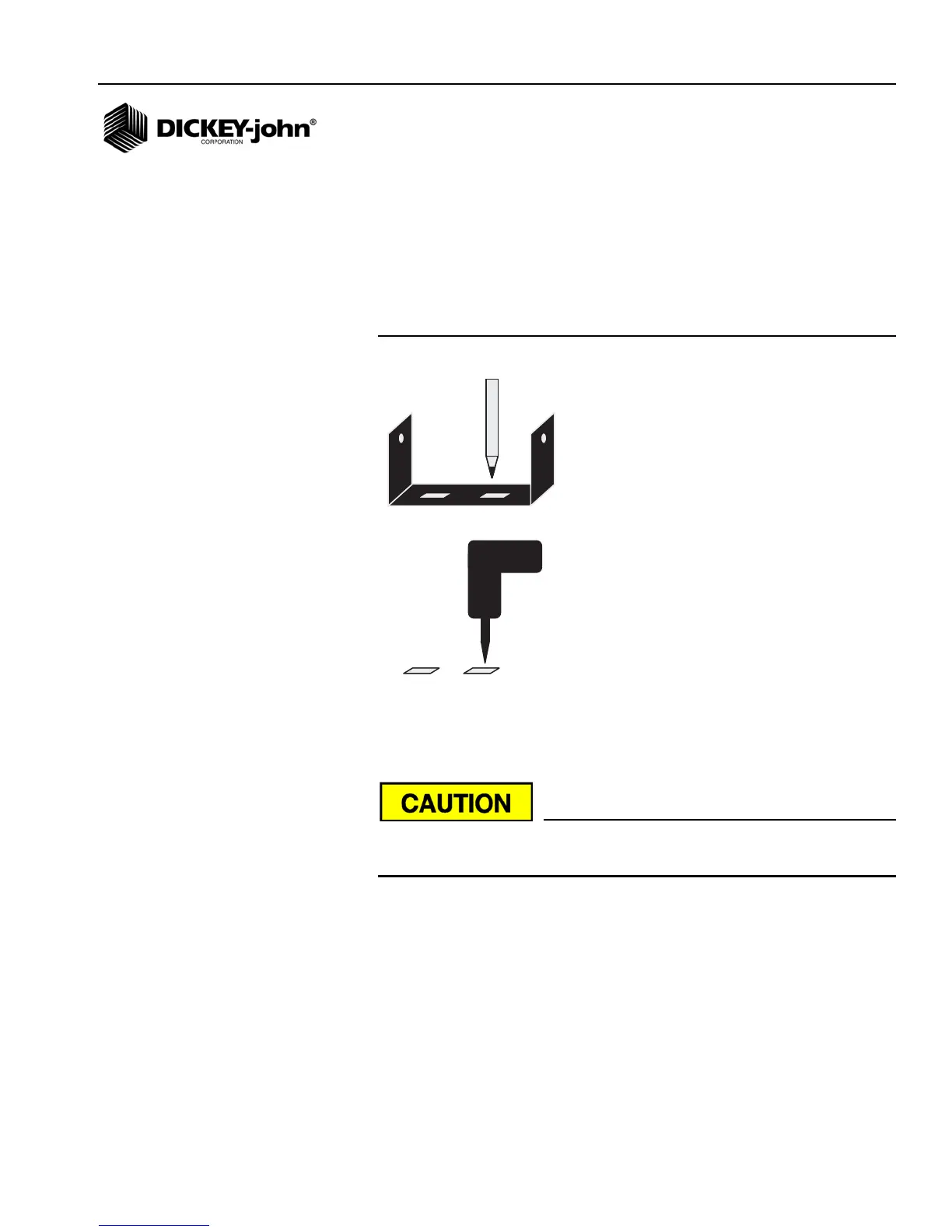
To mount the PM100/PM100E console, use the mounting bracket as a
template for drilling. Mount the console in a location that is easy to view and
easy to reach for threshold adjustment and alarm silencing.
Figure 2
Console Mounting
Before drilling, ensure that the power and main hitch harness can be routed
in the proper manner. Harness retention and routing outside of the cab is
also important.
Do not use the enclosure as a guide when drilling. This may cause
damage to the mounting bracket.
MONITOR AND POWER CONNECTIONS
Route the monitor harness to the rear of the tractor where the planter
harness can be conveniently connected.
Route the power leads of the main harness to the battery. Allow some slack
to tie the harness off to the console bracket for strain relief and protection of
the harness.
Connect black lead to negative (-) battery terminal and red lead to positive
(+) terminal. Route battery leads away from alternator, battery cables, spark
plugs and other magnetic field sources.



 To Next Page