• 7 •
Recommended minimum AWG size for extension cord:8.3
100 feet long or less - use a 10 gauge extension cord.•
Over 100 feet long - use an 8 gauge extension cord.•
ASSEMBLY INSTRUCTIONS9.
Remove all cord wraps and uncoil the cables prior to using the battery charger. 9.1
Included with your battery charger are two cord wrap cleats for storage of the 9.2
battery cables. To install, align the three tabs to correspond with the three
receptacles on the back of the charger and push until you hear a snap.
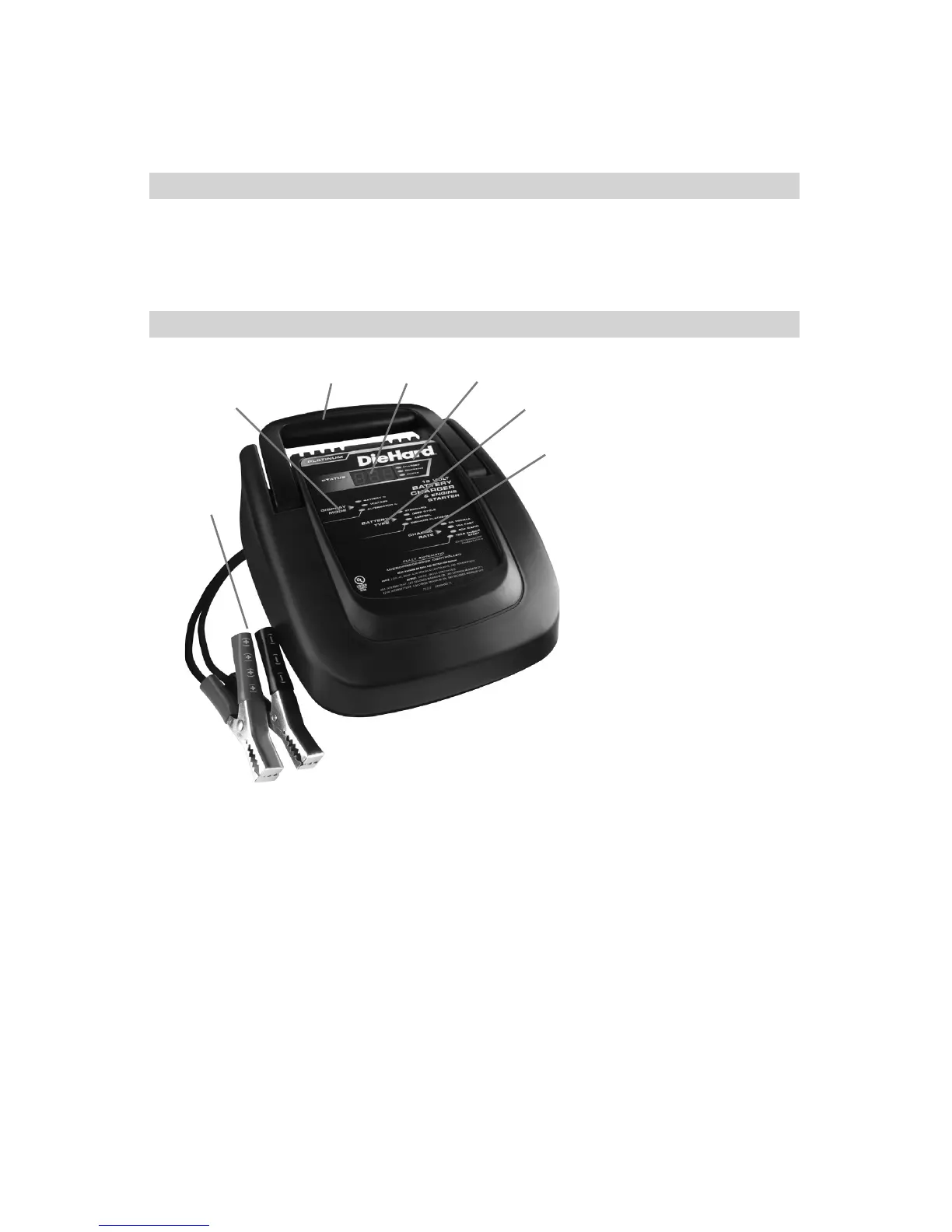
FEATURES/CONTROL PANEL10.
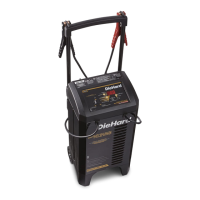
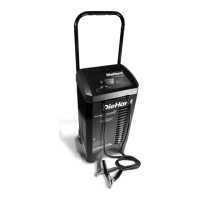
Carrying Handle1.
Charger Status LEDs2.
Display Mode Button3.
Battery Type Button4.
Charge Rate Button5.
Digital Display6.
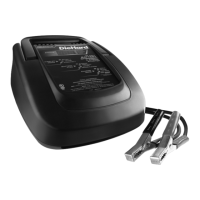
Battery Clips7.
1 2
3
4
5
6
7
Digital Display
The Digital Display gives a digital indication of voltage of the battery, % of
charge of the battery or % of charging output of the alternator, depending on
the Display Mode chosen.
Display Mode Button
Use this button to set the function of the digital display to one of the following:
Battery %• - The digital display shows an estimated charge percentage of
the battery connected to the charger battery clips. The percent indicated
is an estimate based on the present battery voltage. Connecting and
reconnecting a battery during charging or after charging is complete will
cause the charger to recalculate the percent and may display a different
percentage than was previously indicated.


 To Next Page