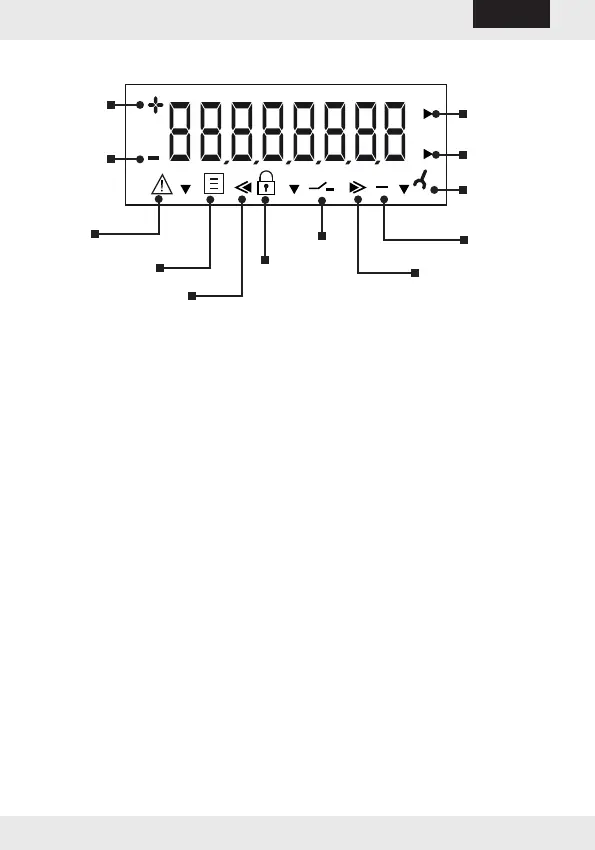
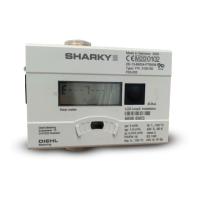
8.1 Display / icons
Forward
ow rate
Reverse
ow rate
Alarm /
fault
Reverse volume
Calibration value
Pushbutton
Reporting date
Forward volume
Test mode
Flow rate
pointer
Service value
Water volume
pointer
8.2 Reporting date function (optional)
On the set reporting date, the consumption values to the next reporting
date are saved in memory. You can read them on the display or transfer
them via the encoder or the optical interface. You can program the re-
porting date as desired.
Factory setting = 12/31. Year of delivery.
-12-
HYDRUS
English



 To Next Page