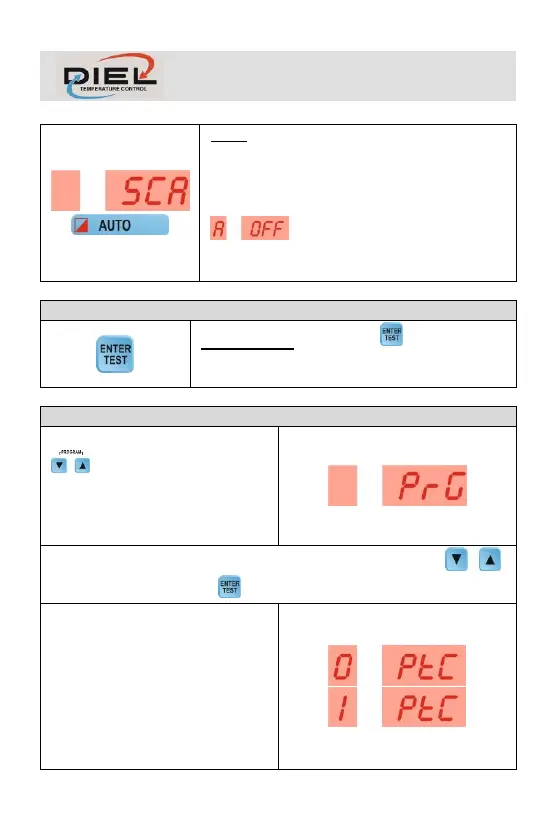
SCAN: Fans are switched on and off via remote
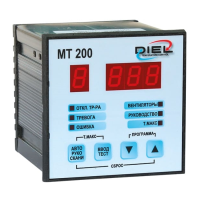
system (e.g. MT200 control unit) connected to
terminals 4 and 5. The display will show the initial
acronym SCAN and the AUTO LED will flash. If
remote control is absent, the message
will displayed, otherwise the display
alternately and automatically shows channel 1 and
2 values.
DISPLAY TEST: press the key , all the LEDs and
displays will turn on for a few seconds. Display test is
carried out each time the control unit is turned on.
Press simultaneously the keys
for a few seconds to enter the
PROGRAMMING menu, the
message PRG appears. During the
programming phase fans will be off.
The following values are then proposed, modifiable with the keys ,
to be confirmed with the key .
PTC SENSORS USE: PTC sensors
inputs: 0 = Disabled, 1 = Enabled.
(Default = 0)



 To Next Page