Chapter Six: Functions and Switches
6.1 Programming the Hagen
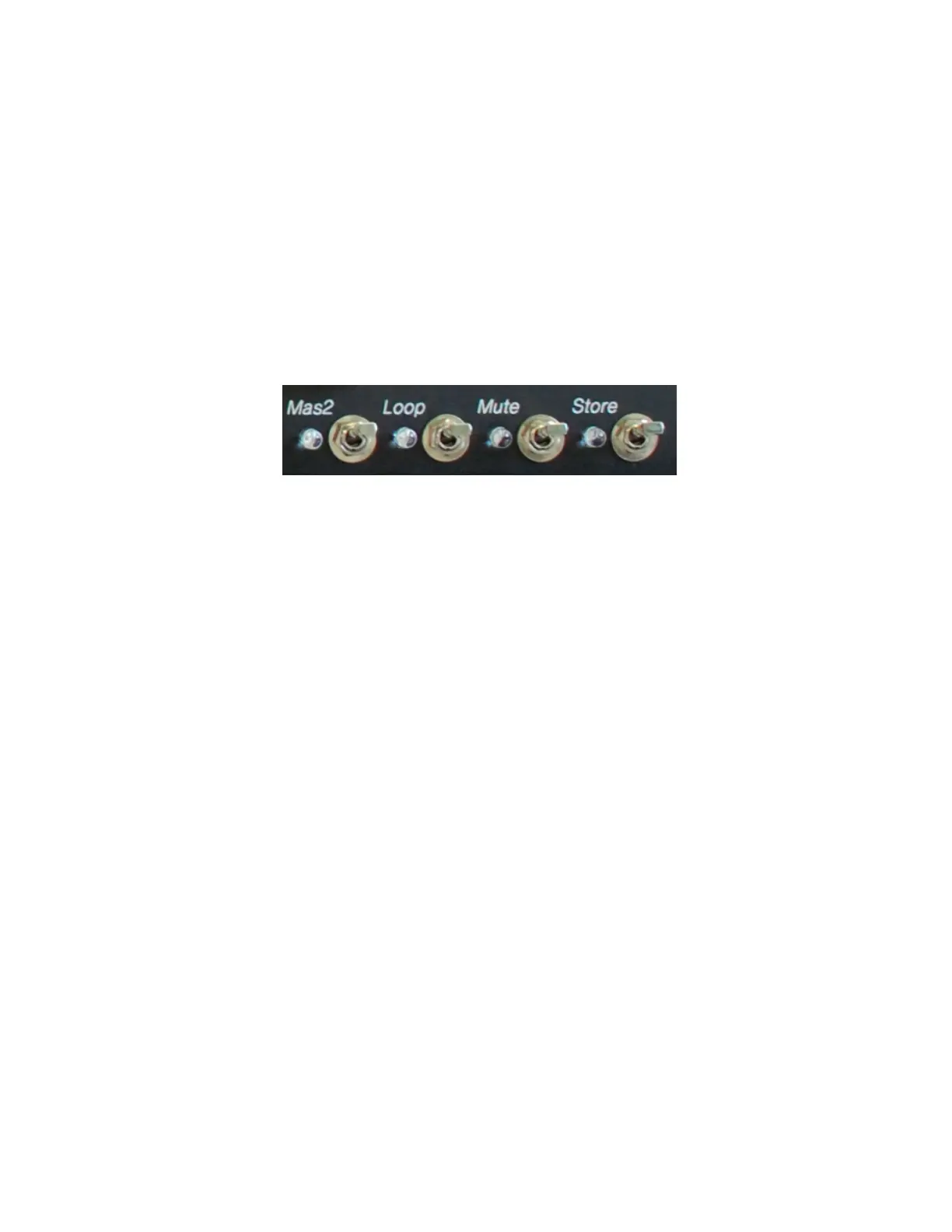
It is quite easy to program your Diezel Hagen and, also, easy to explain. Pushing the “Store” toggle
switch twice must follow each change in the MIDI program. After the first click, the selected blue
LED lights will blink. Click on the switch again and your program is in memory. Each of the 128
programs (patches, program changes) can be changed as often as is desired.
6.2 Manual Channel Selection
The 4 channels of the Hagen can be selected manually by activating the switch left of the channel’s
gain pot, or can be programmed via the midi control system. If you assign the Channel one switch
function to a MIDI program (for example “01”), then you can initiate this channel’s switching via
your MIDI pedal. Push “01” on your MIDI pedal after programming and the pedal will send digital
information to the amplifier. The amp will read this information and decide whether or not it is
supposed to respond. When properly programmed, it will then switch on channel one.
OK, here it is again:
Select 01 on your MIDI pedal. Select channel one of the Hagen. Now push “Store” twice. Voila, it’s
a MIDI program! Now select program change “02” on your pedal, switch the amp to channel two,
hit “Store” twice, and suddenly you have a MIDI pedal controller with 2 program changes. Continue
on until you run out of channels, about 1 more time.
All the other functions of the amp can be programmed in the same exact way. Remember: push
“Store” twice to finalize a MIDI program procedure. Select the program on the pedal to recall the
setting from the amp.
6.3 Loop On/Off
This function activates a device that is connected to the switch-able loop.
6.4 Mute On/Off
“Mute” silences the beast. “Tuner Out” stays active. Makes sense, no?
6.5 Master 2 On/Off
Master 2 can be used for all channels.


 To Next Page