Digi-Pas
®
© 2021 Digipas Technologies Inc. All Rights Reserved.
www.digipas.com
DWL-3000XY & DWL-3500XY Instruction Manual
12
2.8. Vibro Meter Mode
Place the device on the surface to be measured. Press Auto Set button to set the line
graph to the centre of display.
Please ensure the contact surfaces of the device and measuring plane are clean and free from
dust particles.
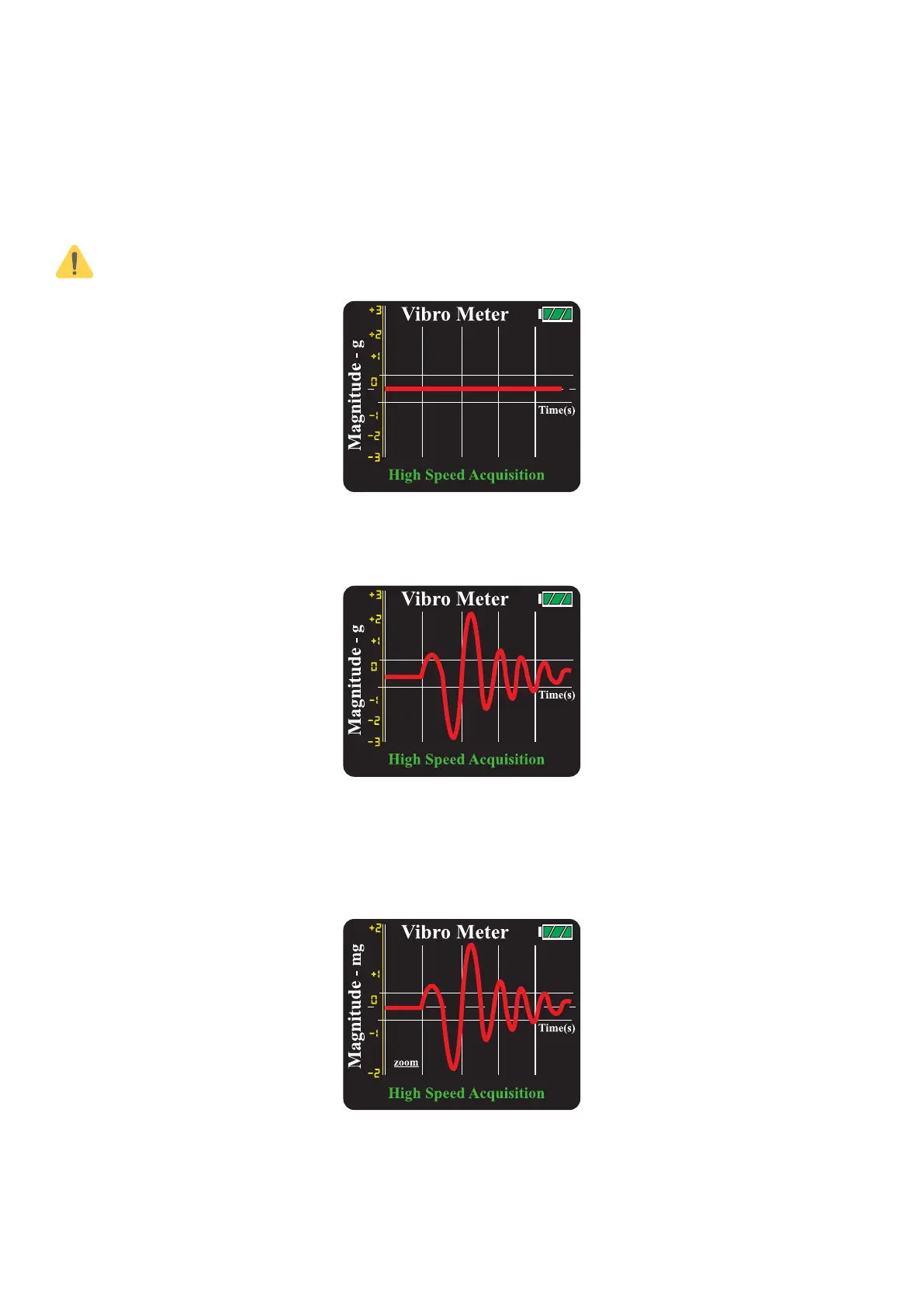
Figure 20. Operation of vibro meter mode
When the device detect the vibration, the relative magnitude (g) is shown on the graph.
Figure 21. Freeze display of vibro meter mode
To change the scale and speed of the line graph, press the scale selection button or the
speed selection button accordingly.
Figure 22. Vibro meter mode


 To Next Page