M o d e l S M - 5 3 0 0 U s e r M a n u a l | 44
–––––––––––––––––––––––––––––––––––––––
Remove the product from the platter and
take the label off.
Repeat the above step 2 and 3 to weigh the
next pack, until the last packed is weighed.
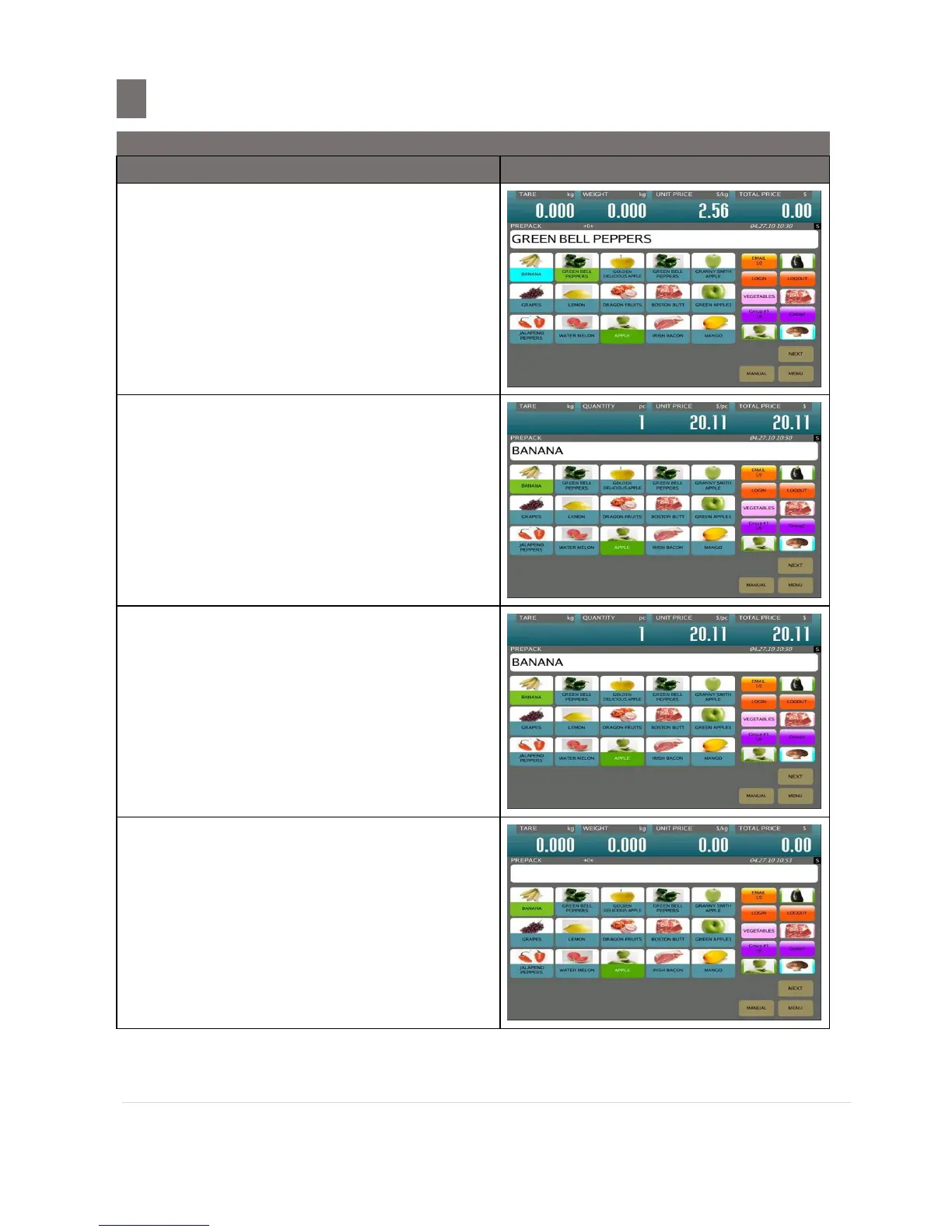
Then call up a PLU of BANANA
Press [PRINT] key to start issue the first
label.
Take the label away and next label
automatically issued out.
After issue last label out, press [CLEAR]
key to stop issuing label.
Then press [CLEAR] key again to clear the
PLU.


 To Next Page
 Loading...








