M o d e l S M - 5 3 0 0 U s e r M a n u a l | 45
–––––––––––––––––––––––––––––––––––––––
1. Item Label Issue for Non-PLU Item
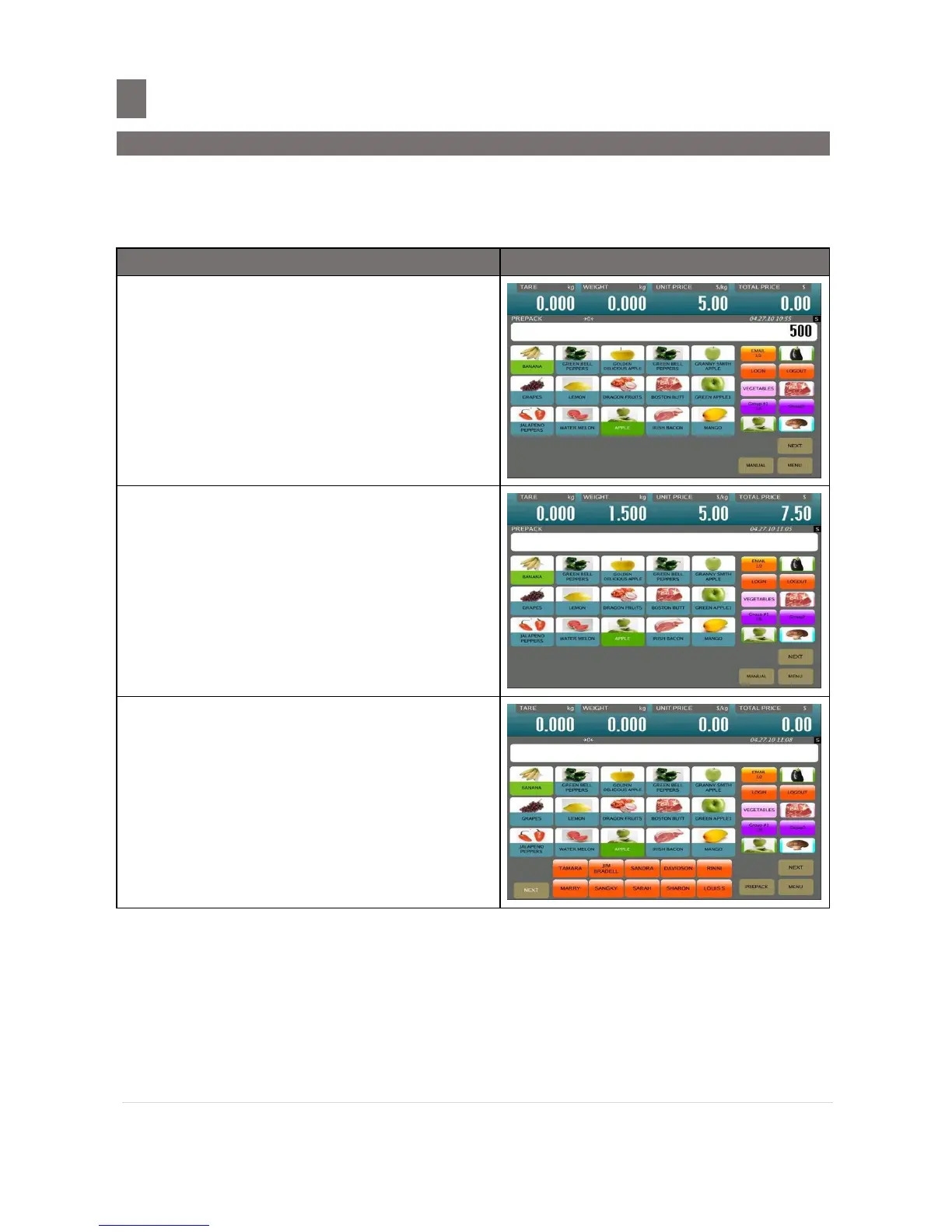
It is possible to print item label for Non-PLU Item at Pre-pack Mode. The Non-PLU Item will be
cleared if a PLU is called up or [CLEAR] key is pressed.
In PREPACK MODE, enter the Price for Non-
PLU item (e.g. $5.00) by numeric key.
Note:
1. For Non-weight Item, just press
[PRINT] key to start issuing out a label.
2. For Non-weight of Non-PLU item, will be
registered to PLU # 999999.
Place the product on platter. (e.g. 1.500kg)
Note: The label automatically issued after
weight stable. For Weighing of Non-
PLU Item, will be registered to PLU #
999998
Remove the product from platter.
Note: To change back to MANUAL MODE, press
[AUTO] key, until the display change to
MANUAL MODE screen.


 To Next Page
 Loading...








