DQ & MQ-Rack User Guide 1.5 Using the Q-Rack Menu System
16
Network Menu (DQ-Rack only) ...........................................................
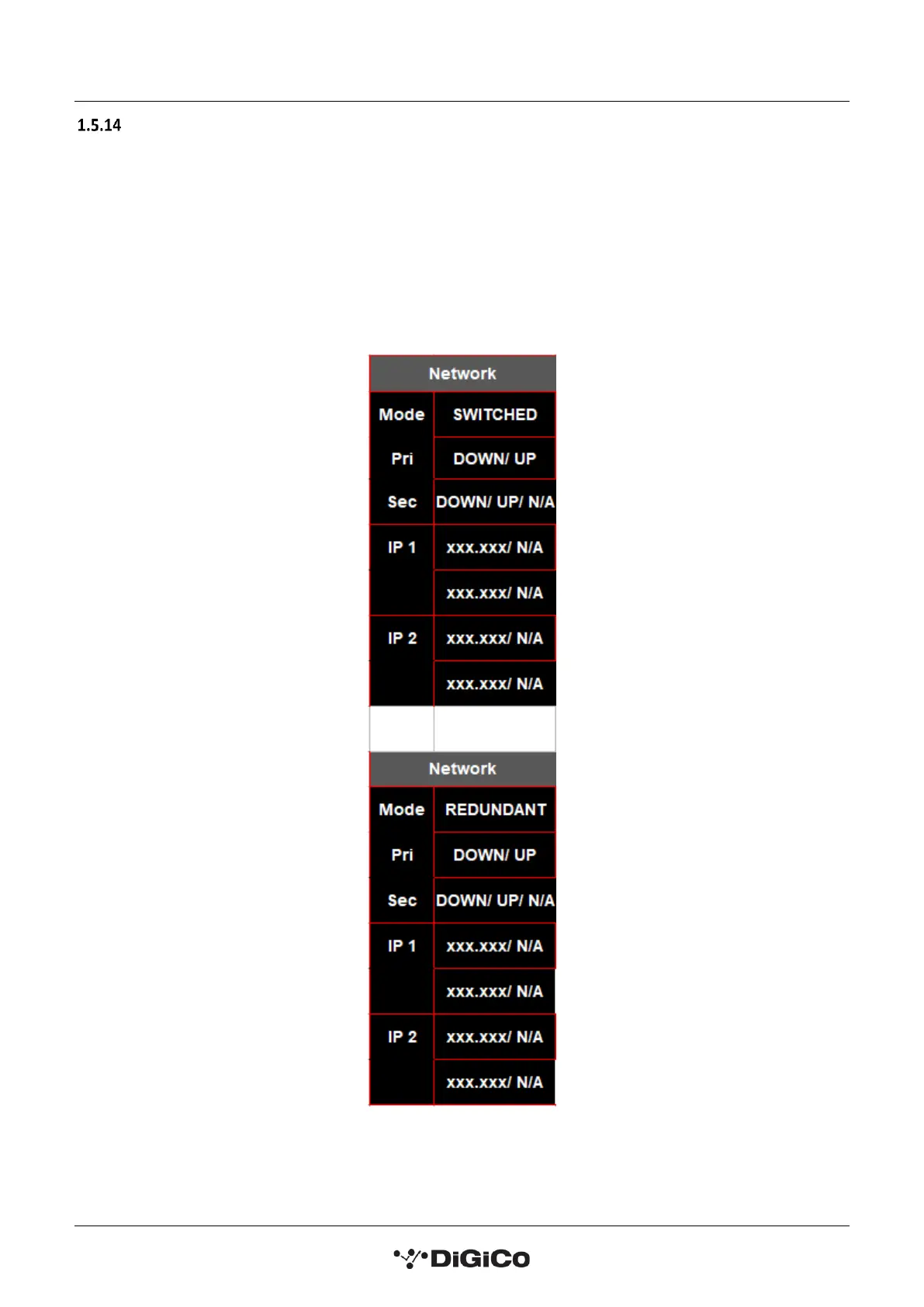
The DQ-Rack has two ethernet ports (Primary and Secondary) which can be used to connect the rack to a
DANTE network. The rack can either operate in SWITCHED or REDUNDANT mode which can be set in DANTE
Controller. Primary and secondary port status are reported in the DQ-Rack Network menu as either UP
meaning the port is connected with a valid IP address or DOWN meaning the port is not connected with a valid
IP address. The IP address for each ethernet port is reported below primary and secondary port status.
Note: When first powering on a DQ-Rack, whilst the rack is initialising a “Reset” message will be
displayed in network mode field.


 To Next Page