Using the 1622 I/O
1
Using the 1622 I/O
The 1622 I/O
™
is a 16-channel digital au-
dio interface which features 20-bit ana-
log-to-digital, and 24-bit digital-to-analog
converters for superior dynamic range, re-
duced noise floor, and the capability to
work with the full 24-bit mixing, editing,
processing, and mastering environment of
Pro Tools.
The 1622 I/O can be used in two ways:
■
As a 20-bit Audio Interface for a compat-
ible Pro Tools system
■
As a stand-alone 20-bit audio converter
This Guide explains the indicators and
connectors on the 1622 I/O. It also ex-
plains how to use it with a Digidesign
Pro Tools
system, or as an independent,
stand-alone 20-bit audio converter in your
studio.
If you are using the 1622 I/O with
Pro Tools, refer to the
Pro Tools TDM Hard-
ware Installation Guide
, which covers many
Pro Tools-specific aspects of the 1622 I/O.
▲
The 1622 I/O is designed for use with
Pro Tools MIX and d24 cards. Do not connect
it to DSP Farm or Pro Tools III cards.
The 1622 I/O Interface
This section explains the connectors and
indicators on the front and back panels of
the 1622 I/O Interface, how they are used,
and offers suggestions for connecting the
1622 I/O to your studio.
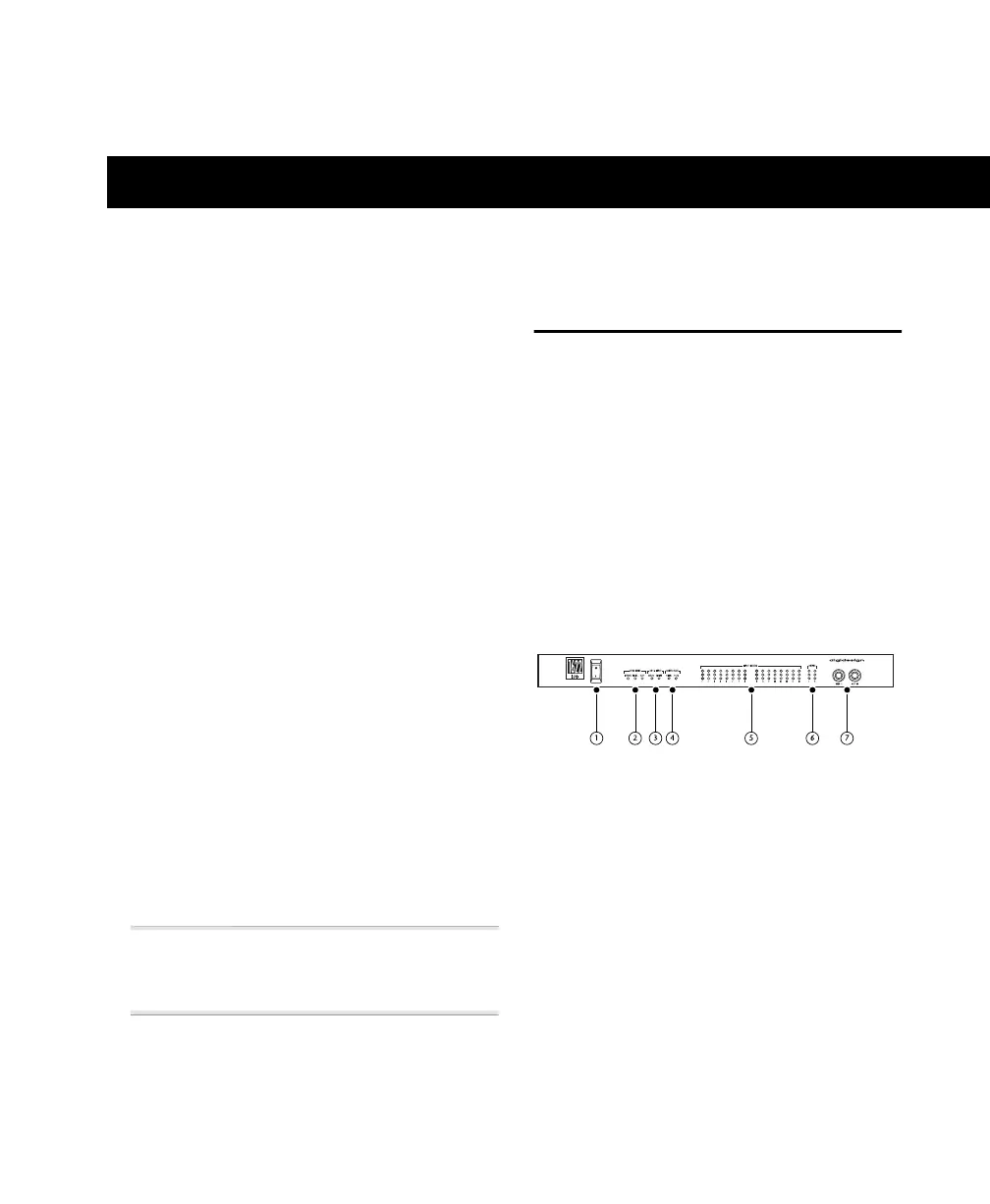
1622 I/O Front Panel
The 1622 I/O has the following front panel
indicators, moving from left to right:
1. Power
This switch applies power to the 1622 I/O.
The “I” position is on. The “O” position is
off.
2. Sync Mode
The Sync Mode LEDs indicate which sam-
ple rate clock reference is currently used by
the analog-to-digital converters (ADCs)
and the digital-to-analog converters
(DACs).
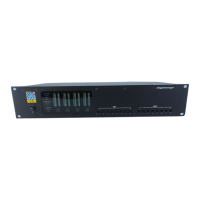
Front panel of the Digidesign 1622 I/O


 To Next Page