VX222e & VX222e-Mic
User Manual
11
Parameterizing the ASIO and Wave drivers
Note: for most current ASIO/Wave applications (e.g. Cubase, Nuendo,
Winamp etc...) you have the choice between a 32-bit version and a
64-bit version when installing them under Windows ≥ Vista. For
operation with your sound card, make sure to use the 32-bit version!
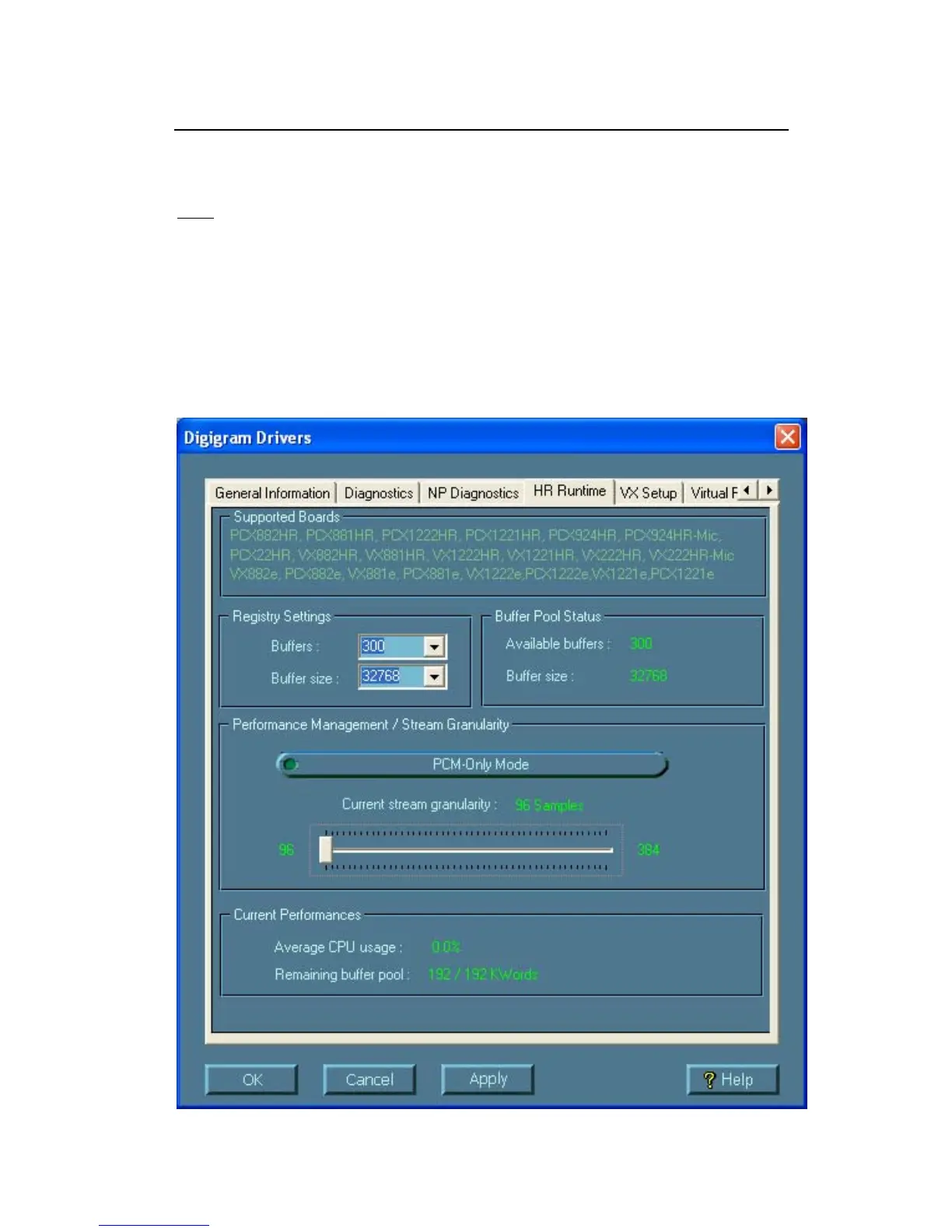
For all sound cards of the VX range, “PCM only” is the only operating mode,
therefore this button is disabled in the Digigram control panel (CPL). (To
access this control panel, go to <Start>, <Programs>, <Digigram>,
<Digigram Control Center>). For detailed information on how to use the
Digigram control panel, please refer to its online help (“? Help” button).



 To Next Page