14
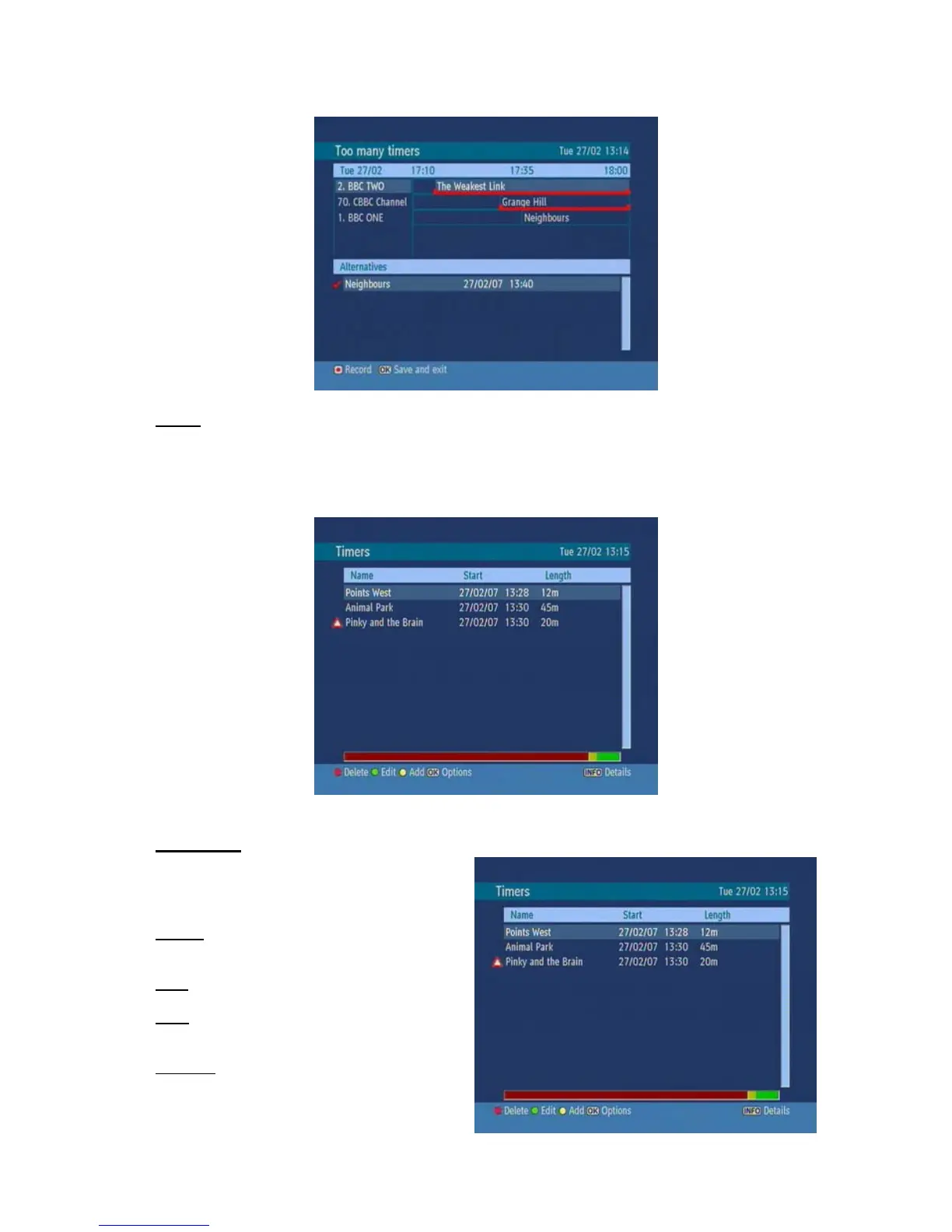
NOTE: If there is still a conflict and you leave this menu by pressing the OK button, you will see this
warning message: “There are still conflicts!”. In timer menu, you can see this conflict as the picture
below. A warning triangle will appear nearby the programmes which cause a conflict. These
programmes will be recorded partly or not at all.
3. TIMERS
To display Timer window press either TIMERS
key or activate it from main menu. The features
of this menu are like below:
Delete: You can delete the highlited single
timer or series timer.
Edit: You can edit the saved timers.
Add: By pressing this button, you will go to the
“Add Timer” menu.
Options: If you press the OK button, you can
select the “Delete Timer”, “Delete Series
Timer” and “Check Conflicts”.



 To Next Page