18
DURATION: Set the duration of the appeareance of the “Edit recording title” menu main title on the
screen. If you press the Menu button during playback, you will enter the “Chapter options and in this
menu, you could set any point as a chapter. So, the user is be able to skip frames which should not be
archived. The user could also start and stop the playback from any chapter he wants. To stop
archiving, press the STOP button. During archiving, no other button will be function.
4.2. CHAPTER OPTIONS
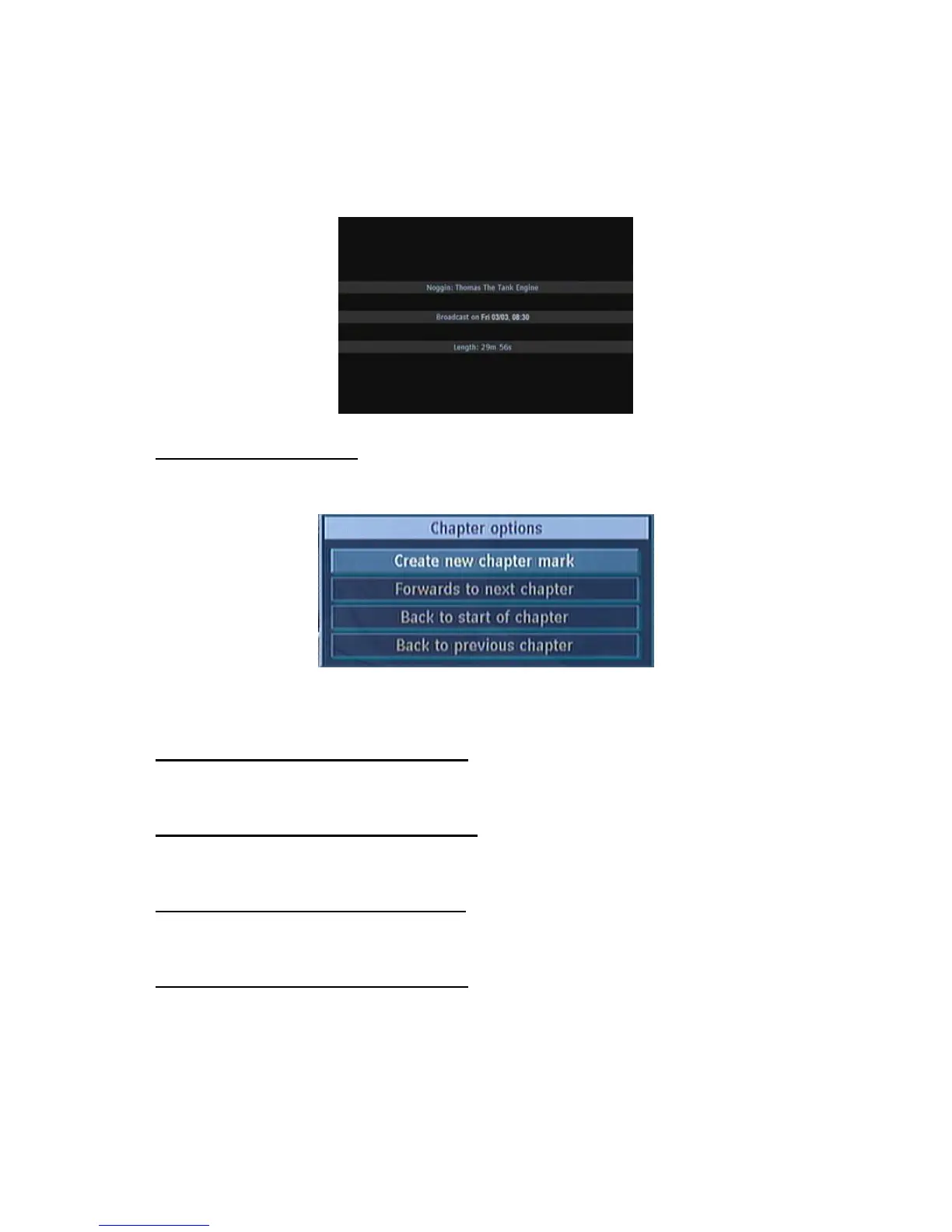
During playback of a recording, if you press the MENU button, you will get to the “Chapter Options”
menu. The chapter options menu includes following options:
This menu includes the options below:
4.2.1. CREATE NEW CHAPTER MARK
Using the “5/6” buttons select this option and press the OK button, to create a chapter mark. You
could set a chapter mark anywhere you want.
4.2.2. FORWARDS TO NEXT CHAPTER
Using the “5/6” buttons select this option and press the OK button, to go to the next chapter. If there
is more than one chapter.
4.2.3. BACK TO START OF CHAPTER
Using the “5/6” buttons select this option and press the OK button, to go to the beginning of the
current chapter. This is the last played chapter.
4.2.4. BACK TO PREVIOUS CHAPTER
Using the “5/6” buttons select this option and press the OK button, to go to back to the previous
chapter. If there is more than one chapter.



 To Next Page