Page 5
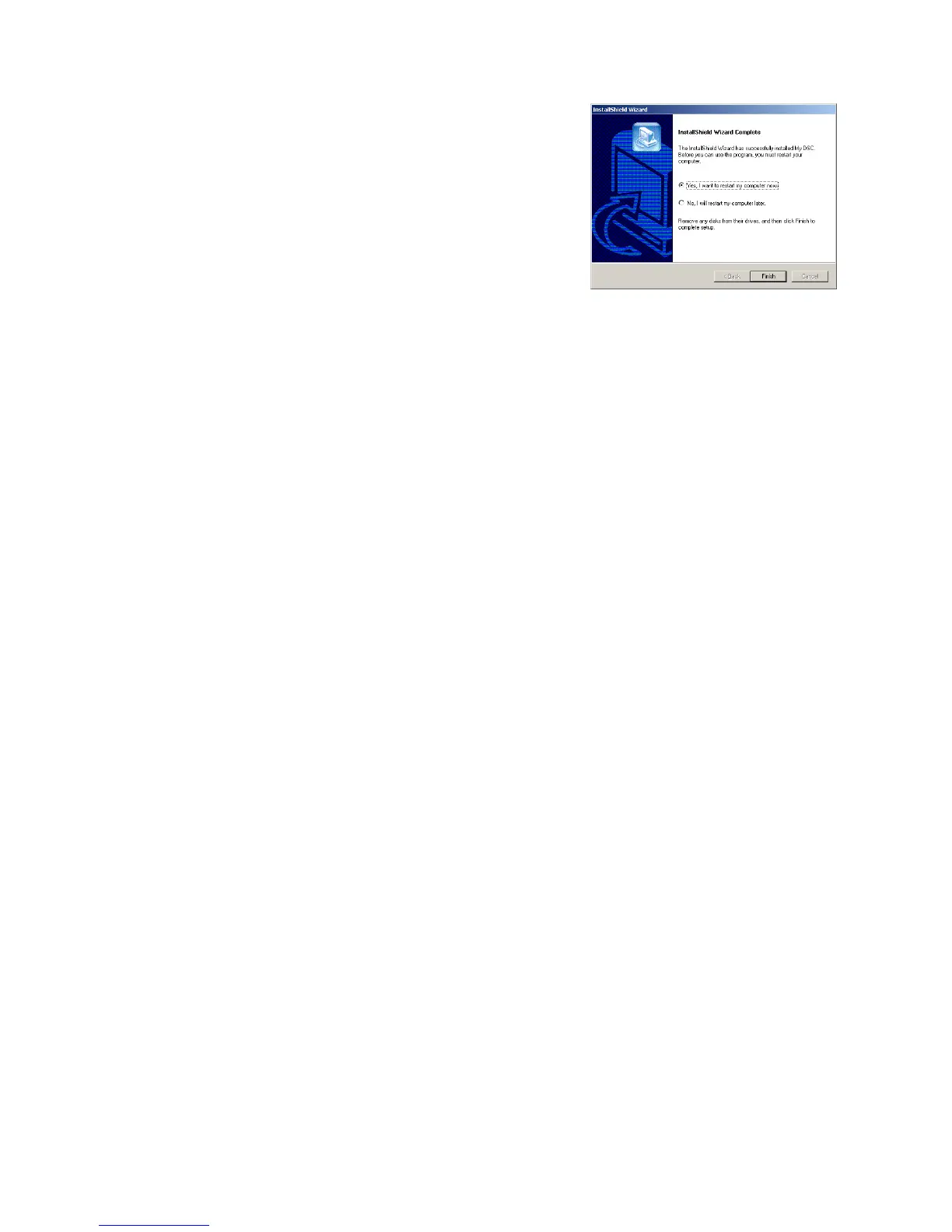
iii.) Once this has finished you will be asked to
Restart your PC as shown in the picture on the
right. Choose “Yes, I want to restart my PC now”
ensuring all programs that may be running are
closed and any information saved. (Please Note:
During the installation of any software it is
advisable that you do not have any applications
running in the background as this may interfere
with the installation process.)
iv.) Once the PC has restarted you should be able to plug your camera in and
Windows will detect the new Hardware. We advise that you first connect the
camera to a rear USB port and not through a Hub or front USB port. Once
connected the camera should turn on automatically and make a small beep
to indicate this. Windows will detect new hardware. Allowing Windows to
search for the appropriate drivers will install the device as required.
v.) Once the camera is detected and you run the MyDSC application from
Start>Programs>MyDSC>MyDSC you will be able to access the images on
the camera by clicking on the Pink Camera Icon at the bottom of the MyDSC
download manager.
Camera Operation
In order to use the DigiMax Digital Camera it must have a battery inserted
and be turned on so that it is in it’s normal working state. If it is in the energy
saving mode press the “Function” button once to turn on the camera and the
LCD should then display the current Resolution Mode before showing you
the number of images you have remaining.
When you use the function button on the back of the DigiMax Digital Camera
you will cycle through the following Modes. When you find the mode you
require you will then need to click the shutter button to select this mode.
oF - Off Turns off the DigiMax Camera
St - Stop Timer 10 Second Delay Stop Timer
d8 - Continuous mode Continuous shoot mode to create a short
movie
CA - Clear All Removes All stored pictures taken
CL - Clear Last Removes Last picture taken
Lo/HI - Resolution Low/High Resolution mode toggle
Hd/Ld - Compression High/Low Compression mode toggle
60/50 - Frequency 60/50 Frequency mode toggle


 To Next Page
 Loading...