DG-GS4200 Installation Guide
1-5
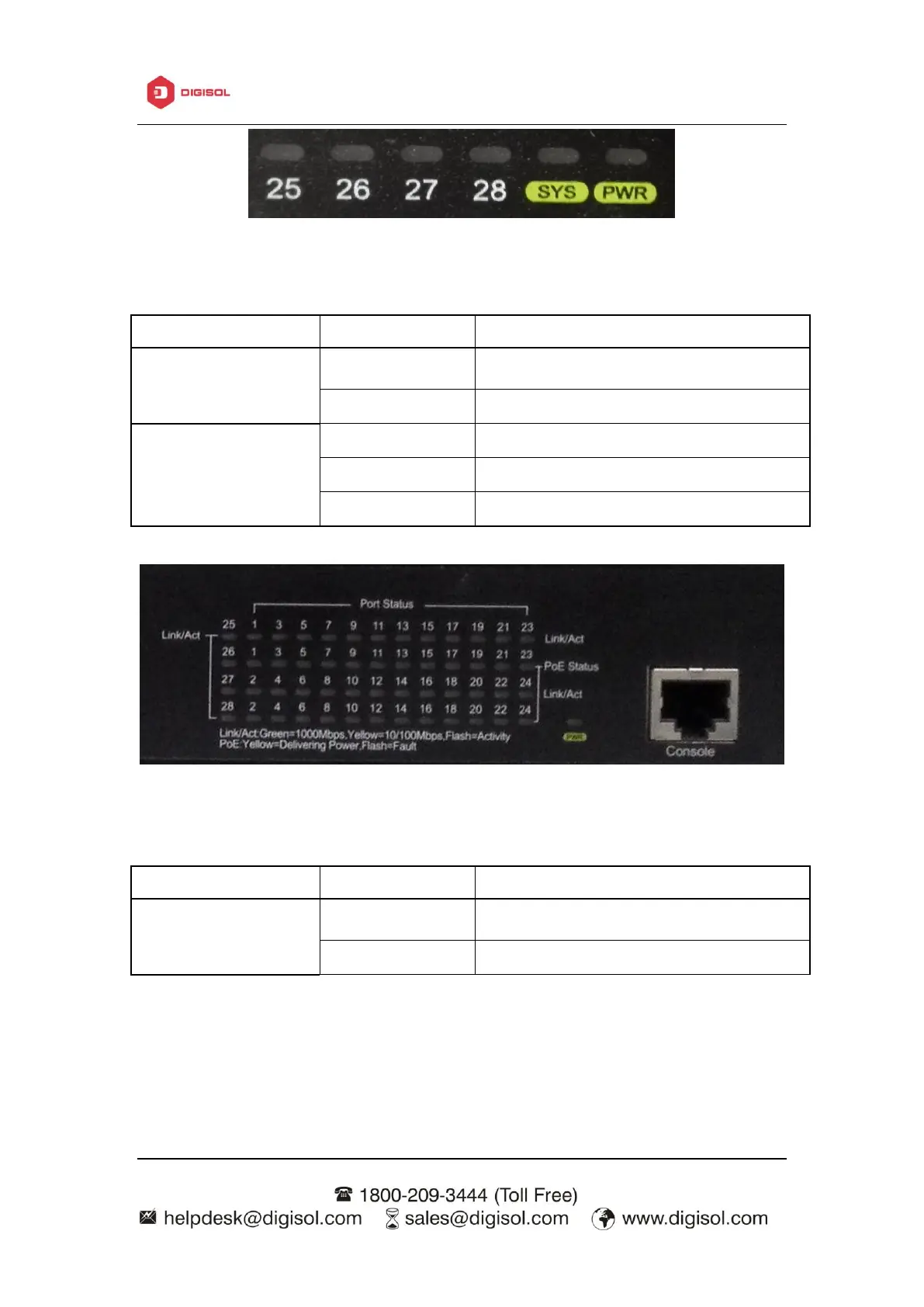
Fig 1-9 DG-GS4228 system LED diagram
Table 1-3 DG-GS4228 system indicator description
The internal power is operating normally
Operating state is abnormal
Operating state is normal
Power is off or system is abnormal
Fig 1-10 DG-GS4228P system LED diagram
The internal power is operating normally
Table 1-4 DG-GS4228P system indicator description
1.3.4 Front Panel Port Description



 To Next Page
 Loading...








