DG-WA3000N User Manual
91
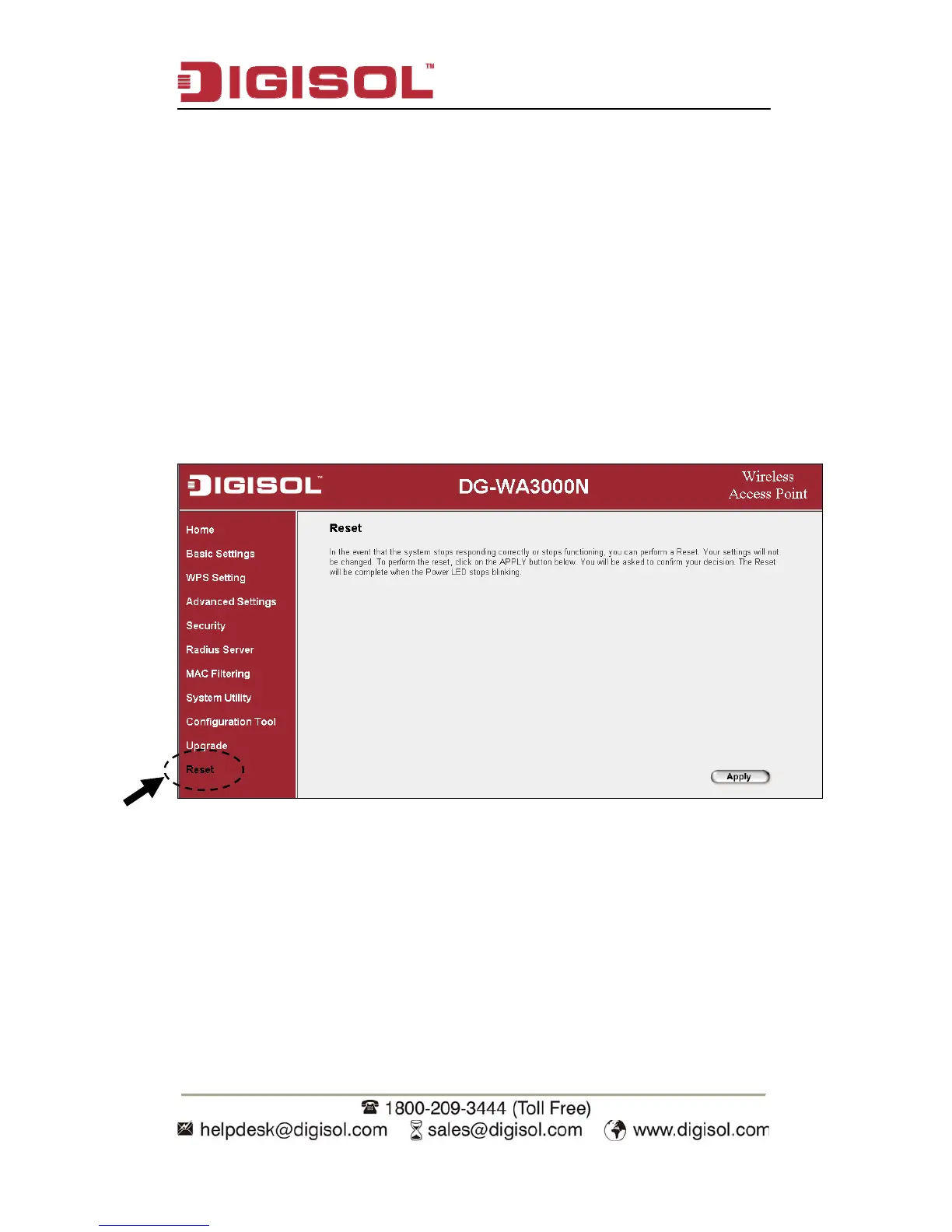
3-3 System Reset (Restart)
When you think the Access Point is not working properly, you can use this function
to restart the Access Point; this may help and solve the problem.
This function is useful when the Access Point is far from you or unreachable.
However, if the Access Point is not responding, you may have to switch it off by
unplugging it from the power socket and plugging it back again after 10 seconds.
To reset your Access Point, please click ‘Reset’ on the left of the web management
interface.


 To Next Page