6.2 Open Mach3 Software and connect with right PlugIn file
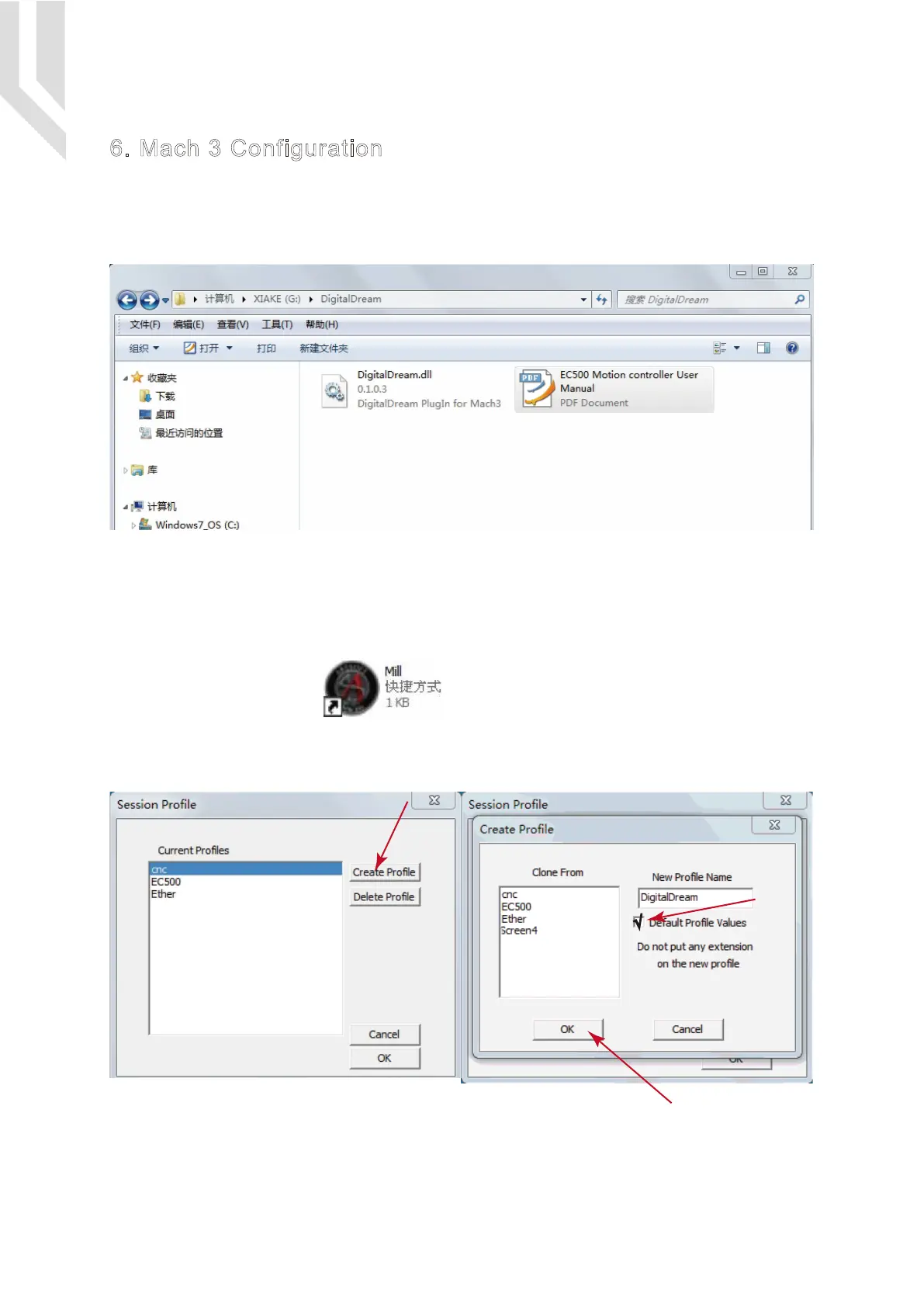
Double-click the icon mach3mill .Enter into Mach3 software. Pop-up the plug-in box as
below left picture.Then Click “Create Profile” and name it to “DigitalDream”,click “Default profile values” and
confirm it by “OK”
6. Mach 3 Configuration
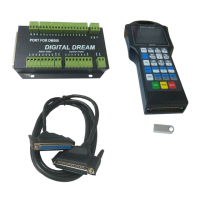
When you purchase our product, we will supply a software package in the U-disk, which contains “Digit-
alDream” PlugIn,and the EC500 Manual.
In your computer which you will run the EC500 controller,you must already installed the Mach 3 Software,and
now pls copy the PlugIn in to C:\Mach3\PlugIn.(If the user install the Mach 3 software in C-disk.)
6.1 PlugIn
Page -16Digital Dream Mach3 Motion Controller EC500 User’s Manual


 To Next Page