6.6 MPG Settings
Page -22Digital Dream Mach3 Motion Controller EC500 User’s Manual
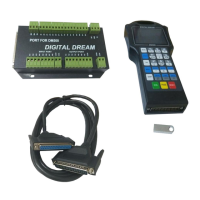
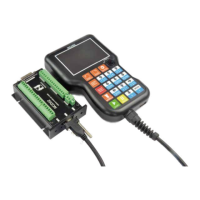
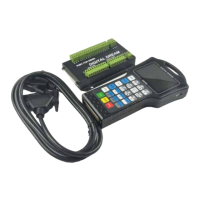
Firstly pls note the Picture 5-1 and the making No. 6,switch to the type of the MPG that you want,and
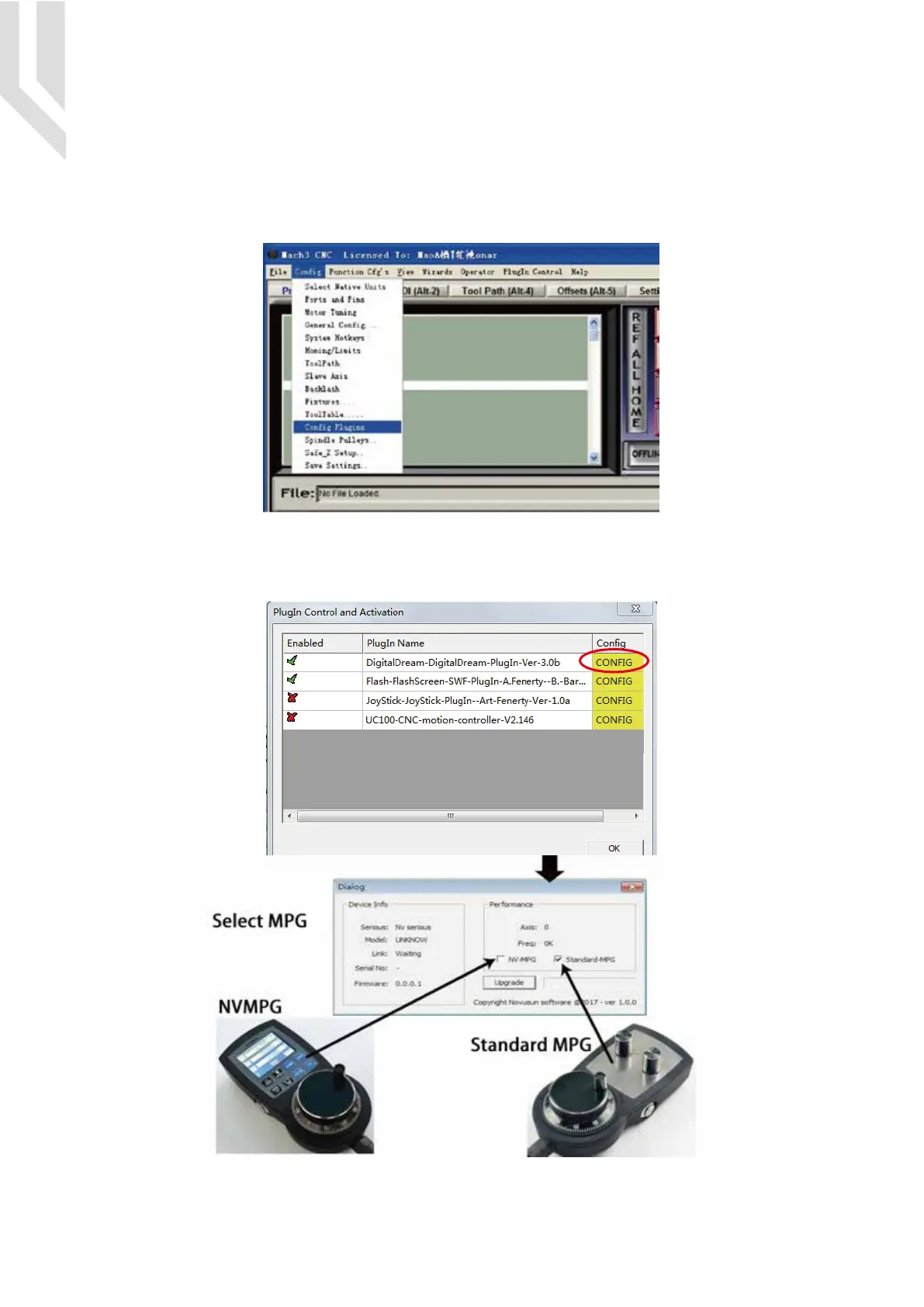
connect the MPG pins in right way as the description of Page 11(Function Switch for MPG),then go to Mach
3 and Menu -> Config -> Config Plugins
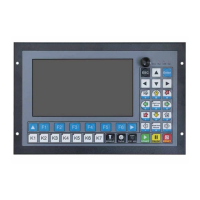
Then the following windown will popup,click the “CONFIG” of the DigitalDream dll as following,there
will be the selection windows for NV-MPG and standard MPG.The user have to select the right MPG type as
their request.


 To Next Page