10 Installation and Setup Operation 11
Operation
Selection Of The Antenna
When installing your DRR-103 digital tuner, it
is important to verify the quality and physical
condition of your existing antenna. If you
are considering using your existing TV or
indoor antenna it may not be suitable for DAB
reception.
Ideally DAB requires the use of a “vertically
polarized” external antenna. This ensures
good reception quality. A competent antenna
installer can advise you on the specific antenna
requirement for both DAB and FM reception. Also
where possible, keep the DRR-103 away from
potential sources of RF noise such as computers,
televisions, etc. This will minimize the possibility
of any interruption in audio performance.
Initial Setup
It is highly recommended that reception and
equipment inter-connection utilize high quality
cabling. Also ensure that all connections are
reliably secured before turning the DRR-103 On.
Initial Tuning For DAB Reception
As a precaution, reduce the volume level on
the attached pre-amplifier/amplifier. This is to
keep the volume at a safe level and minimizes
the possibility of inadvertent high volume levels
damaging the attached speakers.
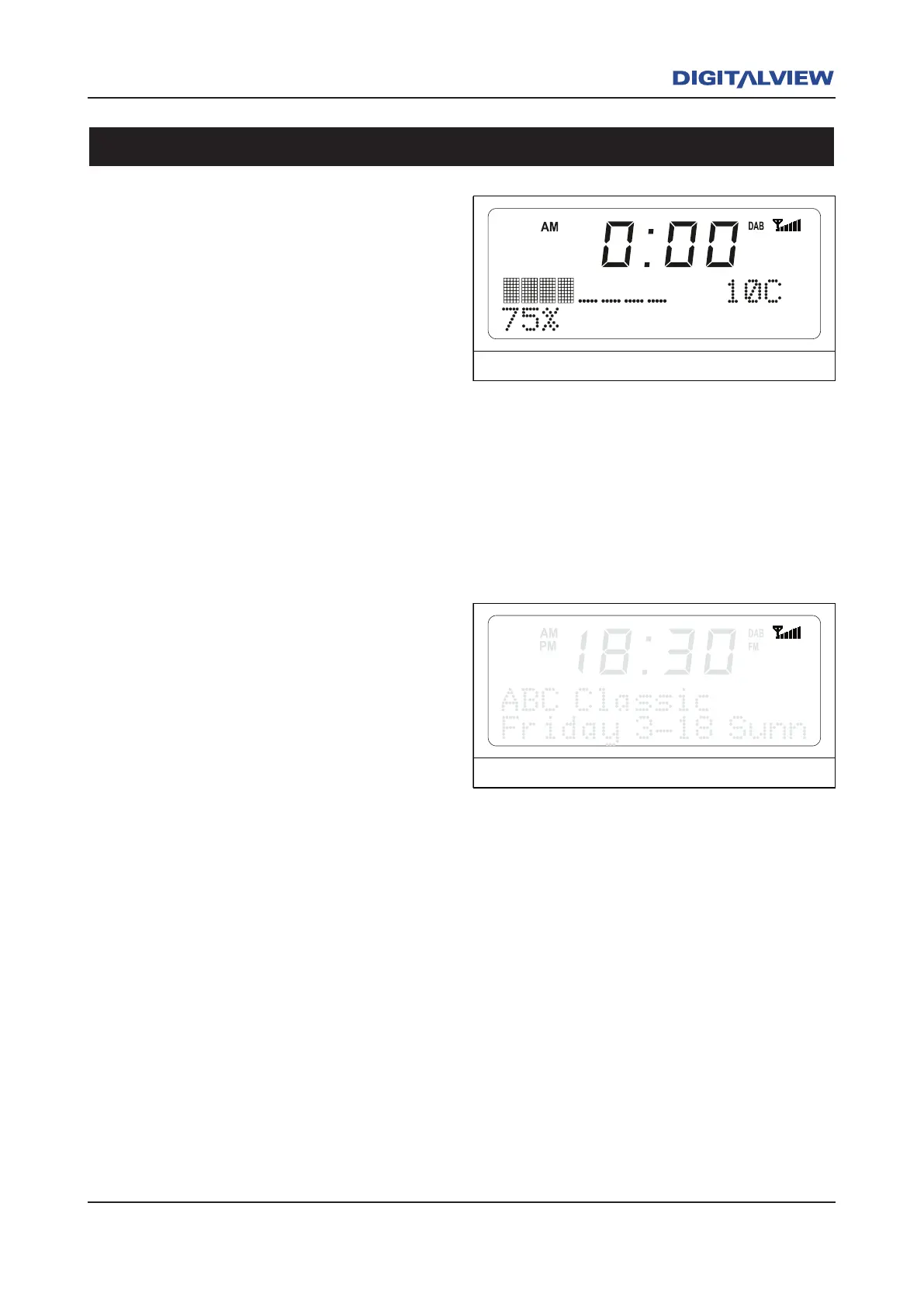
When the DRR-103 is powered ON for the first
time, it will automatically perform a “Quick Scan”
for all local Band III DAB services. A bargraph
indicator showing the tuning progress is displayed
on the front panel LCD. A DAB station list is
created and stored in alpha-numeric order. On
completion of the Quick Scan, the DRR-103 will
lock to a known DAB station. Audio for that station
should be heard.
If no stations are found, check and verify that all
wiring and connections associated with the antenna
are working and is correctly terminated.
To confirm the signal strength of a station, refer to
the six “stepped” vertical line segment indicator.
This indicator displays the relative strength of
signal being received. Maximum signal strength
is when all line segments are active.
The next consideration is that all or some of the
DAB stations be stored as Presets. Refer to the
section on Storing A Preset and Tuning to a
Station Using A Stored Preset.
Initial Tuning For FM Reception
1. Select the FM mode by pressing the BAND
button on the front panel or the DAB/FM
button on the remote control unit.
2. Press the TUNE button.
3. The DRR-103 begins to incrementally
search forward from the lowest to highest
frequency. An incremental search means
that once a valid frequency/station is found
the user must again push the TUNE button



 To Next Page