4
BLUETOOTH PAIRING
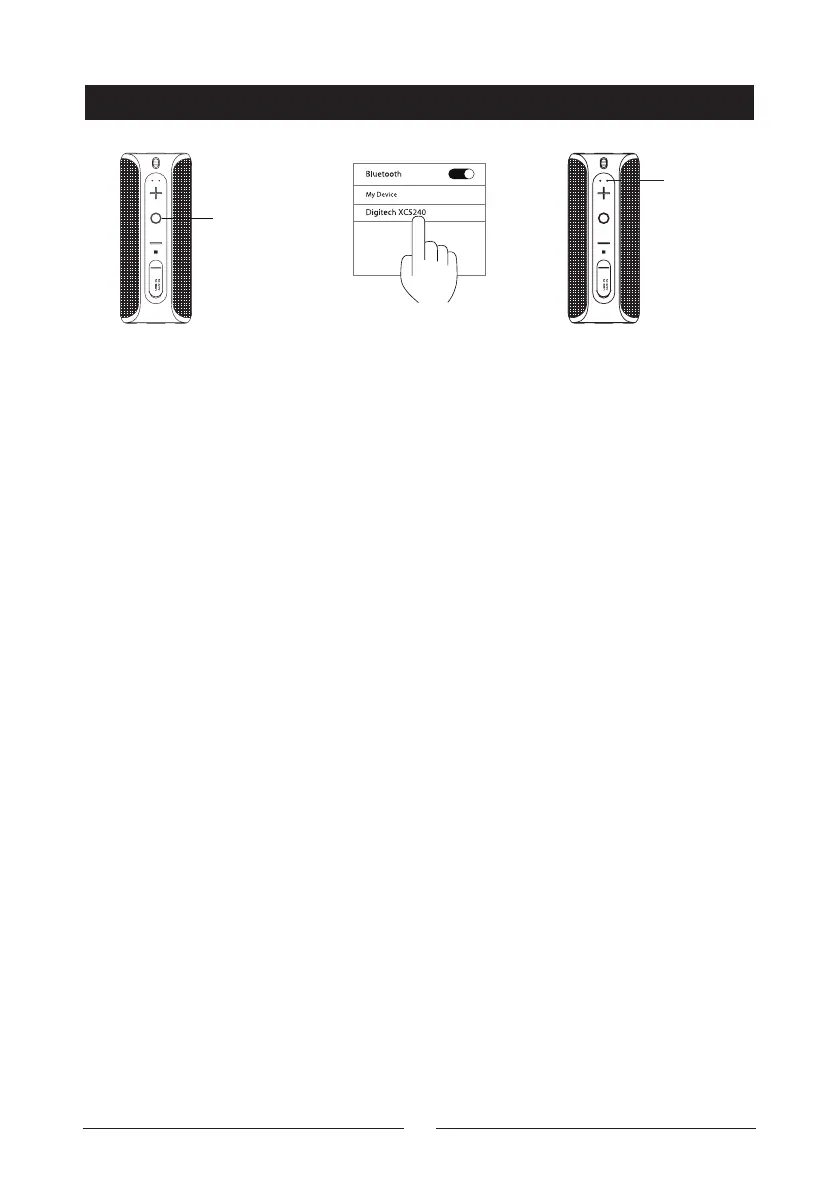
1: Press and hold the
On/O O button for
3 seconds to turn the
unit on. The speaker will
enter Bluetooth® pairing
mode and the LED
indicator will be flashing
blue.
2: Open your
smartphone settings
and ensure Bluetooth®
is enabled. Scan for
devices and “Digitech
XC5240” will appear
3: Press the “Digitech
XC5240” on the
Bluetooth® device list
and your smartphone
will make a prompt
sound indicating that the
connection is successful.
You can now start
playing music.
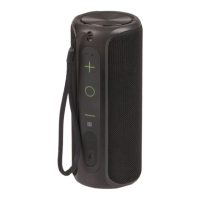
On/O
Button
LED
indicator
will stay
on
On/O Button
• Play/Pause: Press the On/O button while playing music to either pause or
play back the current track
• Accept Incoming Calls: Press the On/O button to answer the call
• Refuse Incoming Calls: Press the On/O button to reject the incoming call
• Hang Up: Press the On/O button to hang up the current call
Volume Up/Next Track
• Volume Up: Press the Volume Up button to turn the music up
• Next Track: Press and hold the Volume Up button to skip to the next track
Volume Down/Previous Track
• Volume Down: Press the Volume Down button to turn the music down
• Previous Track: Press and hold the Volume Down button to go back to the
previous track
Bluetooth Operation


 To Next Page