6
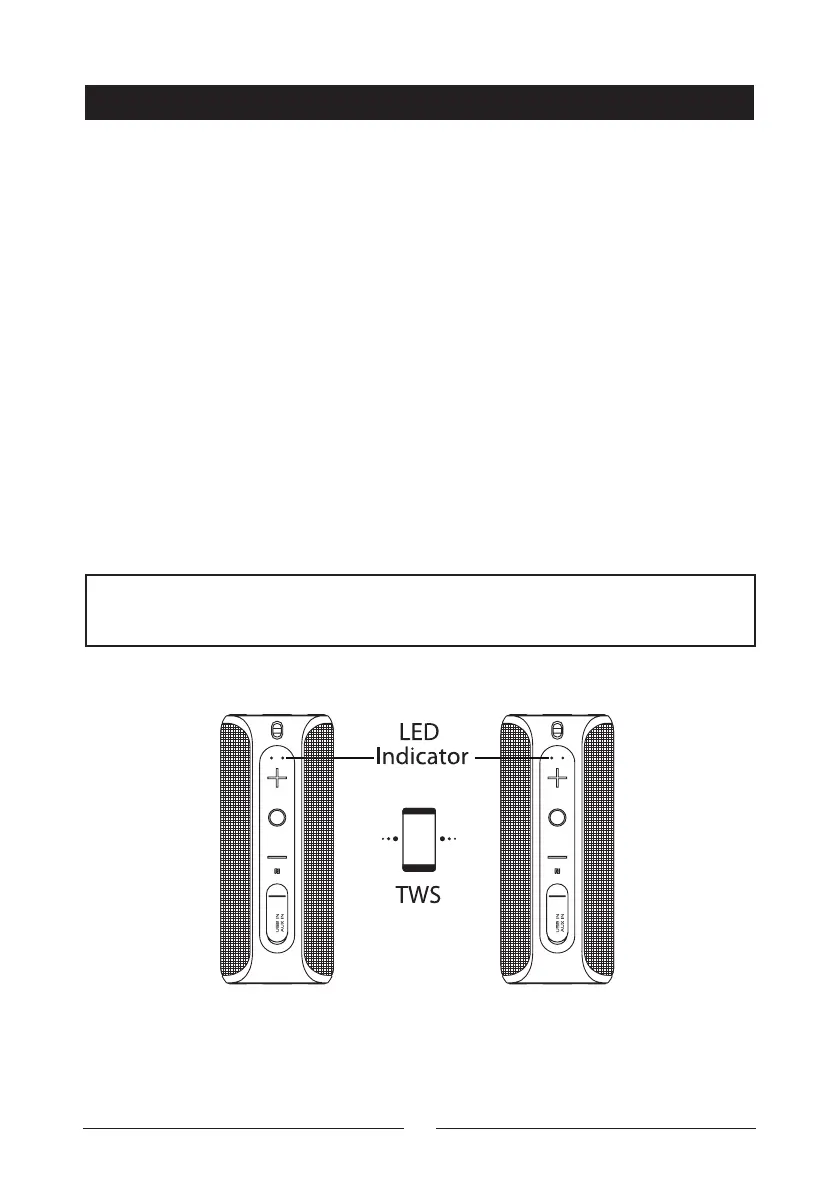
NOTE: Please connect both speakers together first before using the smart-
phone to connect with the master speaker.
TRUE WIRELESS STEREO (TWS) PAIRING
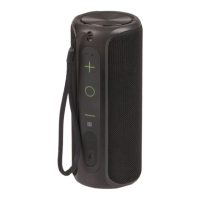
Press and hold the “+” and “” buttons at the same time for up to 2 seconds to turn
on and o the TWS function
True Wireless Stereo (TWS) requires two speakers in order to function.
It turns two speakers in to true left and right channel audio.
1. Press the On/O button on both speakers to turn them on.
2. Use the first speaker; press and hold the “+” and “-” buttons for up to 2
seconds at the same time. You will hear a prompt sound indicating the speaker
is in TWS pairing mode.
3. Use the second speaker, press and hold the “+” and “-” buttons for up to
4. 2 seconds at the same time. You will hear a prompt sound indicating that both
speakers have paired with TWS correctly. The second speaker’s LED indicator
will stay on while the first speaker will still be flashing for pairing.
5. Open your smartphone Bluetooth® settings and click on the “Digitech
XC5240” button to pair both speakers together and now should be working
successfully.
6. To disconnected the Bluetooth® from the speaker; press and hold the “+” and
“-” buttons together for up to 2 seconds.


 To Next Page