7
FAQS
What USB charger should i use for the speaker?
Any 5VDC, 1A USB mains power adaptor can be used or a standard USB 500mA
computer port.
Why is there background noise when playing music?
The speaker has a Bluetooth® Range of up to 10m, reduce the distance to
improve the sound coming from the speaker.
Why does the speaker shut down when it is working?
A: When there is no Bluetooth® device paired or Aux In cable connected to the
speaker then it will automatically shut down after 10 minutes to save battery.
Why won’t the speaker connect to a phone that has been previously paired?
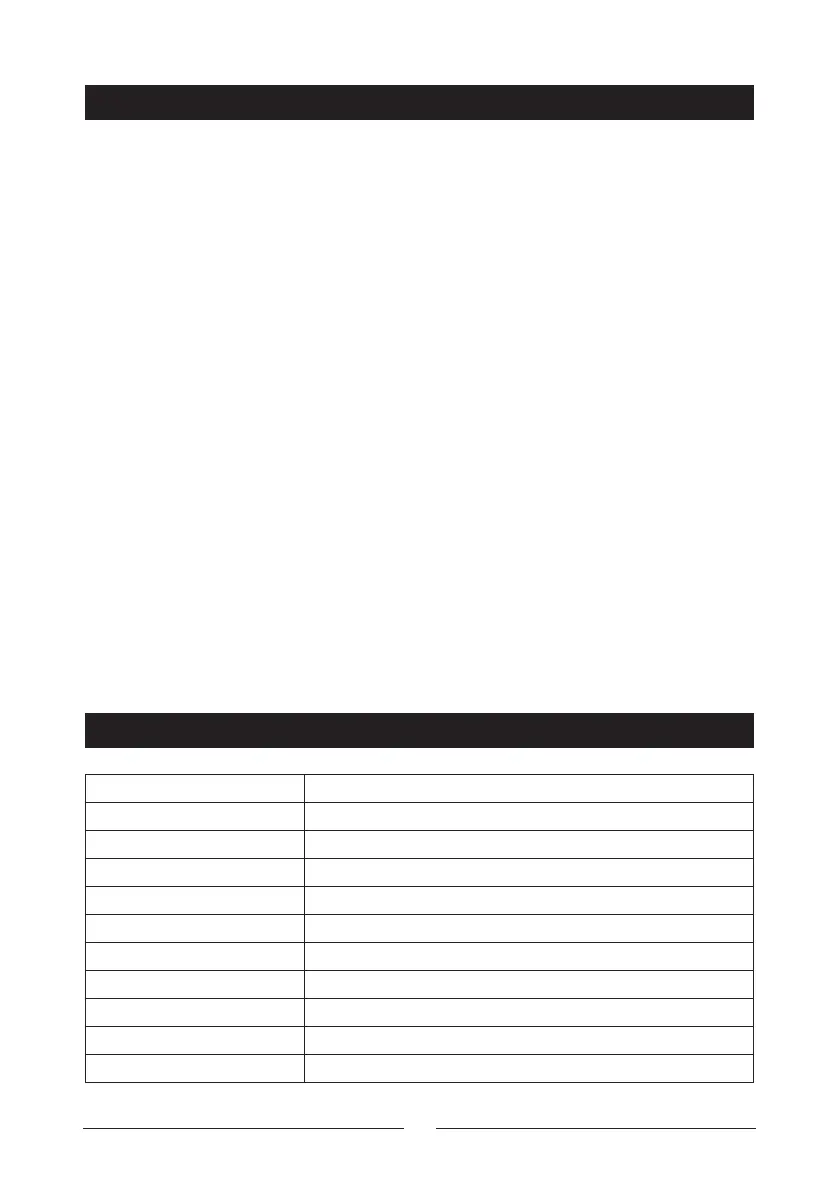
Remove the speaker’s pairing name “Digitech XC5240” from the Bluetooth®
device list of your smartphone. Then press the Bluetooth® disconnection button
to restart the pairing mode.
What is the working mode of the speaker?
The priority mode is Aux In; Phone calls in Bluetooth® mode and then playing
music while in Bluetooth® mode.
Why will the speaker not turn on?
Please leave the speaker plugged in to a charger and try to turn after a few
minutes. The battery may be flat.
SPECIFICATIONS
Bluetooth® Version 5.0+EDR
Output Power 8.6WRMS (2 x 4.3WRMS)
Transmission Range Up to 10m
Frequency Response 70Hz-18KHz
IP Rating IPX7
Playback Time 3-12 Hours
Charging Time 4-5 Hours
Battery Li-ion 3.7V, 2200mA
Power 5VDC, 1A (Micro B USB)
Power Consumption 700mA (Max)
Dimensions 168(H) x 68(Dia)mm


 To Next Page