4
BLUETOOTH PAIRING
1 - Power On:
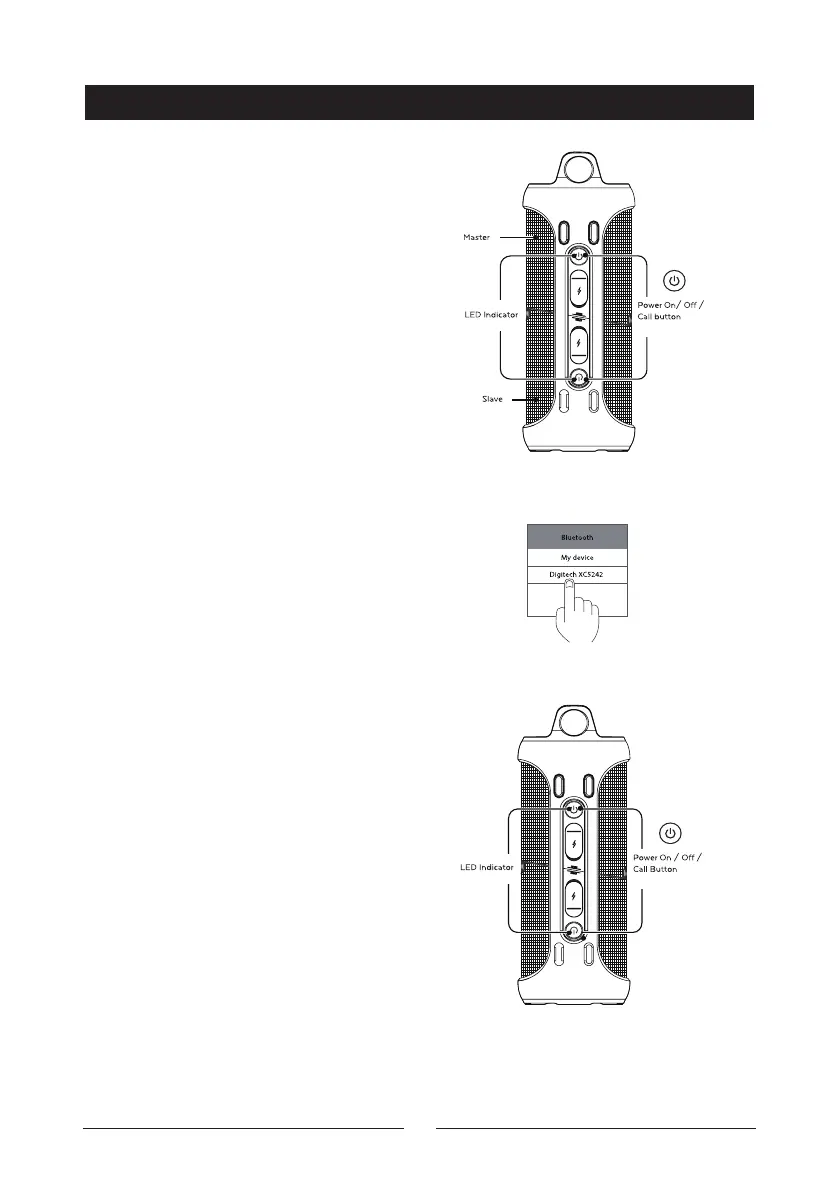
Press and hold both the power button
U of the master and slave speaker
simultaneously for up to 2 seconds.
The speaker will turn on, and you
will hear a beeping sound. The LED
indicator of the bottom (slave) speaker
will stay blue and the top (master)
speaker will begin flashing.
2 - Pair Your Smartphone:
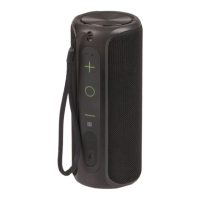
Open your smartphone settings and
ensure Bluetooth® is enabled. Scan
for devices and “Digitech XC5242”
will appear. Once it appears; press the
button and the speaker will connect.
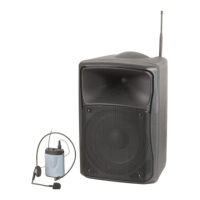
3 - Pairing Successful:
The blue LED indicator will stay lit
once pairing is com-plete, you can
now start playing music.


 To Next Page