6
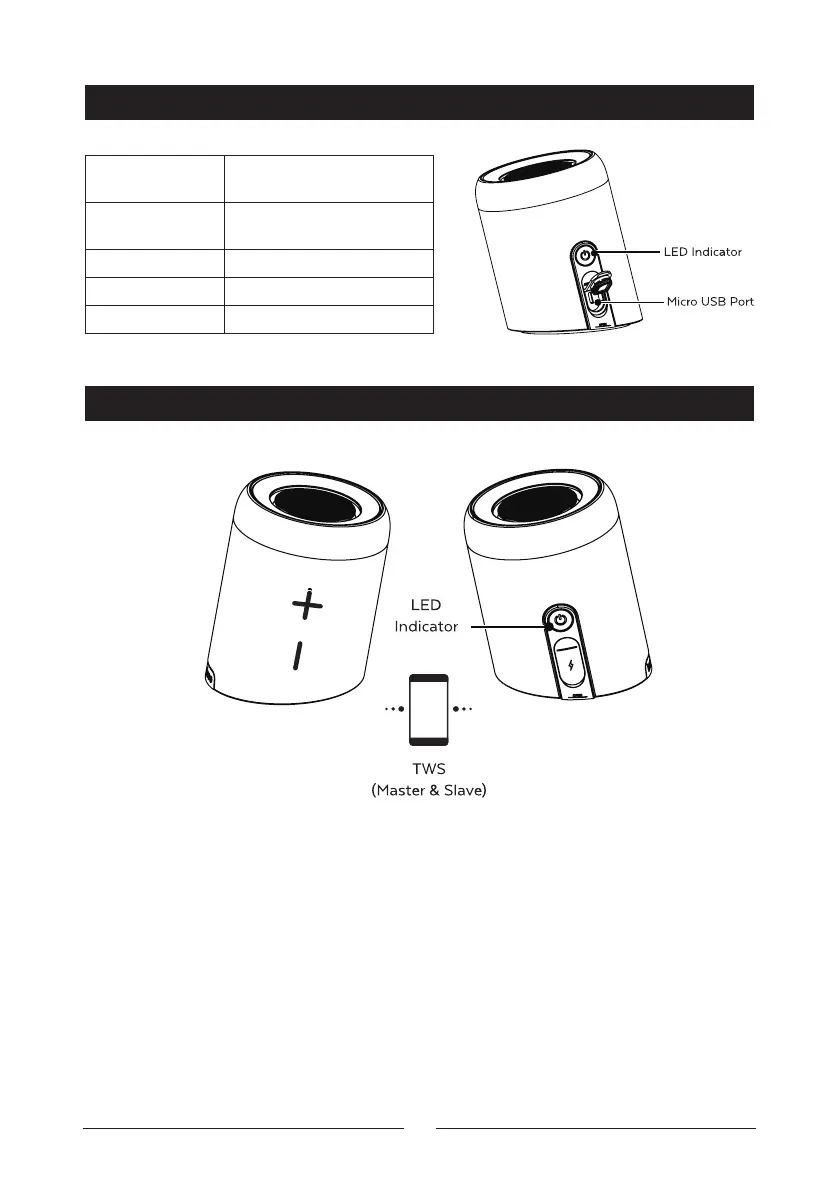
LED STATUS INDICATOR
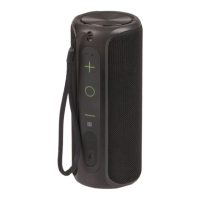
TRUE WIRELESS STEREO (TWS) PAIRING
Blue Flashing Bluetooth pairing, out of
Bluetooth range
Blue On Bluetooth connected
successfully
Red On Charging
Red Flashing Low battery
LED O Fully charged, power o
By default, the speaker is connected as one which can be controlled by the main
volume buttons on the front of the speaker. If you take o the silicon rubber
cover, twist and rotate the speakers to separate them into twir speakers providing
you true left and right stereo audio.
Press and hold the power button simultaneously on both speakers for up to
two seconds. It will connect automatically to one another once the Bluetooth is
successful.
You can also just turn on one speaker if you prefer and control it using the power
and volume buttons.


 To Next Page