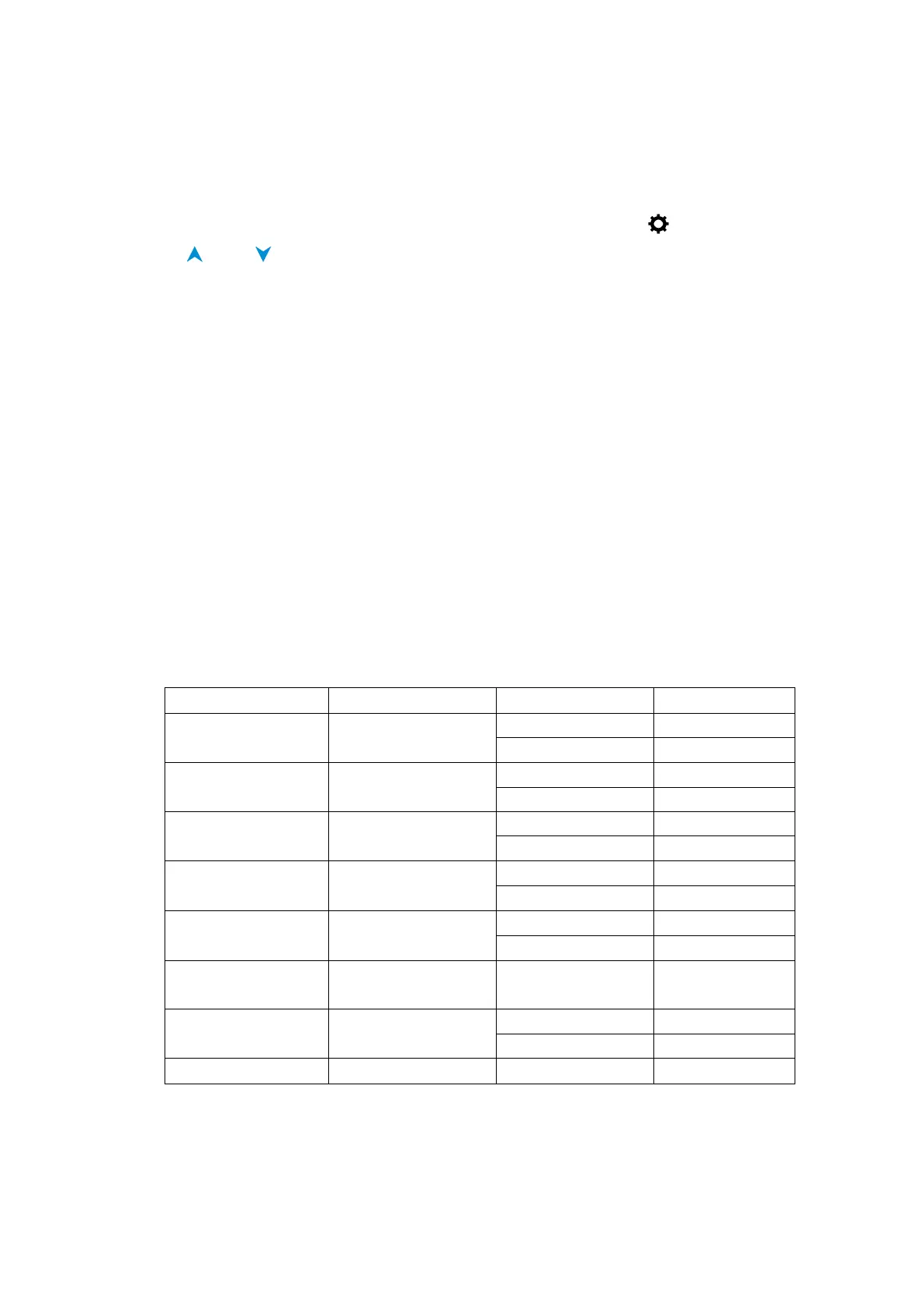
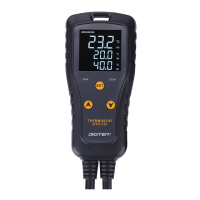
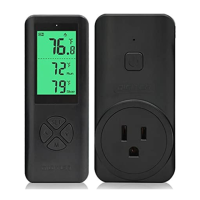
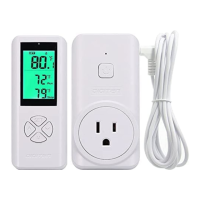
Note: If no entries are made for 30 seconds while programming is in progress, the control
reverts to the normal temperature display.
Set Other Functions
1. Long press the SET button about 3 seconds until LCD display
2. Press and to adjust the temperature
3. Short press SET button to set next function.
4. Long press SET button to save and exit.
After setting, Csp value and Hsp value will show the result that it could confirm whether you
have set up correctly.
Csp(Cooling start point) =SV(set value) +CD (cooling differential)
Hsp(Heating start point)=SV(set value)-HD(heating differential)
Note: Please do not connect any load (heating or cooling equipment) before you set
parameters.
How to restore default settings
Keep pressing SET key until connect the power to this device, controller will restore factory
setting after BI-BI-BI sound.
Function range and setting
Time of Compressor
Delay Starting


 To Next Page