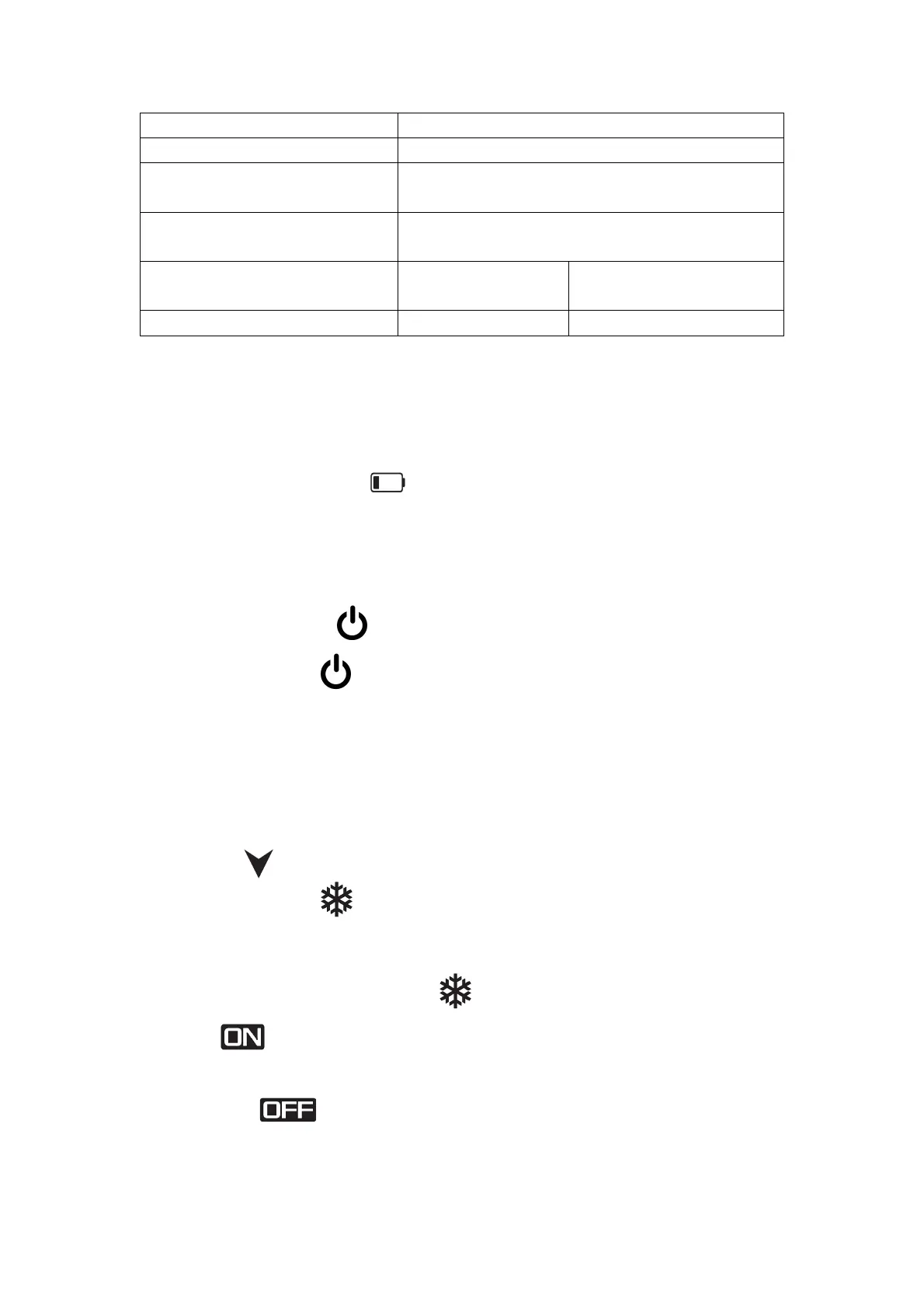
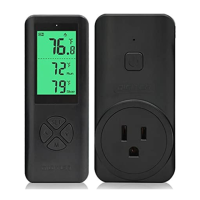
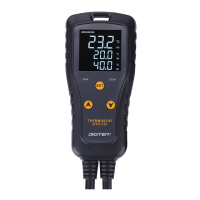
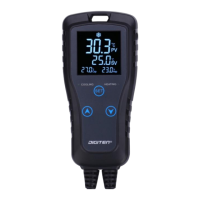
High and low temperature
alarm
Put in or replace the Battery
1.2 AAA size batteries are needed for the remote. Make sure they are put in
right direction
2.When the low battery
warning appears, please change batteries.
Pair/remove with the remote
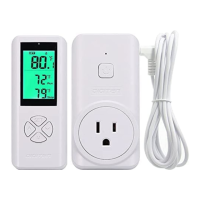
In generally, we have already paired the remote it come with. If the remote can’t
connect controller, please repair according to the method below:
1, Press and hold button until the LED flashes, release the button,
then press M button on the remote control to pair the receiver.
2, Press and hold button, the LED flashes 5 times, then flash 2 times
quickly before release the button. All remotes will be unpaired. If
you repair the remote, please repeat the step 1.
Note: A remote can control multiple receivers.
Change the temperature unit
button for 3 seconds to switch the temperature unit.
Cooling mode
Set the temperature value RUN>STOP, the controller is in cooling mode, and
the LCD displays the COOLING symbol
temperature value is higher than the
RUN value, the cooling operation
starts, the relay outputs, the LCD
displays , and the green light on the receiver is on. When the
CURRENT value drop to the STOP value, the cooling operation stops, and the
LCD displays . The green light on the receiver is off.
1.2 When the CURRENT temperature value is less than the RUN value, the


 To Next Page