19
HOW TO USE
How To Use
CK-A / 2CK-A Series
Start Button
1. Insert the power plug.
3. Operation
4. To Turn the Unit OFF
◆ Press the Power Button to stop operation and reset the power level to
01
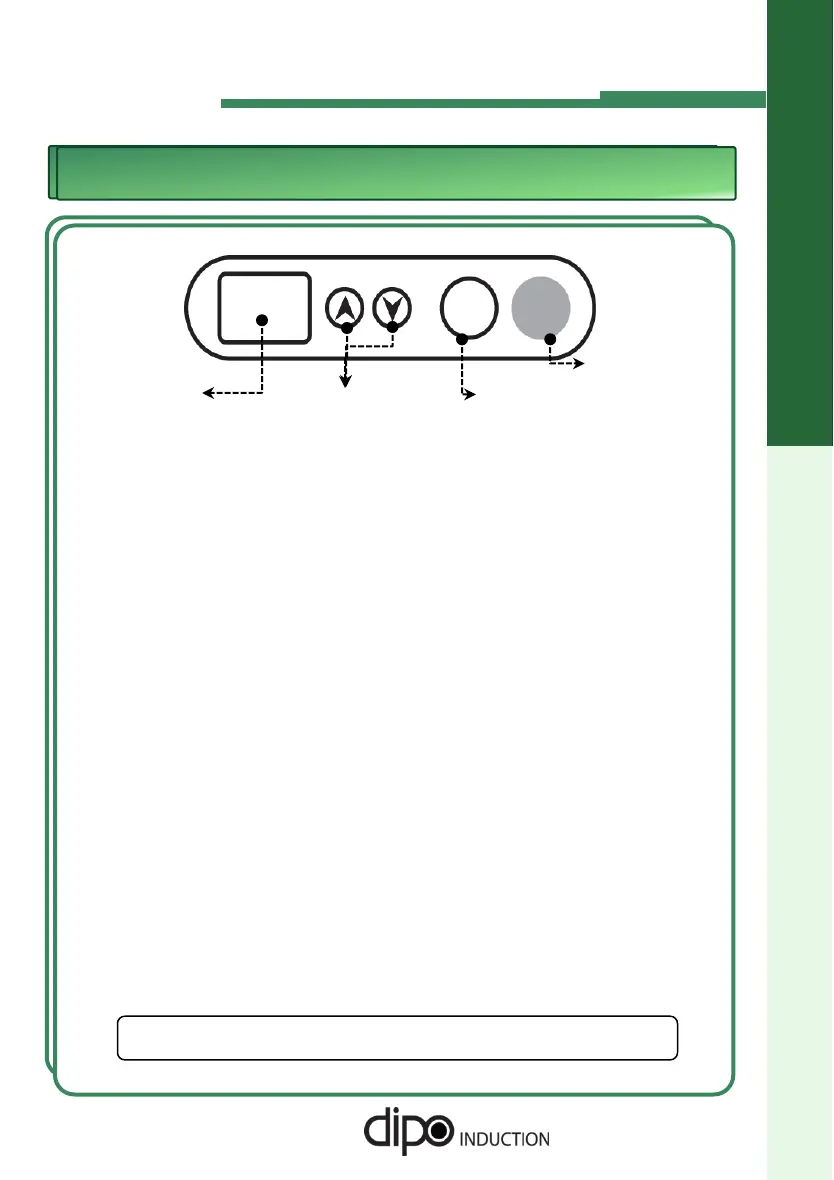
Buttons to
control Heat
Level
Display
Window
Power Button
◆ Two lighted dots on the display indicates that the unit is plugged in.
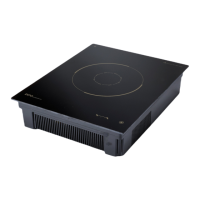
2. Place a vessel on the Ceramic Top Plate.
◆ It must be placed in the center of the Target on the Ceramic Top Plate.
◆ Press the power button. “00” is displayed.
◆ If you want to start operation, press the START/STOP Button. At first, “01" is
displayed.
◆ If you want to control Heat Level, press the Up or Down button. You can
control levels from 1 to 10 steps.
Also, you can control warm levels below level 1 from H1 to H7 steps.
◆ Press the Start/Stop Button to halt the current operation and retain the power level setting.
◆ This unit will run for a maximum of 12 hours. After 12 hours, press the Start/Stop button
to resume heating at the previously set power level.
☞
DIPO is not responsible for damage to the equipment or
injuries caused by mis-use or negligence.



 To Next Page