13
© 2008 Directed Electronics. All rights reserved.
Responder LC 2-way
5319
,&$
)&&,'(=6'(,
1
2
3
4
5
6
7
8
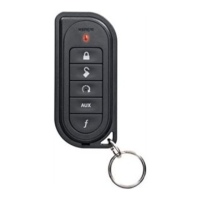
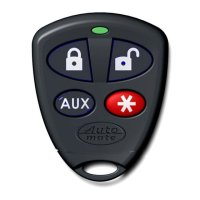
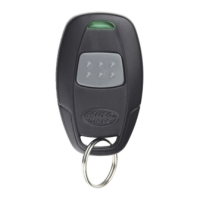
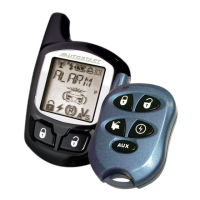
Feature Description
1 LCD (2-way) !CTIVITYICONDISPLAY
2 Lock button
Press for one second to arm.
3 Unlock button
Press for one second to disarm.
4 !UXILIARYBUTTON
Press and hold for 1.5 second to activate
optional trunk release.
5 Remote start button
Press for one second to activate remote
start.
6 Function button
Allows access to programming and modi-
fies operation of the other buttons.
7 Charge Port (2-way)
Plug in the battery charger to this port.
8 Label
Back of remote has label to identify the
remote as 2-way or 1-way.
9 Battery Door (1-way)
For accessing batteries when necessary.
10 Transmit LED (1-way)
Active when communicating
Note: If Keypad Lock is On, press
and then press to exit.



 To Next Page
