What’s On
20
Recording Programs
An even better way to catch all your favorites
Recording is a great way to see your favorite programs on your schedule. You won’t miss your favorite series
because it moved to a diff erent day or time, or miss your team’s playoff game because you had to work late.
Just set a program to record and your DIRECTV Plus DVR will save it for you to watch later. To watch
recorded programs, use the Playlist feature. (See e Playlist on page 24.)
To schedule a program for recording with specifi c options:
1) Highlight a program that interests you and press INFO.
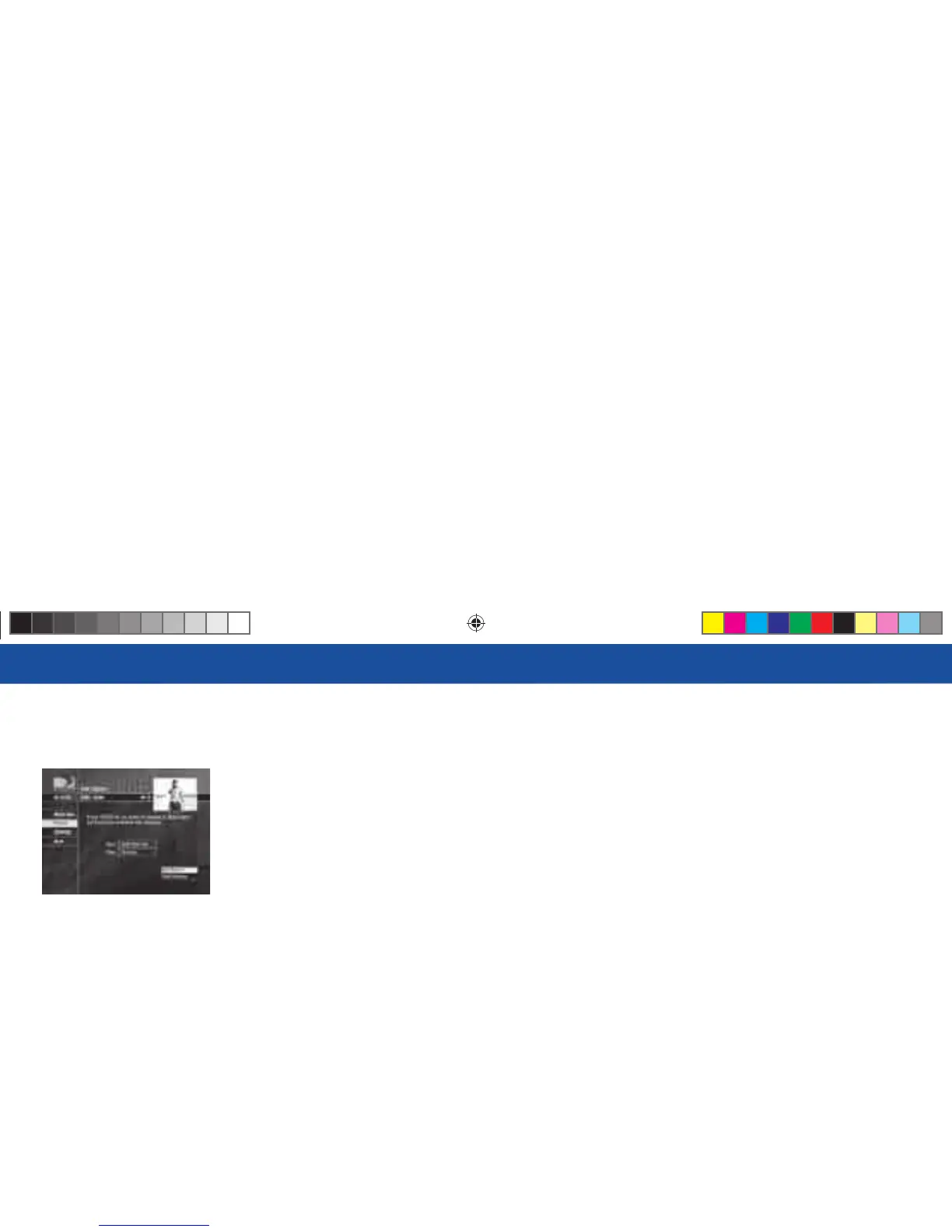
2) Highlight and select Record. A screen is displayed where you can set record options for that program.
Follow the onscreen instructions to set the program to record as you wish.
3) Select the Set Record button, then OK on the confi rmation screen.
You can record up to two programs at once if you’ve connected both inputs on your DIRECTV Plus DVR.
However, if a program you select to record confl icts with another recording, you will be notifi ed of the
confl ict at the time and given a choice of which recording to cancel.
R16 UG Book.indb 20R16 UG Book.indb 20 10/29/07 2:51:35 PM10/29/07 2:51:35 PM



 To Next Page