The Menu
30
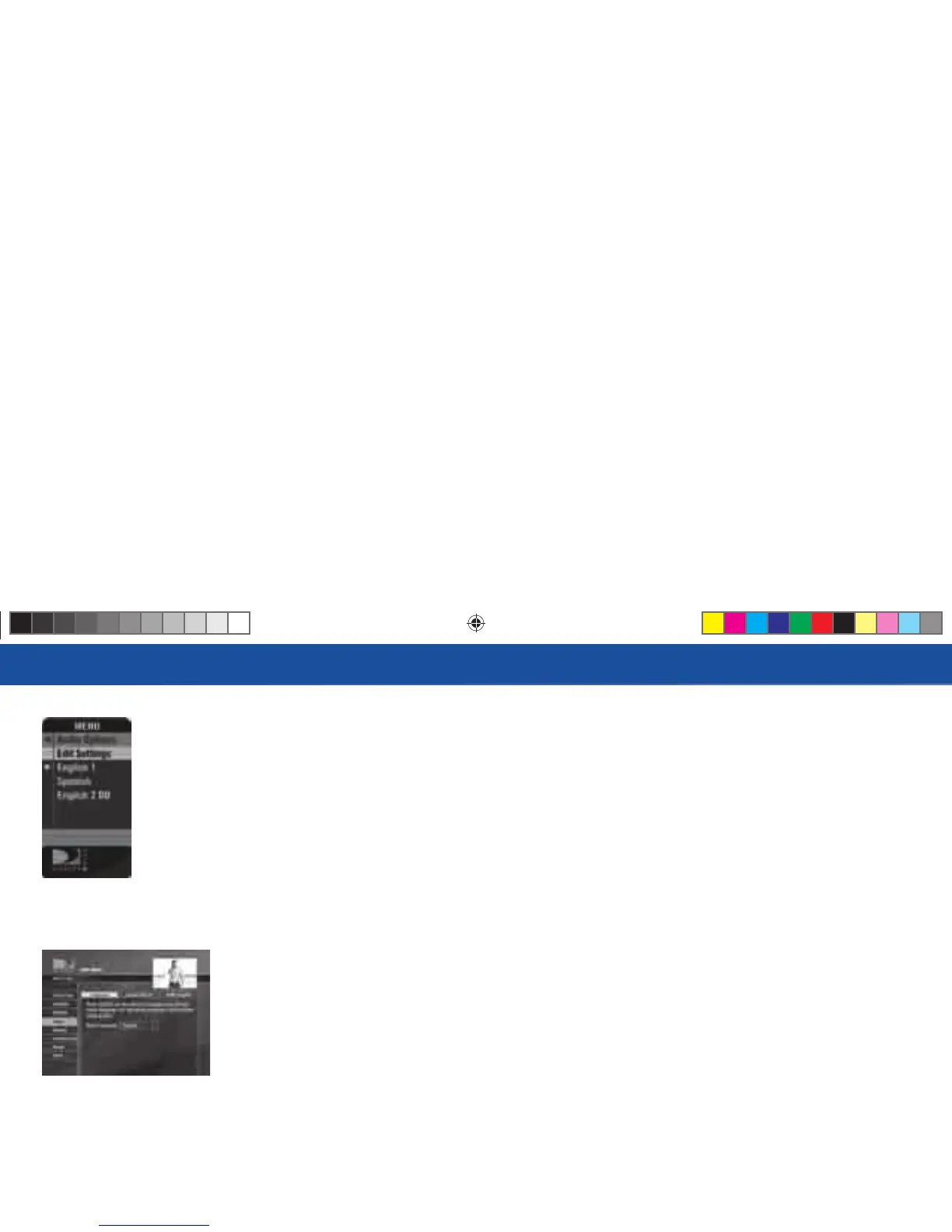
Audio Options
Some programs have alternate audio available (such as other language tracks or Dolby Digital). is option
only appears in the Menu over Live TV when the current program has alternate audio. You can set the
default so that whenever a program has alternate audio available, it automatically plays this audio, or you
can change the alternate audio temporarily for the program you are watching. In either case, press MENU
while in Live TV, then:
To change the default audio, from the Menu, select Settings, select Setup, then select Audio in the left
menu and follow the onscreen instructions.
To temporarily change the audio, from the Menu, select Audio Options, then select the audio track you
prefer. Once the program is over or you change the channel, the audio will change back to the default
setting.
R16 UG Book.indb 30R16 UG Book.indb 30 10/29/07 2:51:40 PM10/29/07 2:51:40 PM



 To Next Page